Late reporting: SLink

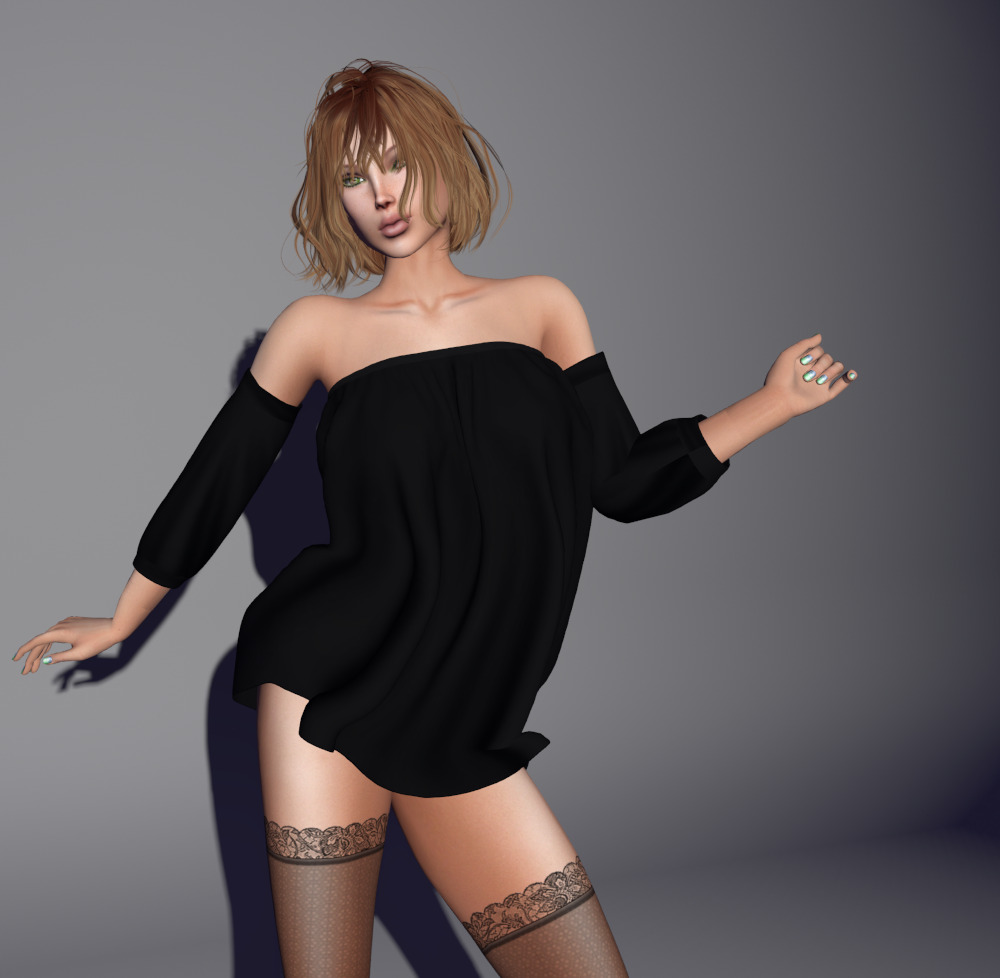
In case you missed it, SLink, a major creator in SL for a very long time, closed their doors on the 1st of January, effective immediately.  While I was aware of it at the time, I generally don’t report on events such as this on the blog, but I’ve just realized that every article I post is linking to a now nonexistent region.

Slink made the original replacement for the (horrid) system avatar’s hands and feet.  I wear both on a day-to-day basis, and as such, at least the hands get photographed in every post I do.

So, I will use some magic on the blog and redirect the Slink links to this article so newcomers don’t get confused.  If you ended up here, that’s why.

Details on Siddean’s decision are on Slink’s blog, but as I’m sure that site will disappear in the future, here’s the article quoted directly:

It is with a heavy heart that I am announcing the closure of Slink, One Bad Pixel and Cinnamon&Chai in Second Life.

Second Life has been an all-consuming part of my Real Life since I first joined in 2007. I opened Slink a few weeks after I joined with a single skin, a single t-shirt and a single skirt. Slink has gone from strength to strength since with the release of my first sculptie shoes in 2009, my avatar enhancement hands and feet in 2011/12 which set the SL shoe market ablaze, and then the Physique Original body in early 2014, followed by Hourglass and mens bodies in 2015 and 2016.

I have curated and cultivated a wonderful cottage industry of my fellow Second Life creators and enjoyed a lot of support from them over the years. I’ve also really enjoyed teaching people how to create for Second Life, building in blender, weight painting, troubleshooting etc. I think my desire to assist and enable others to create is what motivated me more than my own creative endeavours.

Following two stressful years of pandemic which I am sure we have all been affected by in one way or the other, I suddenly lost my mother in September of 2021, my grandmother in January of 2022 and my cat Cleo in June. I have been unwell and enduring a lot of chronic pain. I have to be very honest, my spark has dimmed a little and I no longer have the energy to pour into this business like I once did.

I’ve done a lot of soul searching over the last 18 months and have come to the very difficult decision that for my own physical and mental wellbeing, I need to move on from Second Life. I am starting something new, and can only hope it will be half as much fun and as fulfilling as my time in Second Life has been.

For my loyal customers – thank you from the very bottom of my heart for your support over the years, for your engaging and entertaining conversations in our group chat, for your enthusiastic cheerleading for me and the work I do, for whispering in my ear when I made some oopsie, so I could sneak in and fix it! I cannot express what your support has truly meant to me, and I know these words will never be enough. I love you all, and I will miss you so very much.

For my brilliant creator community – you made what I do so much better! Thank you so much for your fabulous, innovative and gorgeous creations that made mine look so awesome. Thank you for jumping on this incredible ride with me!

I never imagined I would do this for even 5 years, let alone 15. I feel a tremendous sense of accomplishment about what I have done over the last 15 years, the impact I have had on the development of Second Life through the various Linden Lab projects I participated in, and opening my very first creators kit which let other SL residents design nailpolishes for my hands and feet. I have learned so much as a business owner, and grown so much as an artist, and I feel ready to embark on my next adventure.

The Slink Mainstore sim and Marketplace store will be closing on the 1st of January, 2023. The Slink and Slinkwest accounts will not be available for contact.


Rope

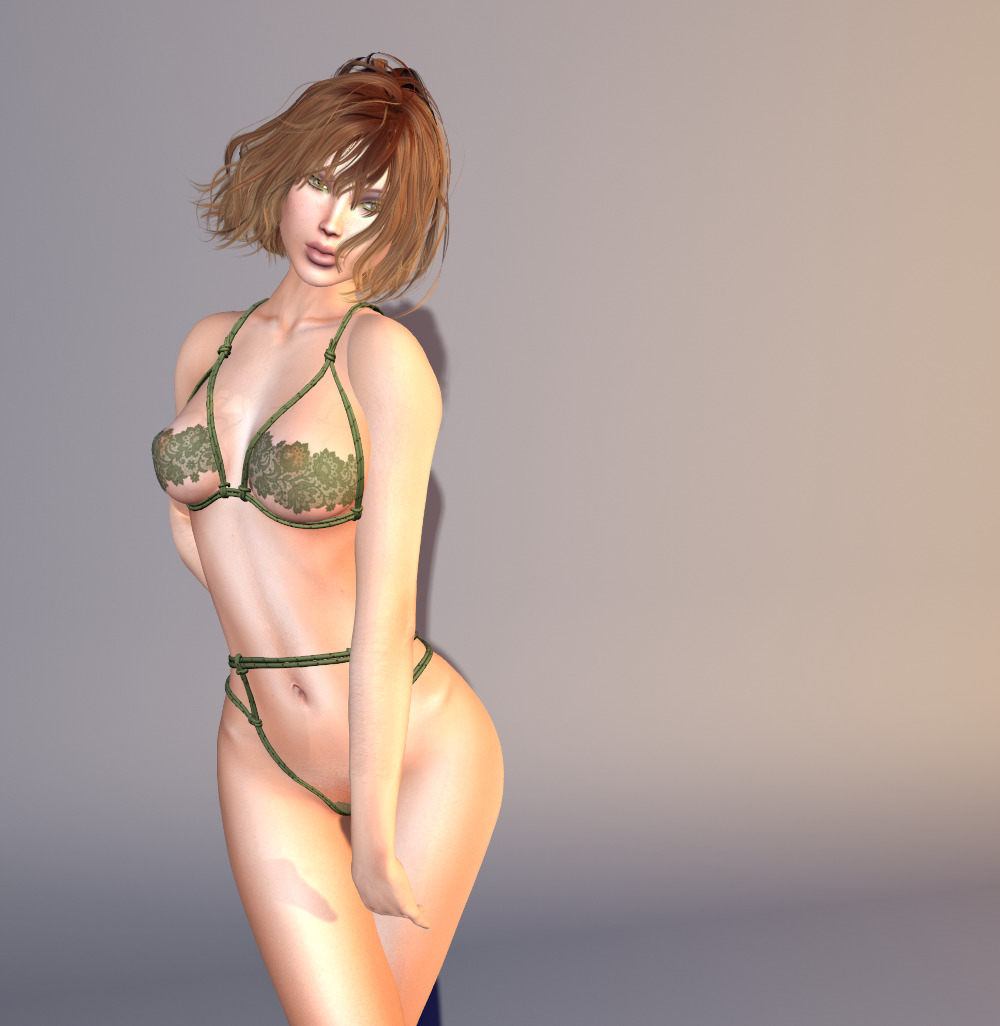
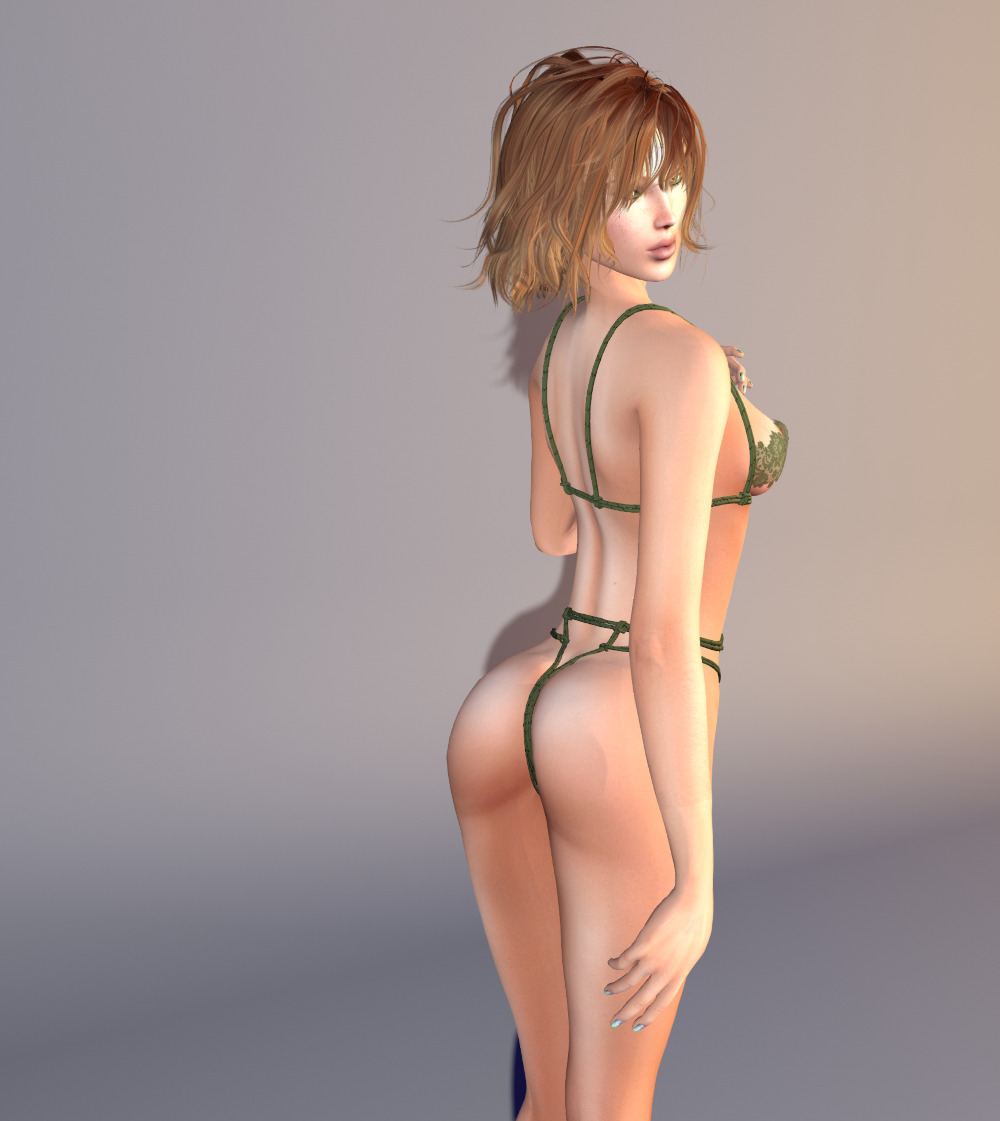
Here’s some lingerie for the shibari/kinbaku enthusiasts.  This is a FREE group gift from Havoc, who’s group is FREE to join.

The bra and thong are separates and there are sizes for Lara, Legacy, Kupra, Reborn, Hourglass, Freya Perky. and Impressions.  There’s even a naughty version without the lace!

The outfit also comes with HUDs that let you choose from fifteen colors for the rope and lace.


Peggy

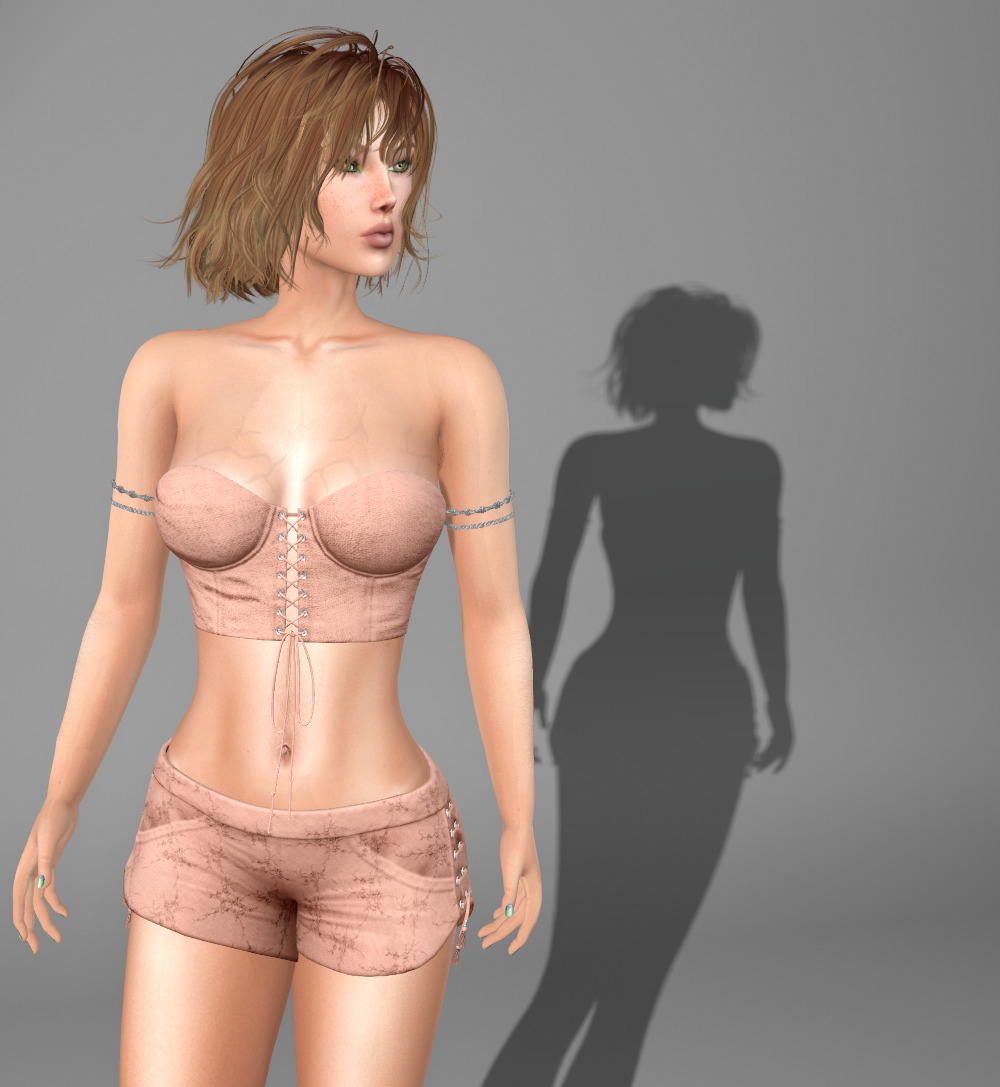
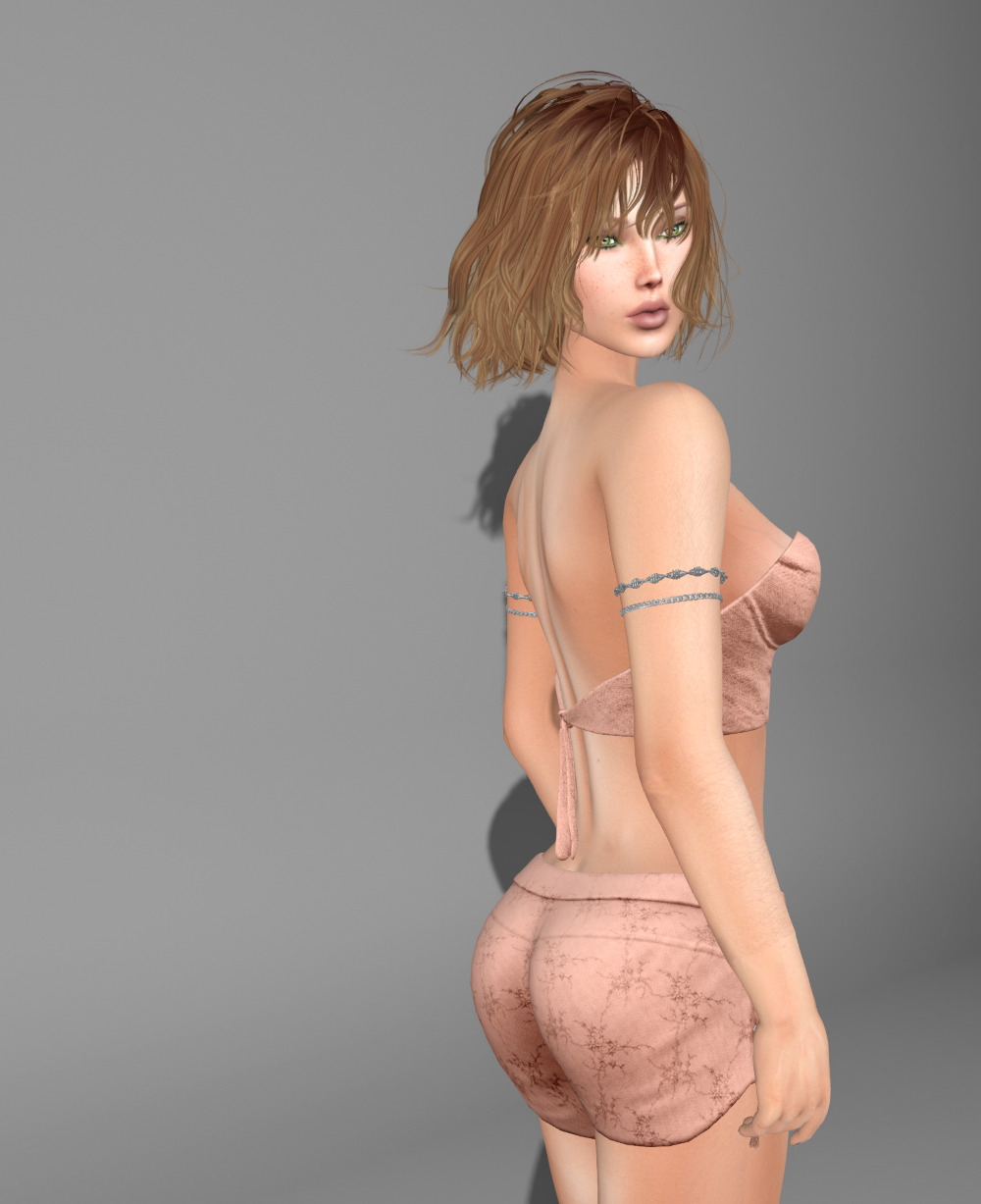
This is a FREE group gift from WellMade.  WellMade’s group is FREE to join.

The shorts and corset top are separates and there are fits for Lara, Lara Petite, Legacy, Legacy Perky, Freya, Kupra, Kupra Kups, and Hourglass.  The outfit also comes with a seven color HUD that lets you select one of five colors for the eyelets too.


Coretta

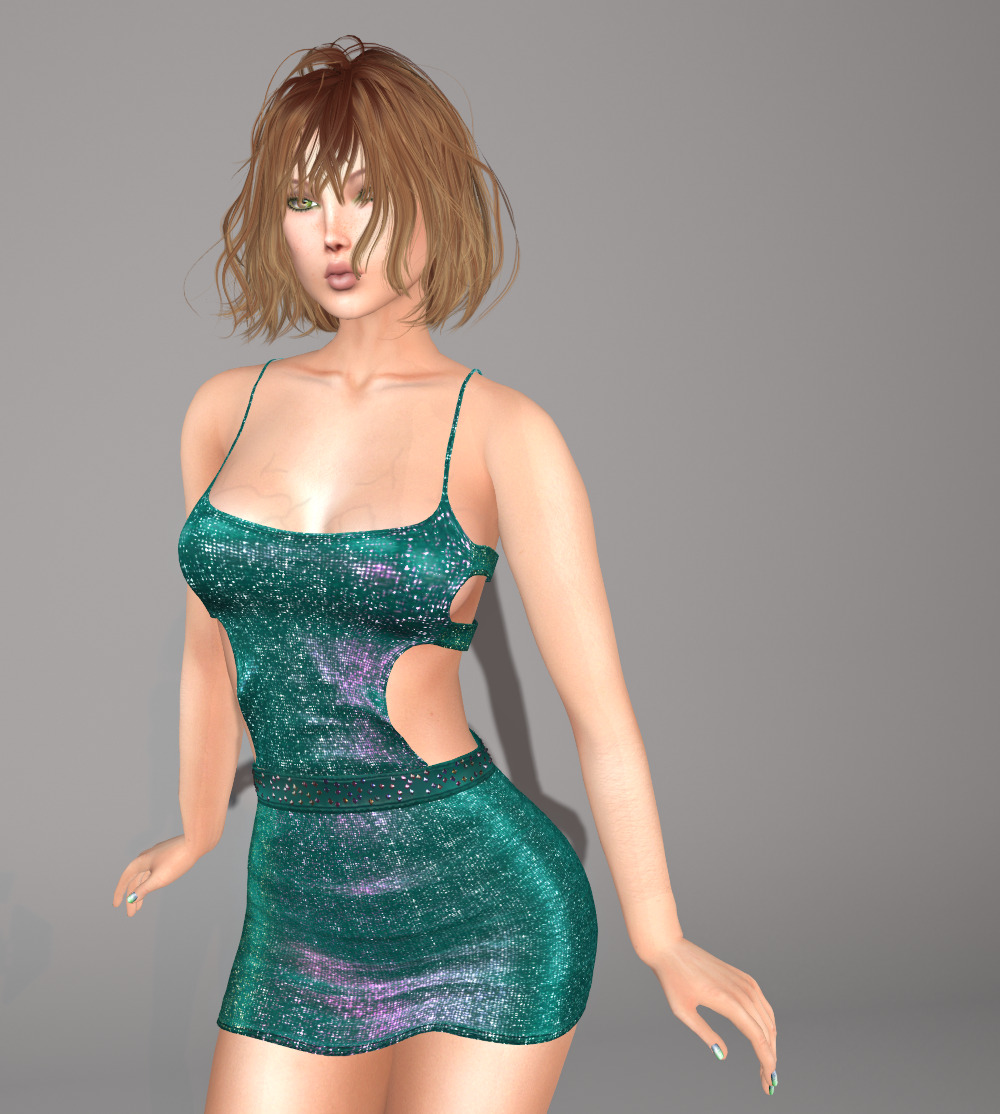
This is a FREE group gift from AMUI.  Their group is FREE to join.

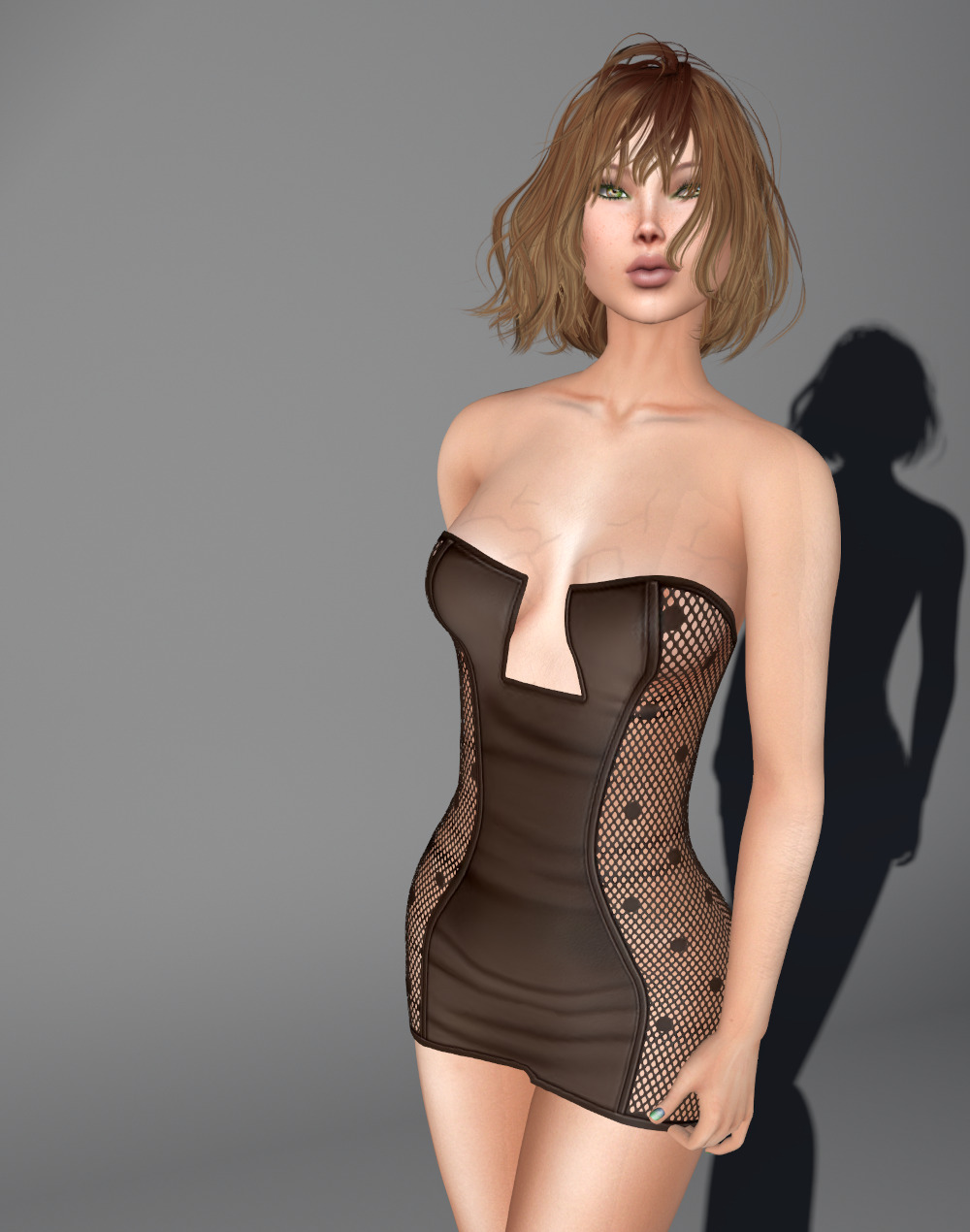
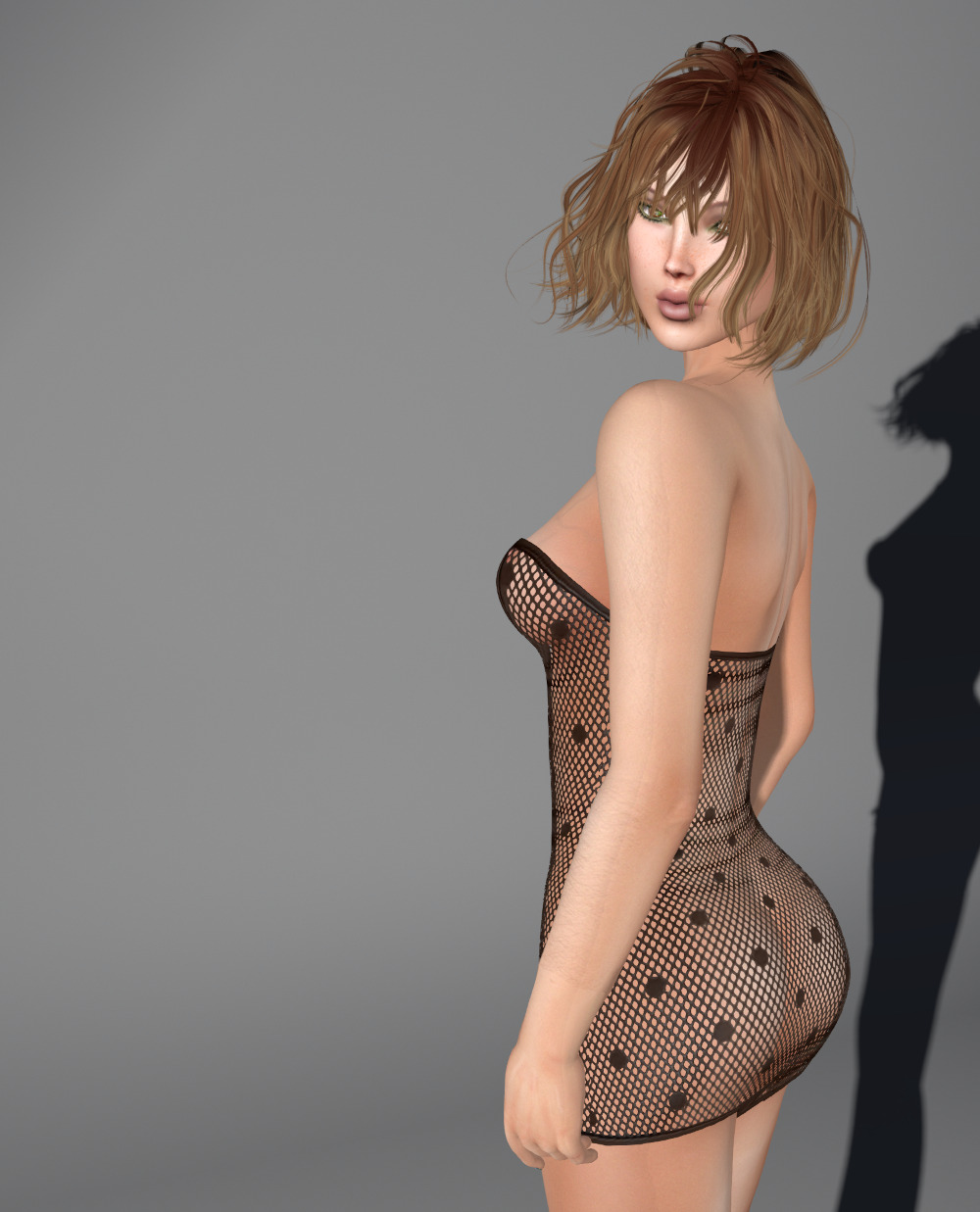
The dress is sized for Lara, Freya, Isis, eBody Curvy, Hourglass, and Physique.  It includes a ten color HUD, with mostly pastel shade, plus black and white.

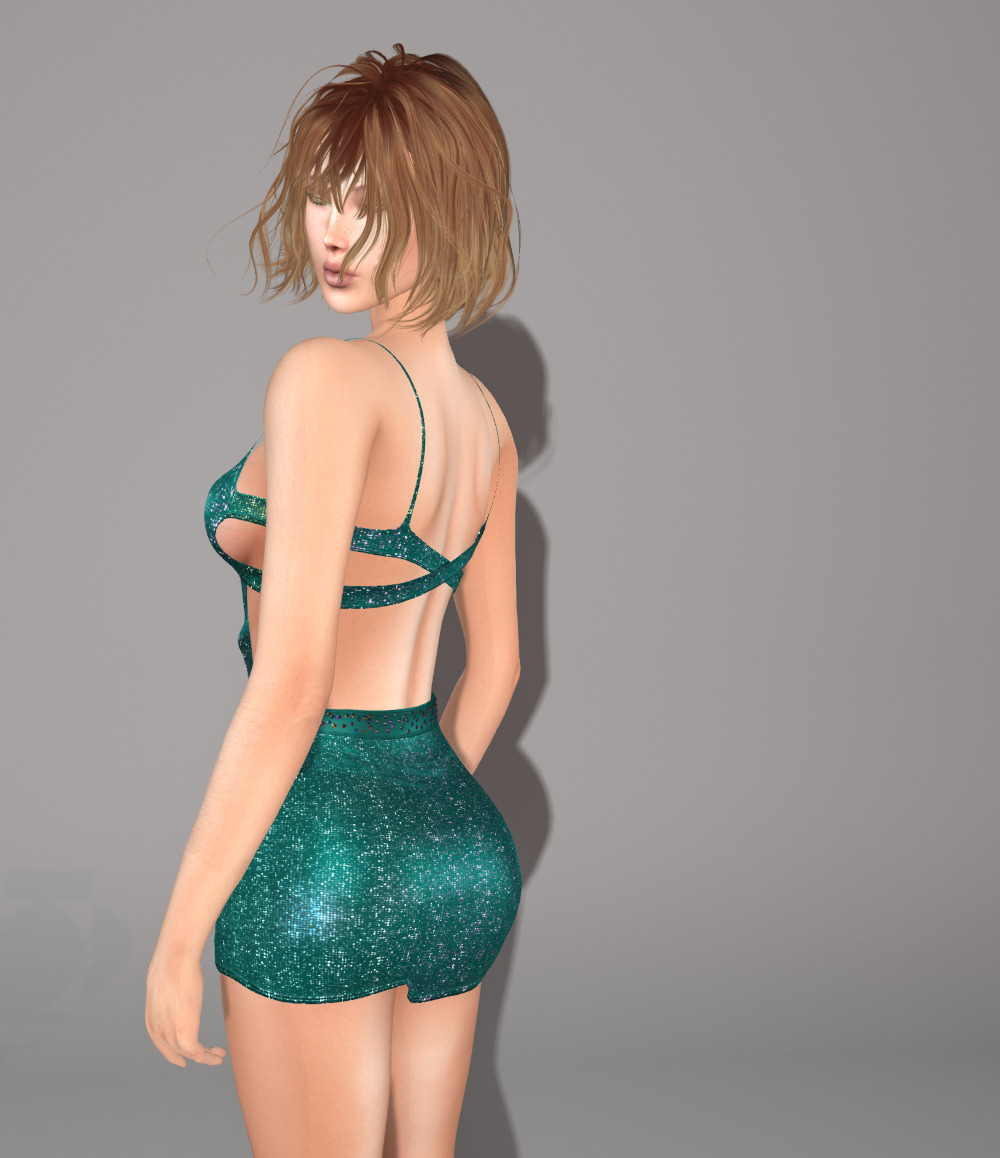
It’s a little breezy at the back 🙂


BF Walk/Run Pose Stand

Looking natural and realistic as a woman in SL means having to mess with physics objects to get appropriate breast movement.

However, messing with the physics settings can be difficult as pose stands mostly offer static poses and you need movement to get the girls moving too 🙂

Rez this pose stand and sit on it and you’ll be walking in place. Click on it, and you’re running in place. All the movement you need to then edit the physics you’re currently wearing and get instant feedback!

Free on MarketPlace or the in-world store!


Kevi

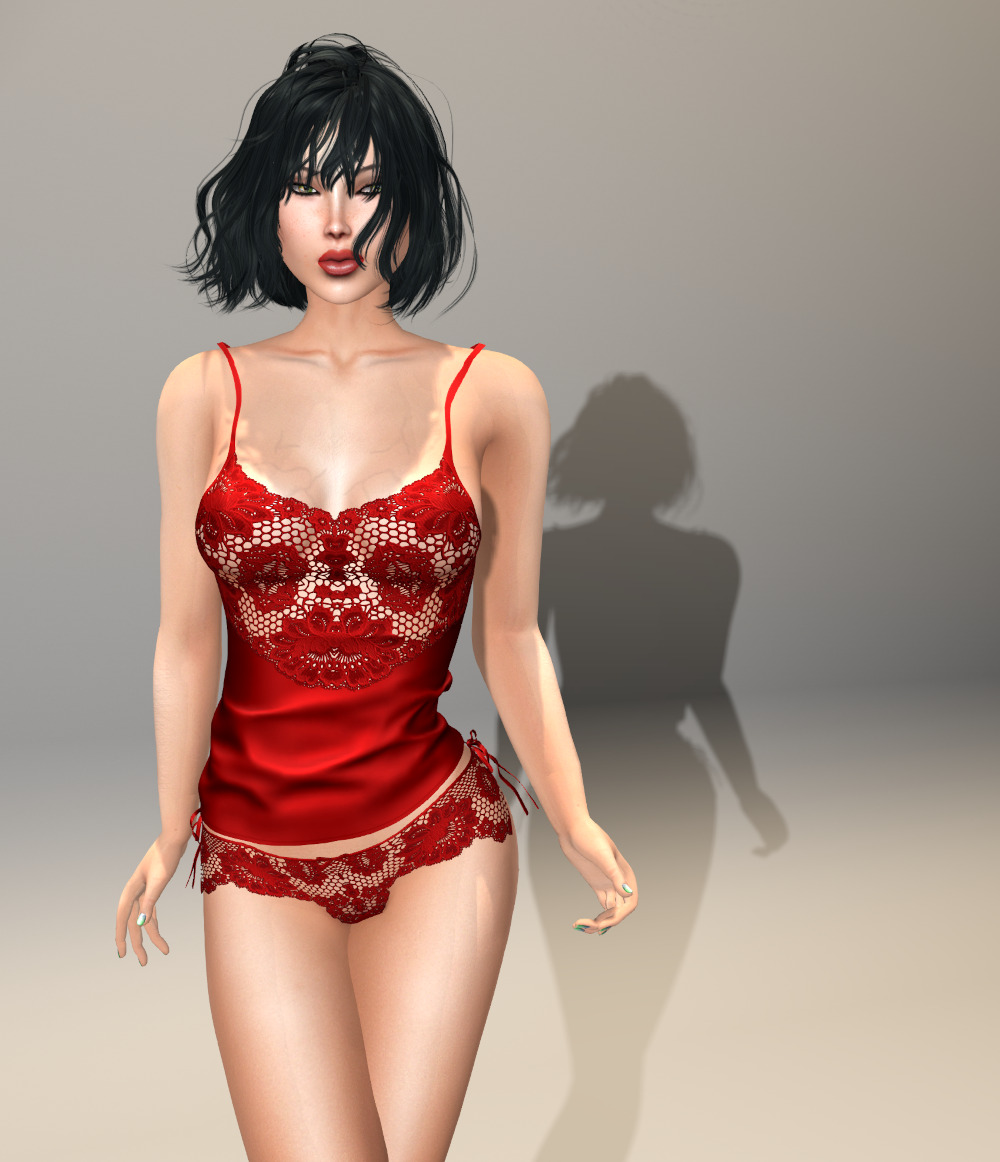
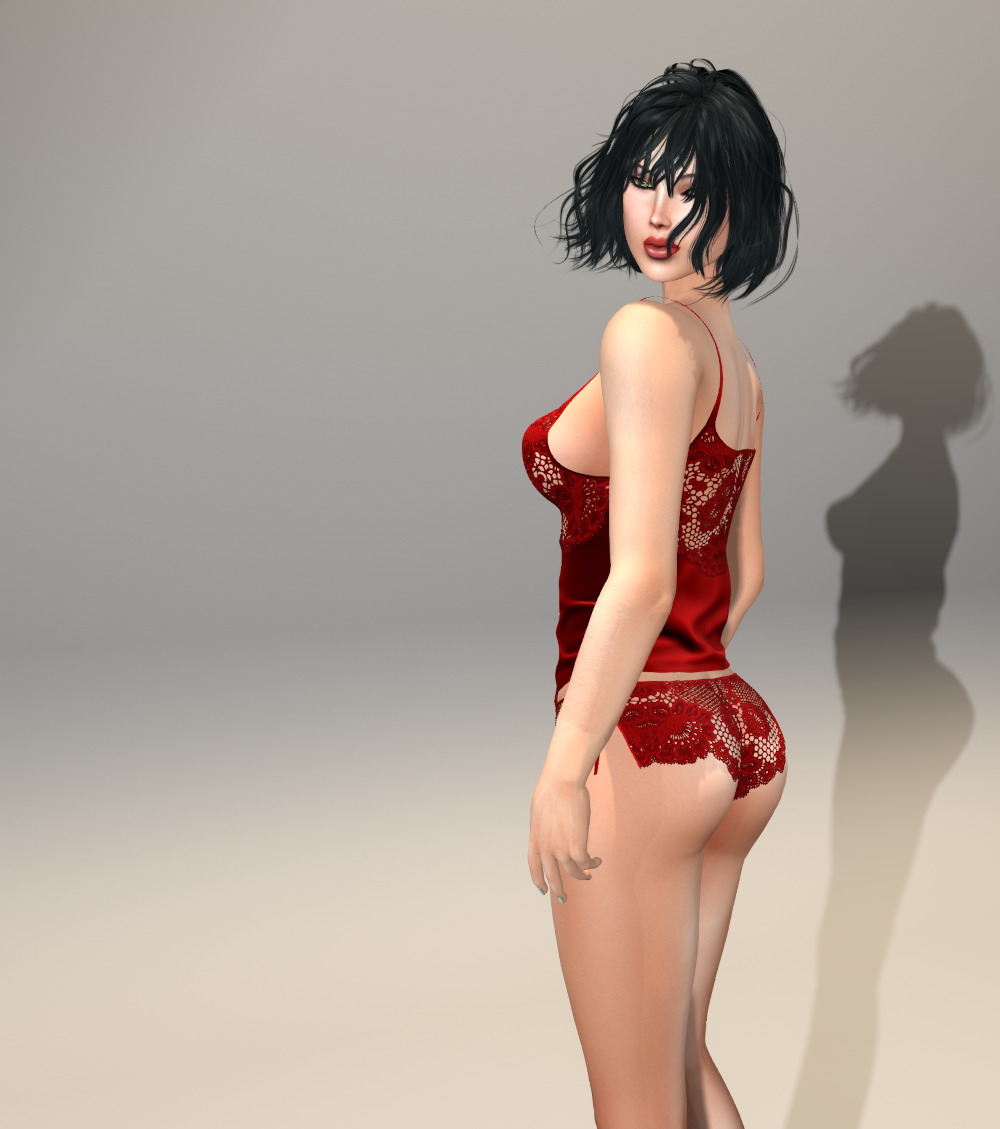
I’ve been terrible about finding new outfits to show you lately. Let’s see if we can’t fix that with this stunning lingerie set that’s the current monthly group gift at MAAI.  MAAI is FREE to join.

The top and bottom are separates and there are sizes for Lara, Legacy, Reborn, and Kupra.  The top is also sized for Lara Petite and Legacy Perky.


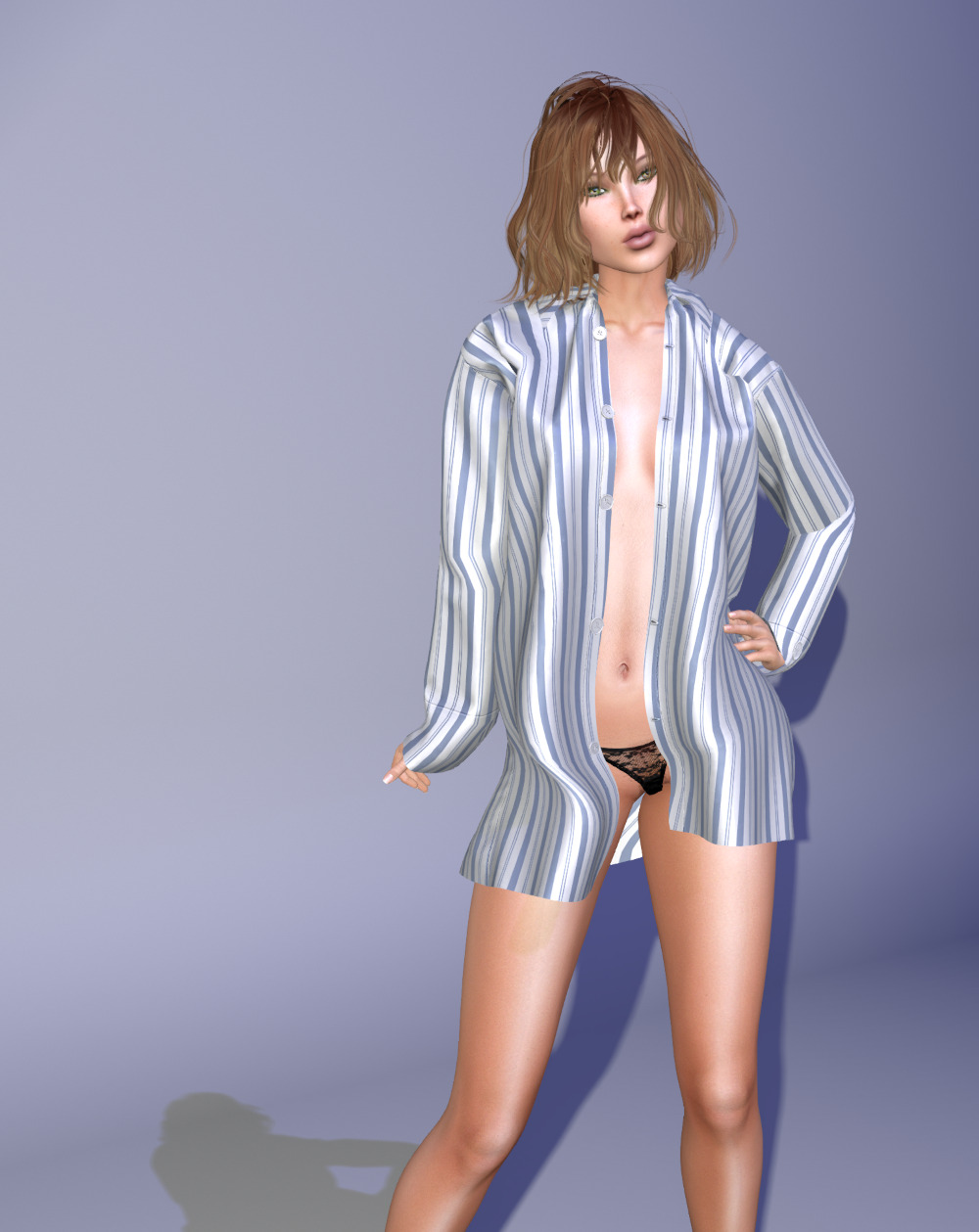
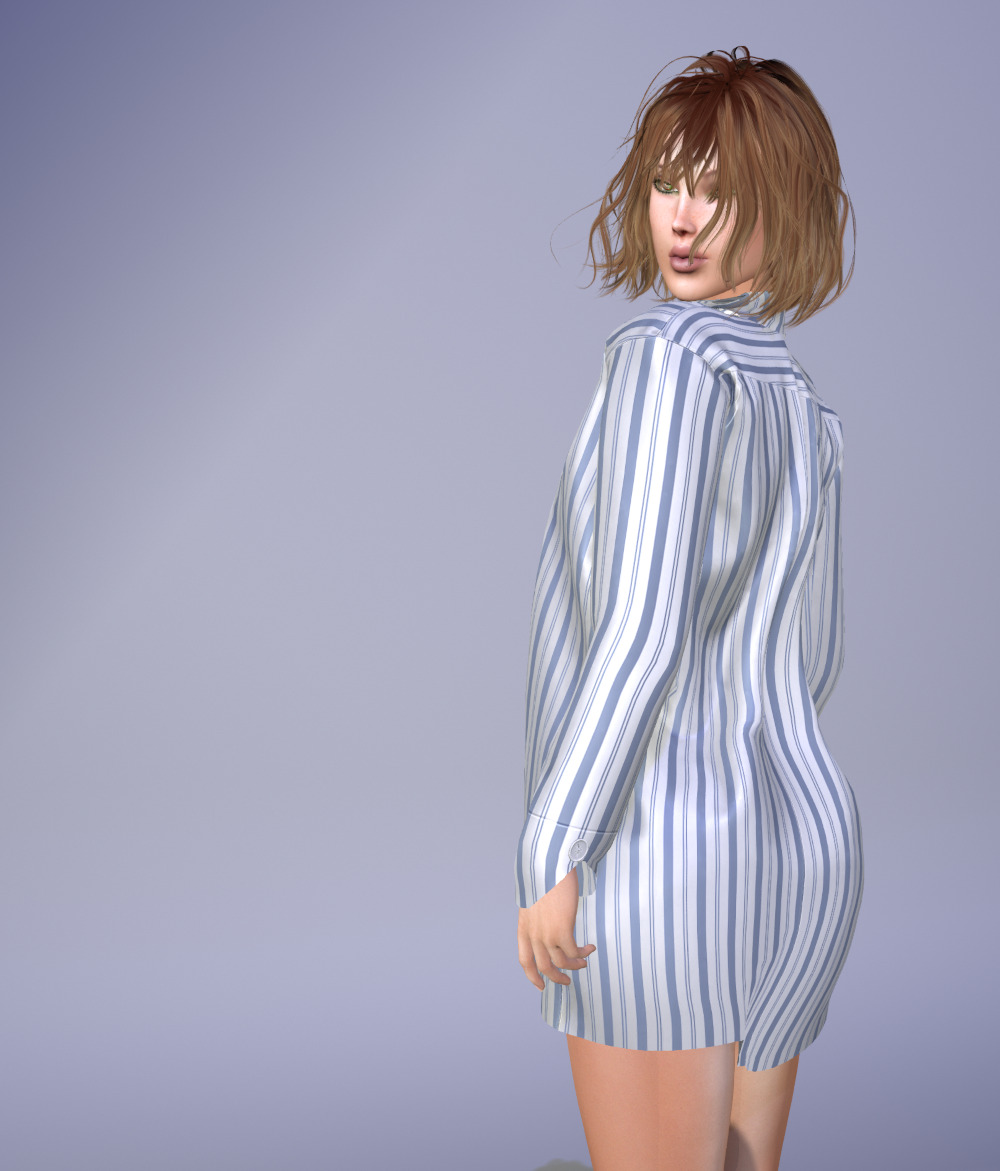
Boyfriend tee

This is a FREE gift for members of the Mesh Body Fiends group.  The group is FREE to join.

Sizes are for Lara, Legacy, Kupra, and Reborn, with the top also coming in sizes for Lara Petite and Legacy Perky.  There’s a HUD to choose either black or white for the panties and shirt buttons.

  • Top and panties: BoyfriendsT shirt by MAAI
  • Body and hands: Lara and Lara Petite add-on by Maitreya
  • Face: GA.EG
  • Hair: Ruda2 by Monso

BF Pose HUD update V1.1

A long time ago, back in 2014, I wrote a pose HUD so I could take posed photographs in regions where I couldn’t rez a pose stand.  I put this on the marketplace, and it seems that this is something that a lot of people want, as I’ve certainly sold a few!

The original was very simple, with a just a “Next”, “Previous”, and “Stop” button.  All you had to do was wear it and you were all set to go.

A few years later, I wrote a better version that allows you to pose yourself, or any other avatar that grants you permissions.  People had seen some of my photographs and asked me if I’d photograph them, and instead of giving them a copy of the HUD, I wrote the improved version to pose other people.  I’m retiring the old original pose HUD and updating it with the new improved version.

As well as allowing you to pose other people, the new HUD fixes the other major restriction to posing.  You find that perfect spot, and the owner has it set so you can’t run a script!  If you find yourself in the situation where you want to use the HUD in a no-script area, simply attach it somewhere you can run a script and teleport to your no-script area, and the HUD will continue to work.

The HUD’s interface has been updated so you don’t have to guess what the buttons do any more (although the old version was pretty self explanatory).  You can see the pose navigation screen in the new ad (my, those system layer jeans look fetching haha):

And the first screen you see allows you to choose to pose yourself or someone else:


I hope you enjoy the improved functionality!


BF Bird Box update V3.0

During the course of updating all my scripted products, I decided to chase down a report that I received about the bird box stopping for no apparent reason.  I run copies of the boxes at my house and Eden, the club that I co-manage, and I’ve never experienced this problem, but apparently one of my customers has, a number of times.  This was not a major issue for them, they just restarted the box and everything was fine, but things like this bug me (pardon the pun).

Although the script for the box employs some very sophisticated programming techniques, I was obviously still learning the quirks of LSL when I wrote it, because I found a newbie mistake with the code that under very certain circumstances could cause the script to halt when it lost track of a player.

Having found the bug in the code, I was able to create the scenario that caused the bug to trigger, and could then reproduce the bug.  So I refactored that part of the script to use “proper” LSL techniques to squish it 🙂

While I was in the code, I added a few new features.

Some people, including me, have multiple parcels on a region.  Previously, if the box detected that this was so, and that it could move objects into a parcel that it wasn’t on, it would do this.  I’ve now added a new configuration parameter called “push_to_others” that enables or disables this.

If you set the parameter to 1, it will send players to all parcels it discovers owned by the same owner of the parcel it’s on, and if you set it to 0, it won’t.

I also decided to also make the “circle” function of the box much more versatile.

The original box allowed you to specify a minimum and maximum radius for a circle that was centered on the box.  This allowed you to create a circle or “torus” that would constrain the sounds to that area.

The drawback with the original design was that the circle applied to all levels, which was usually not what you wanted.  I’ve fixed this in the new version too.  You can now specify a circle (not torus any more) per level by setting a center and a radius.  Note the circle no longer needs to be centered on the box.

If you’re using the old max_radius and min_radius parameters to set a circle, you will need to update your configuration for this version.  The documentation explains how the new parameters work, but to summarize, it’s just a matter of specifying a center and radius in the level description.  So a level with a circle might look like:


level=(height:22, max:3, chance:60, notecard:birds, center:<190,45,0>, radius:10)

Using both these new parameters in tandem is a great way to get certain sounds on one parcel and not on another without having to use two boxes, one for each parcel.

The documentation has been updated for these new features, but if you have any questions or something is unclear to you, contact me and I’ll do my best to help you out!