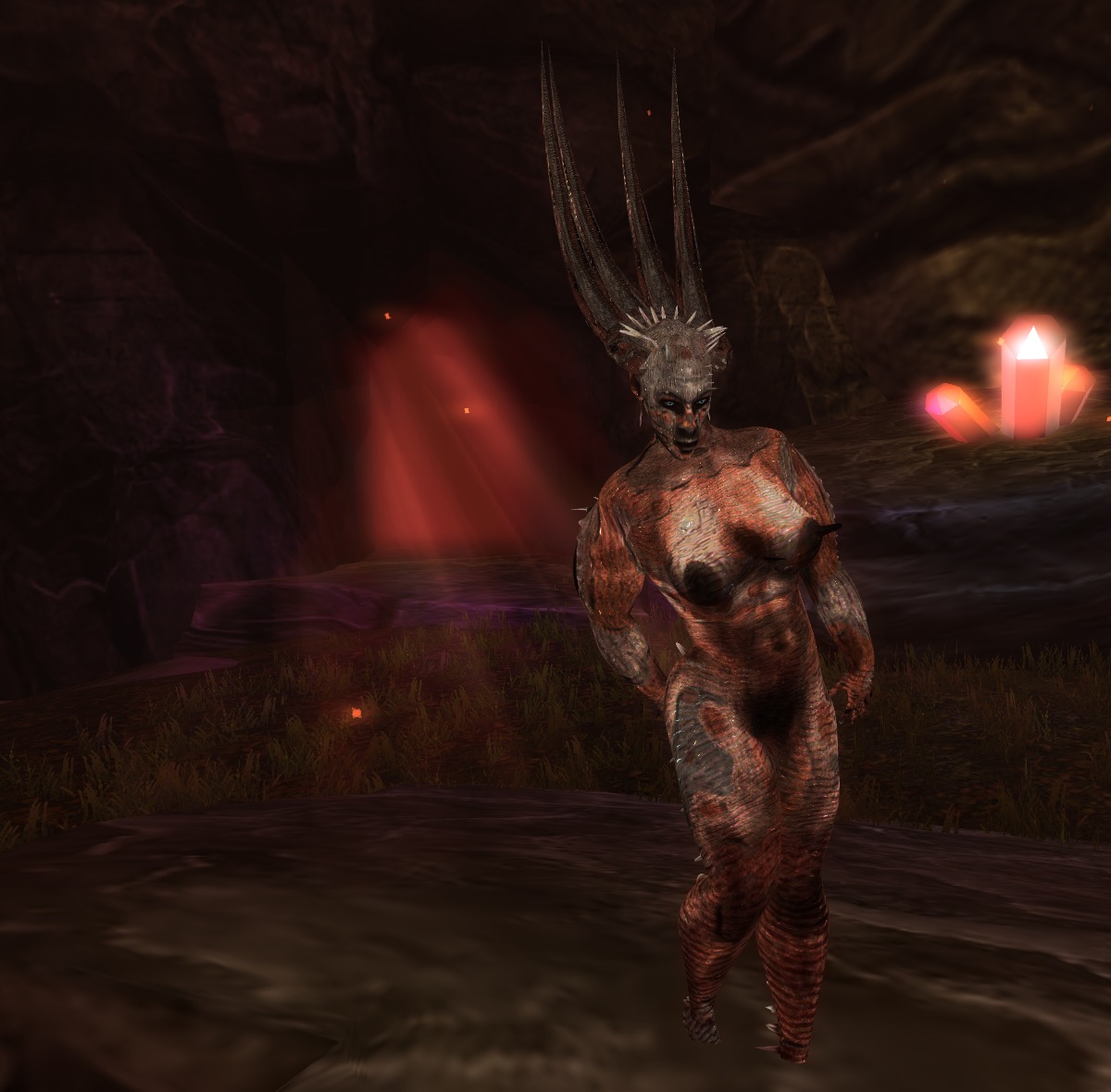
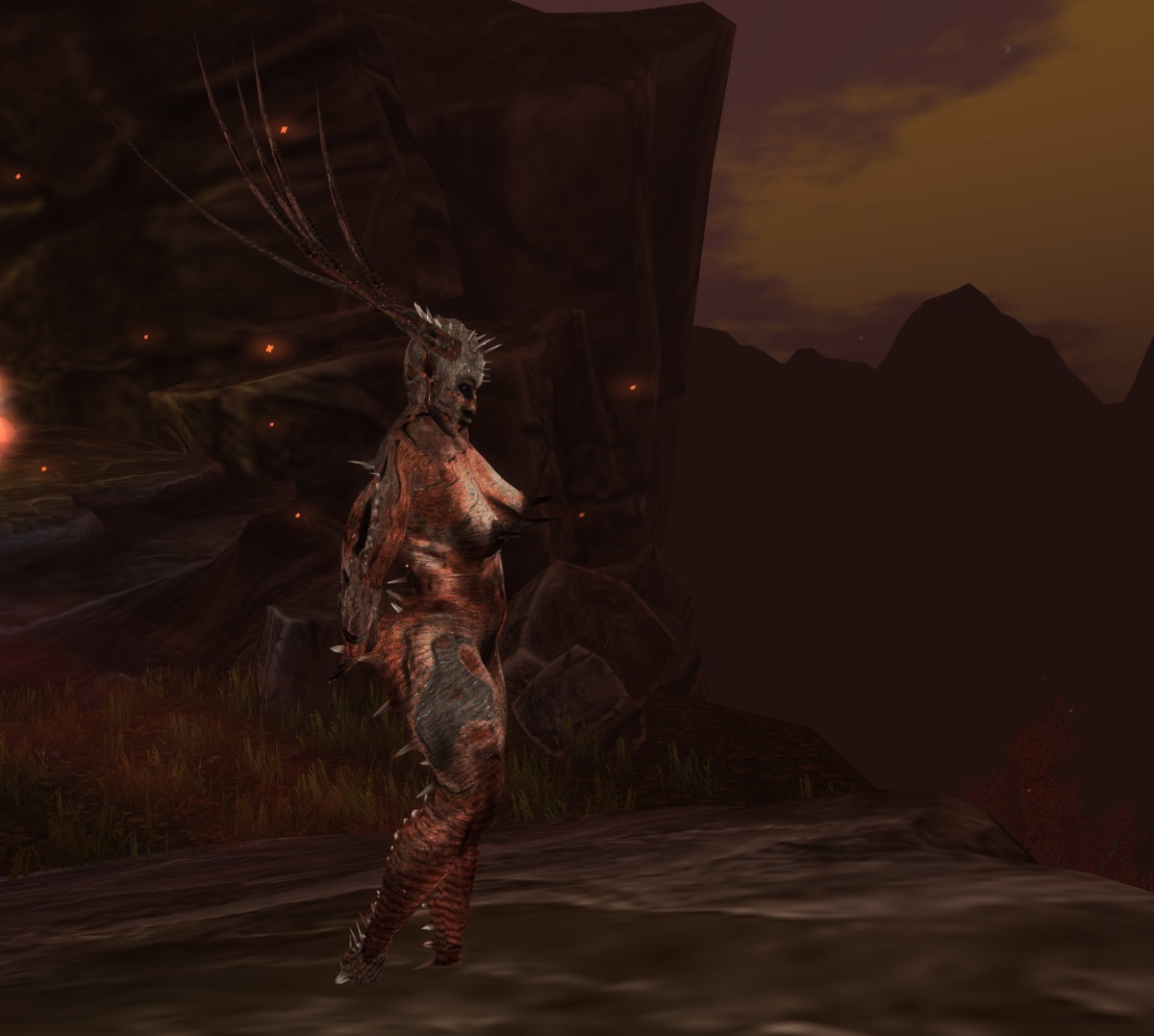
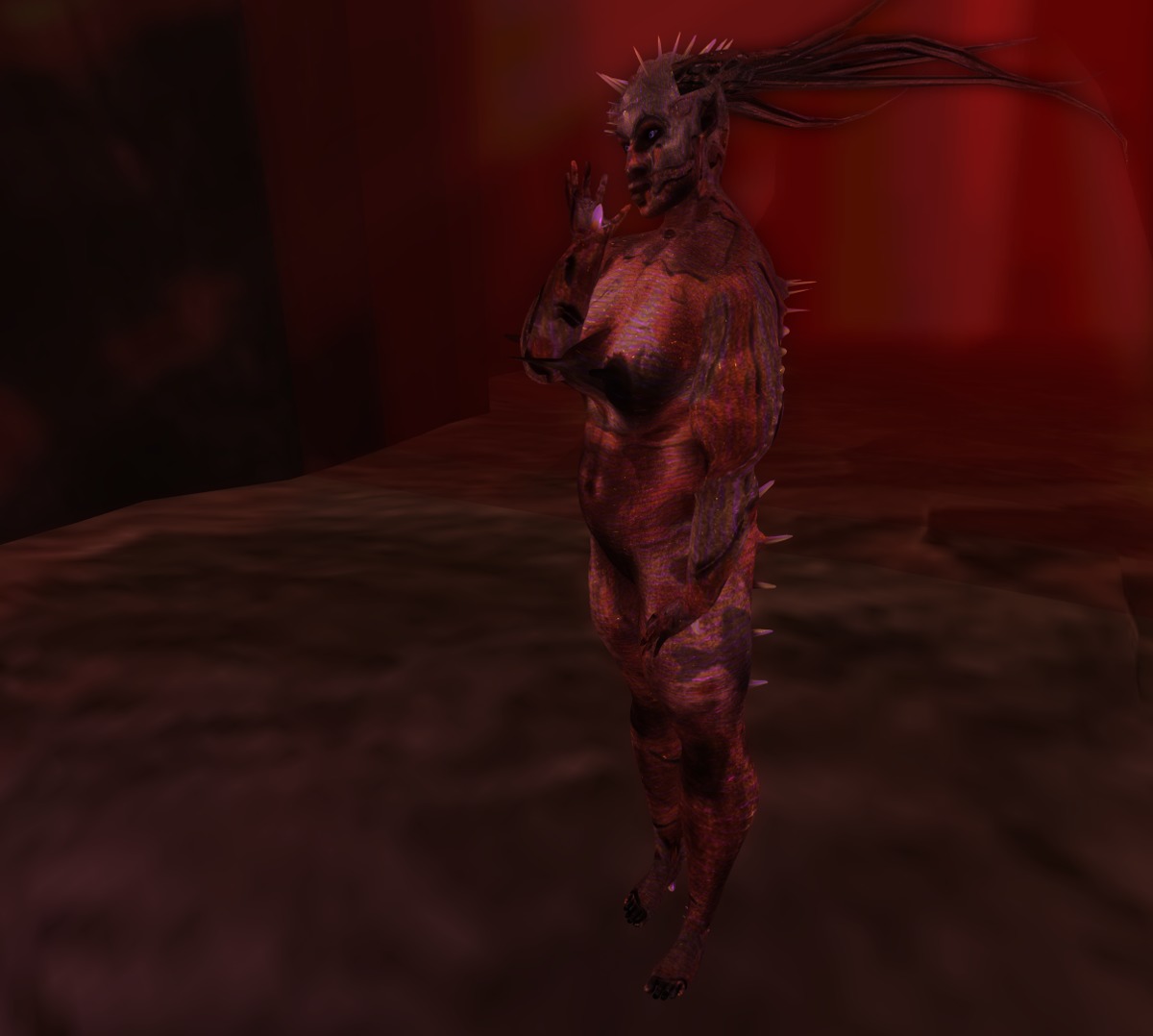
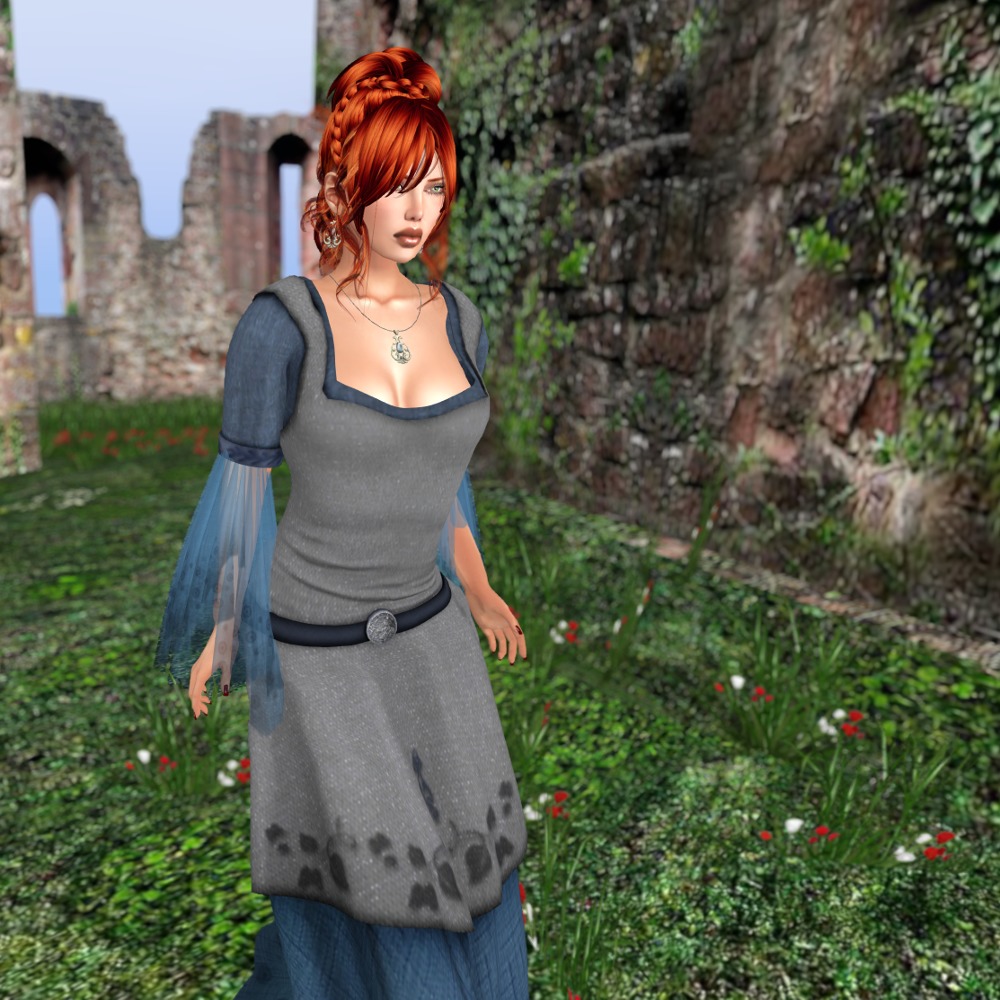
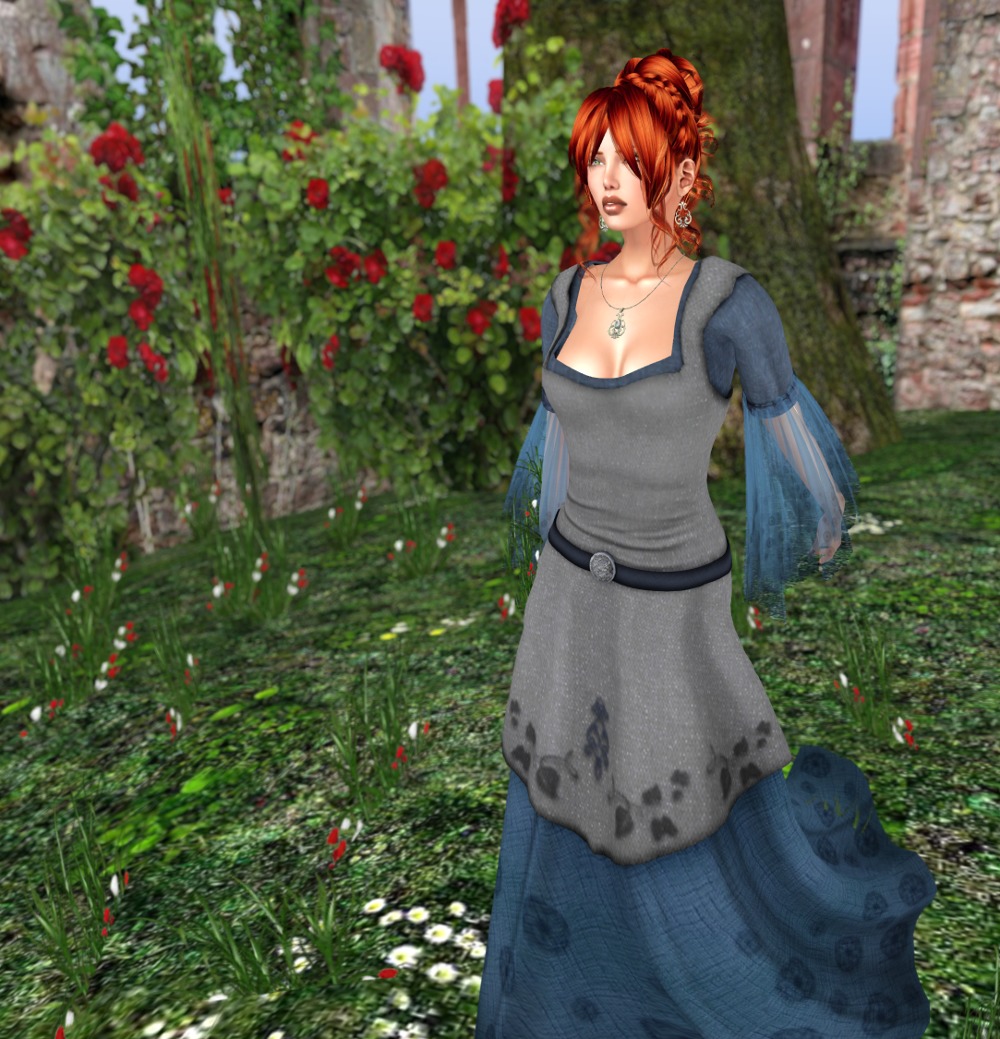
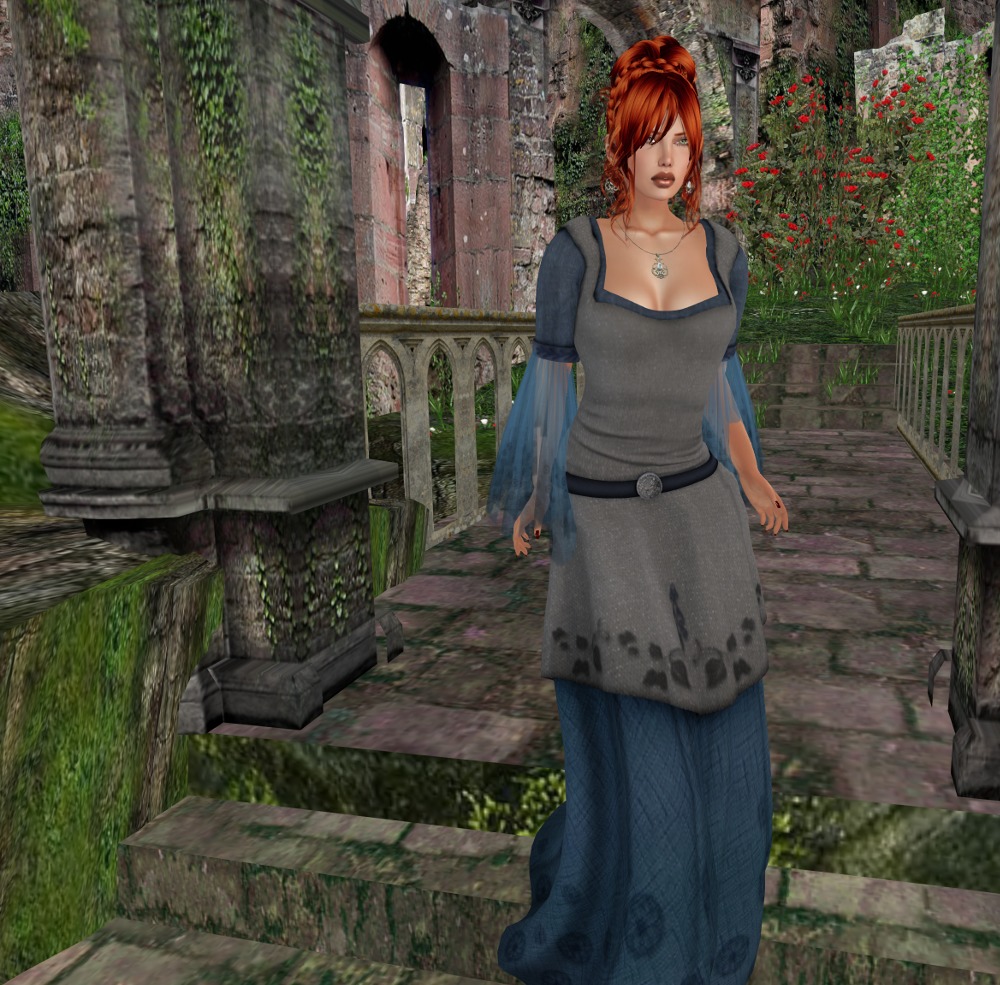
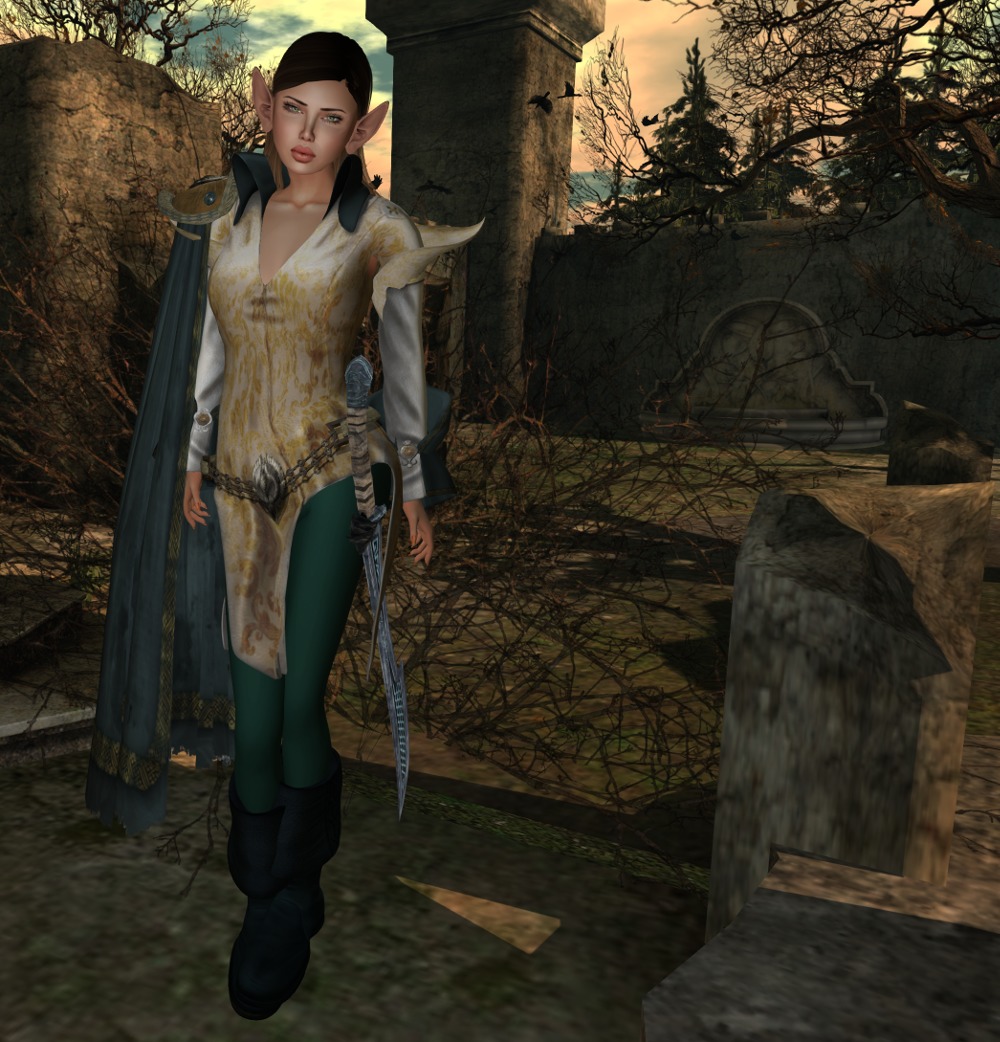
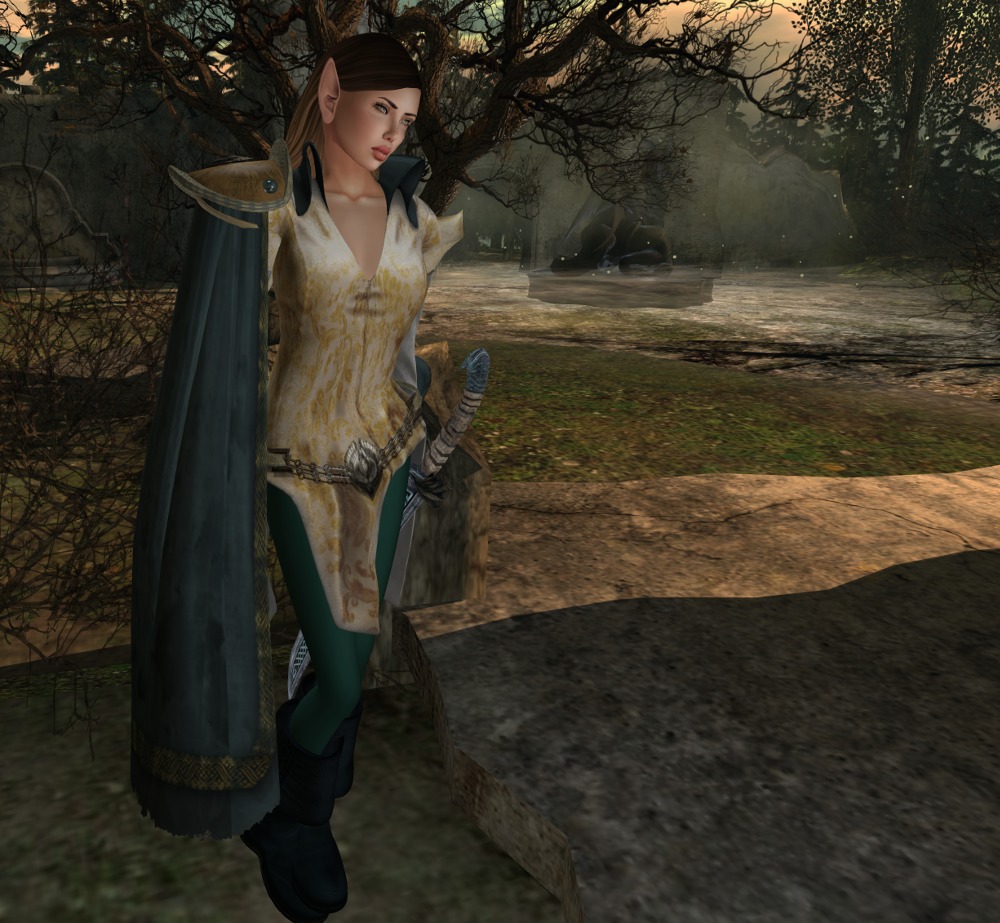
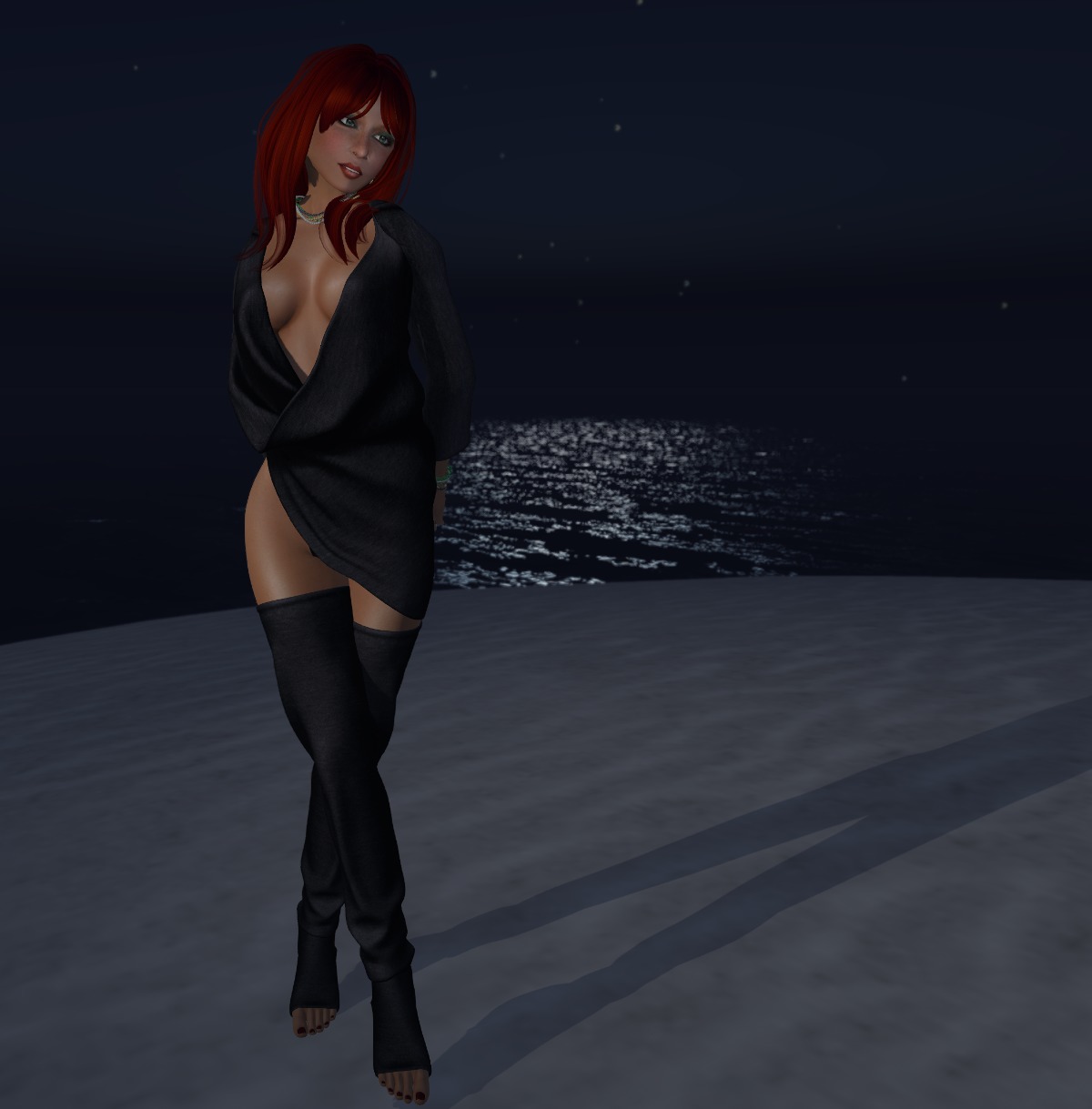
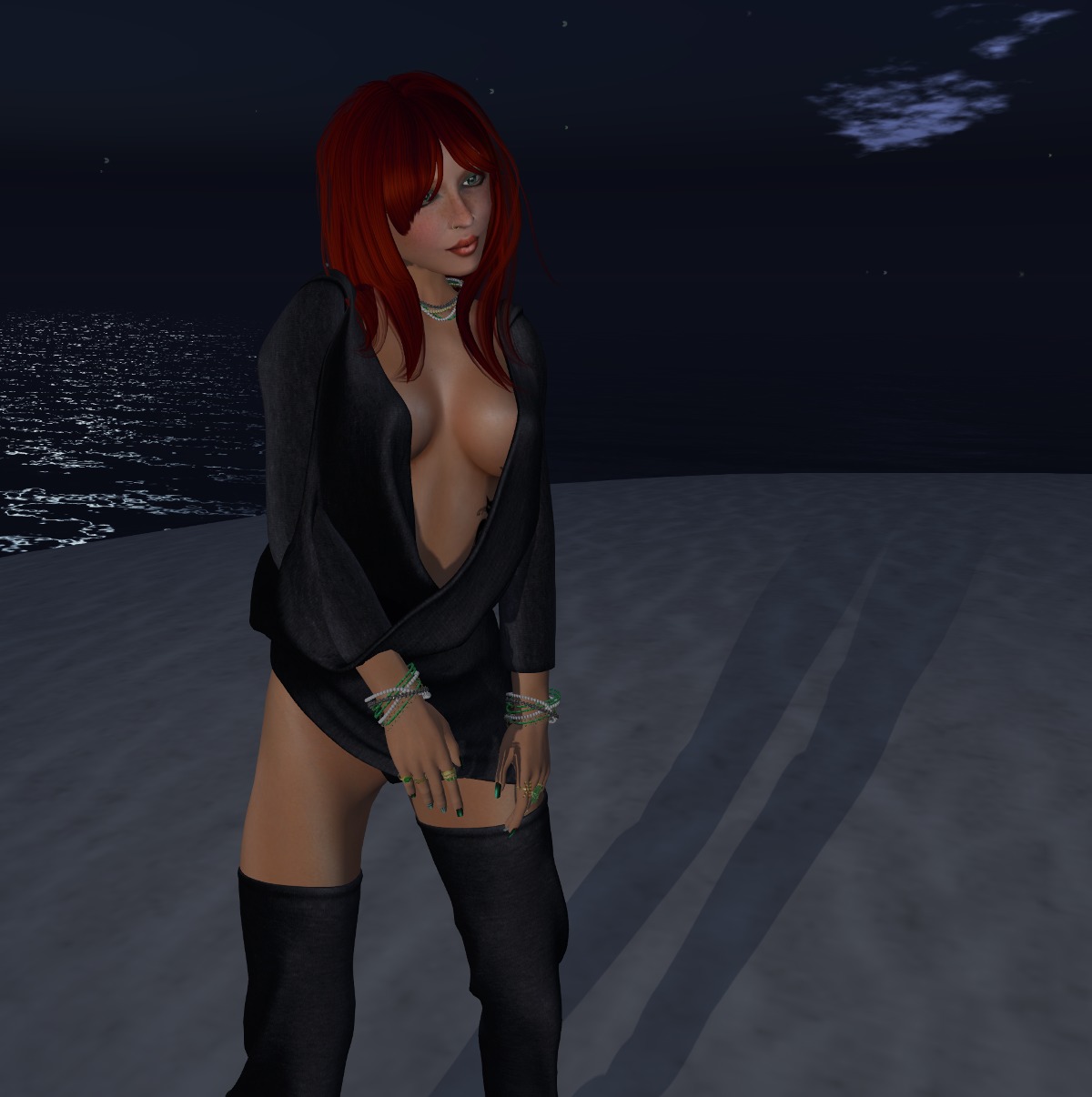
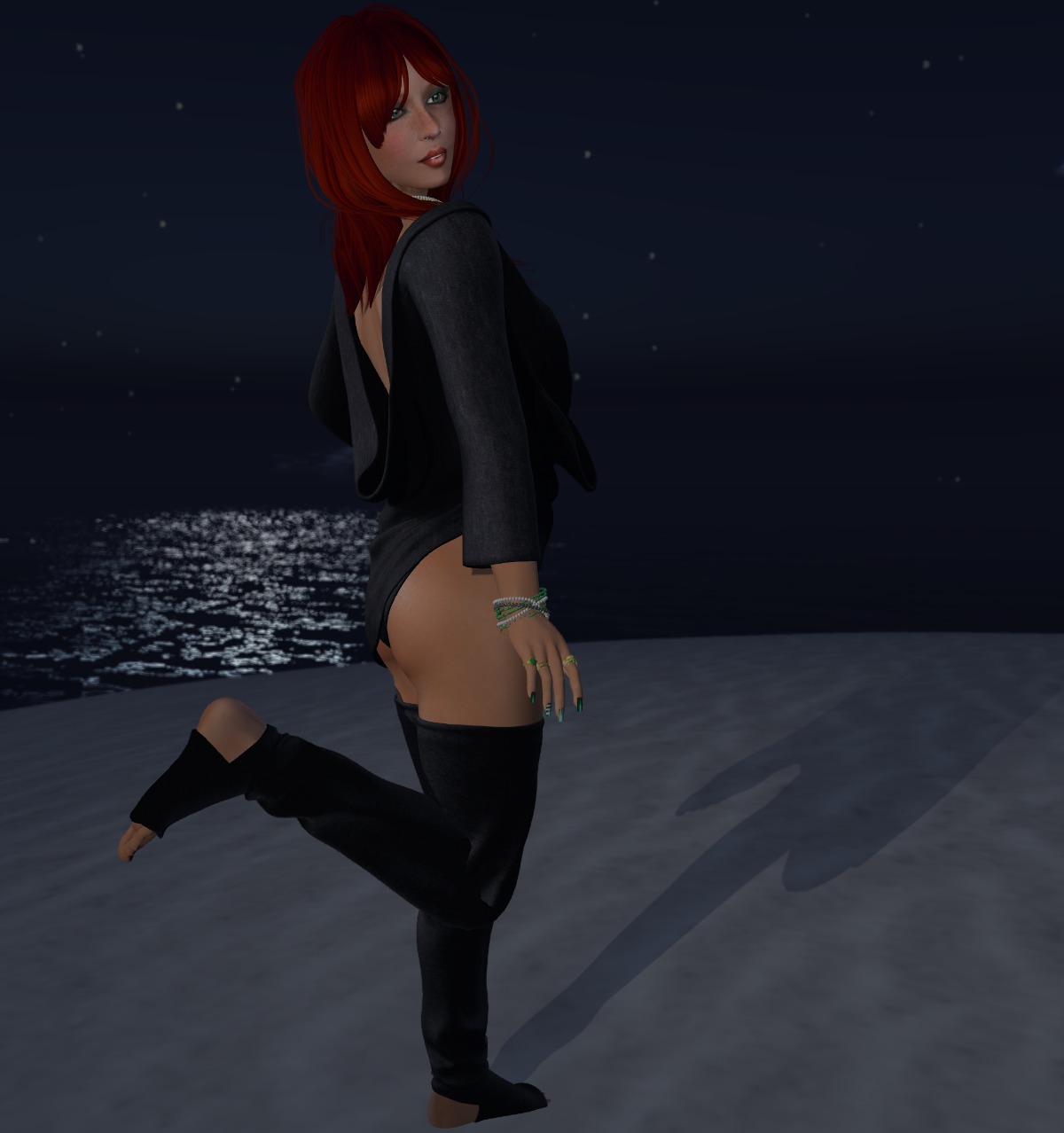
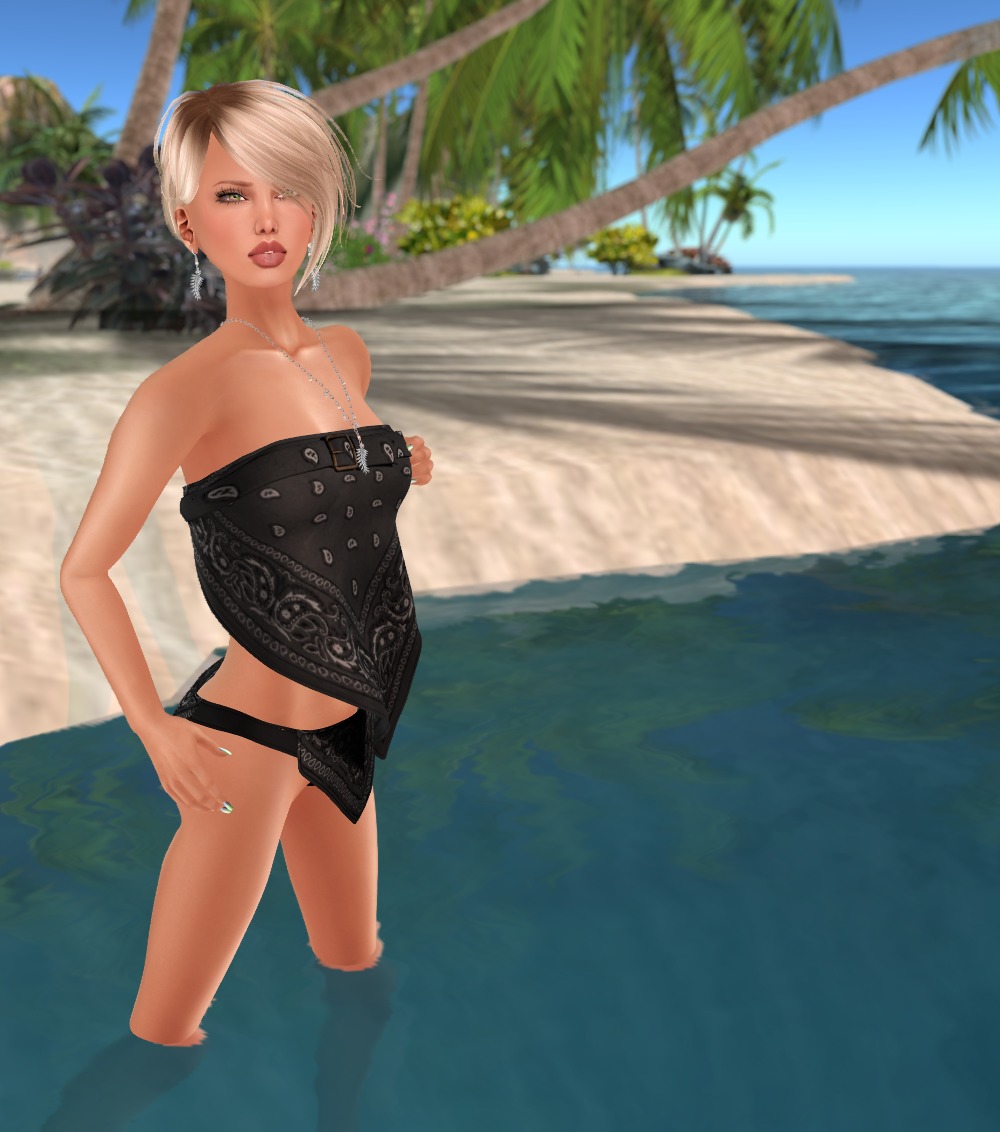
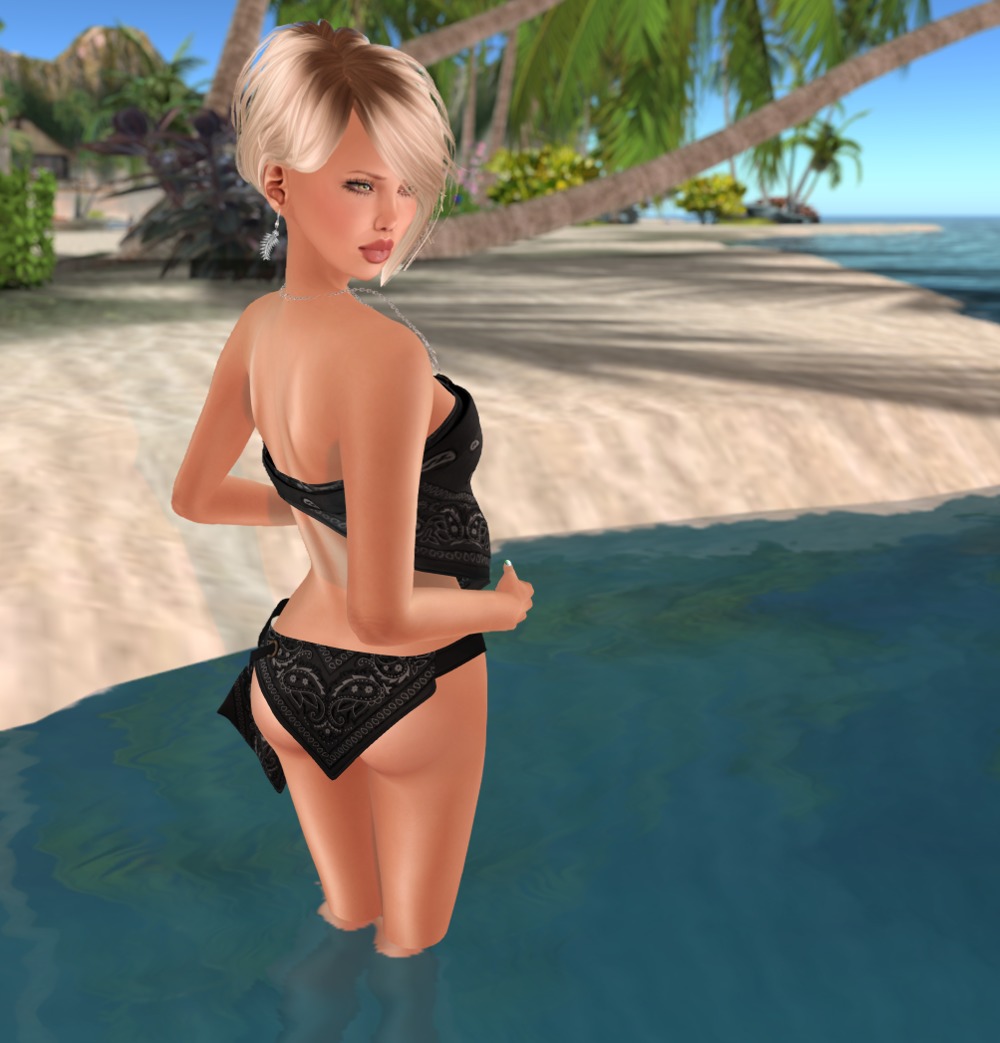
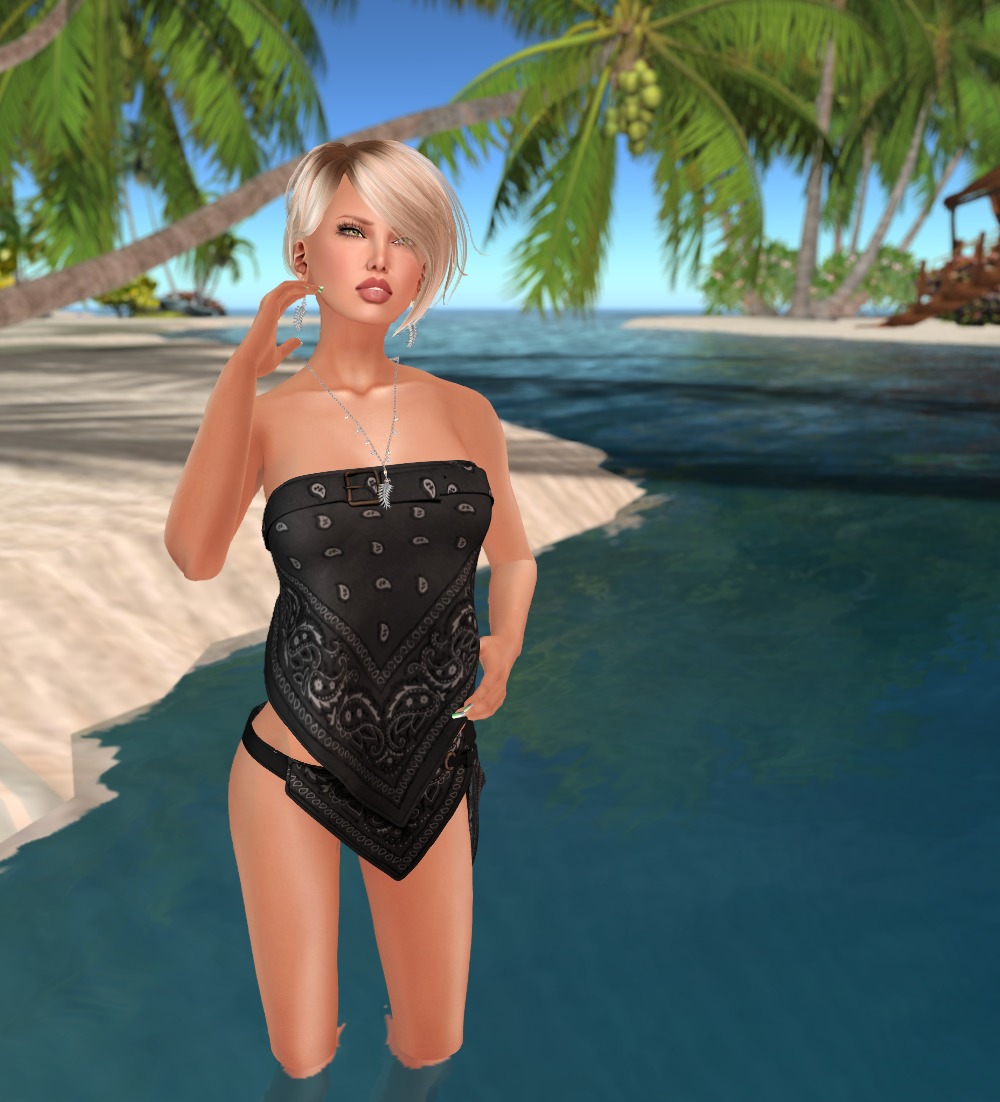
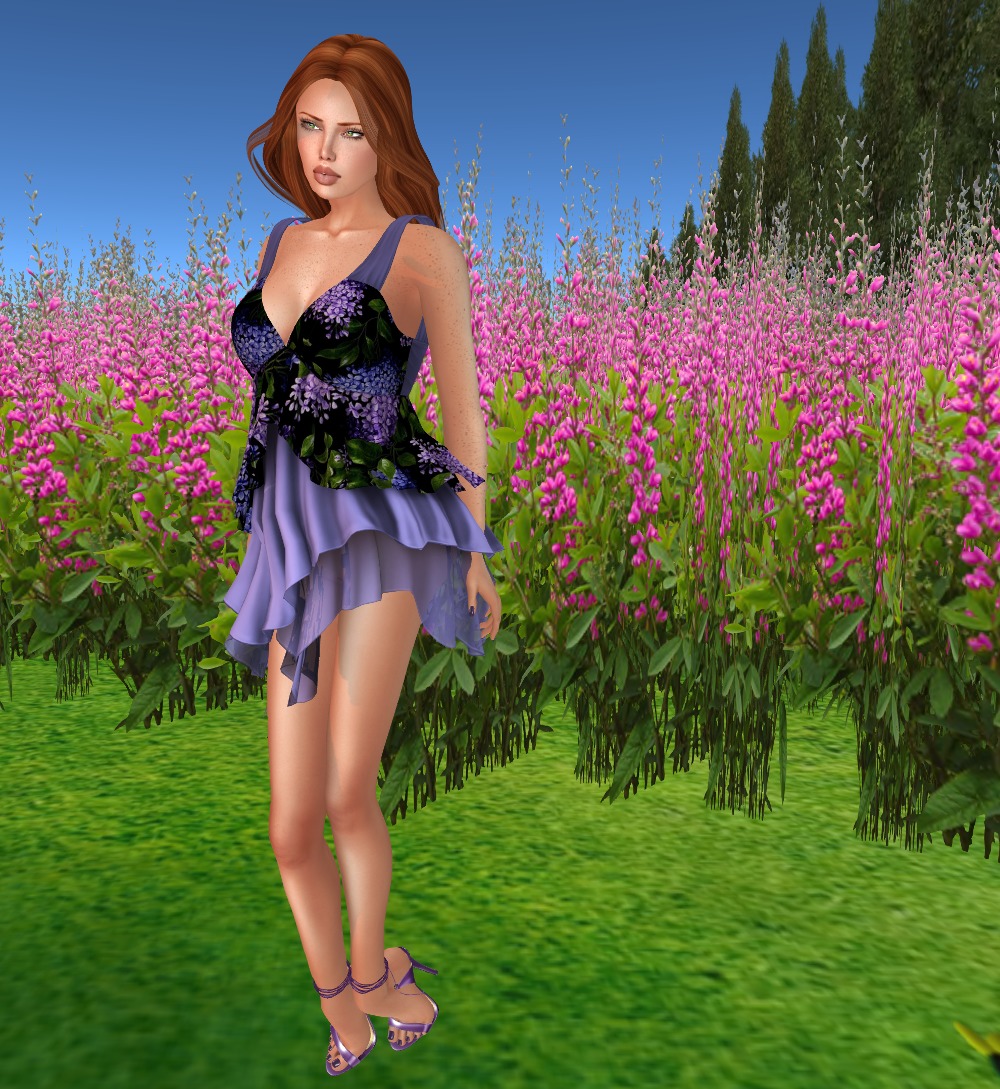
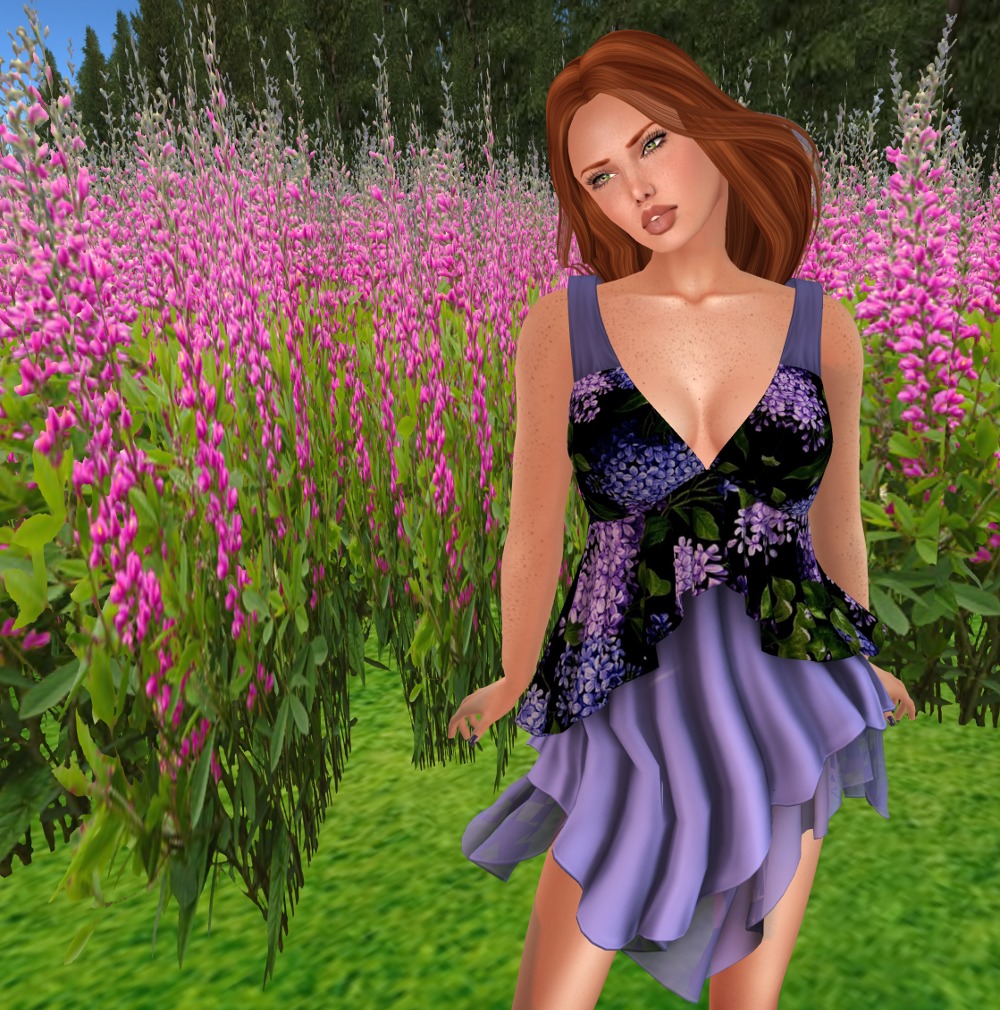
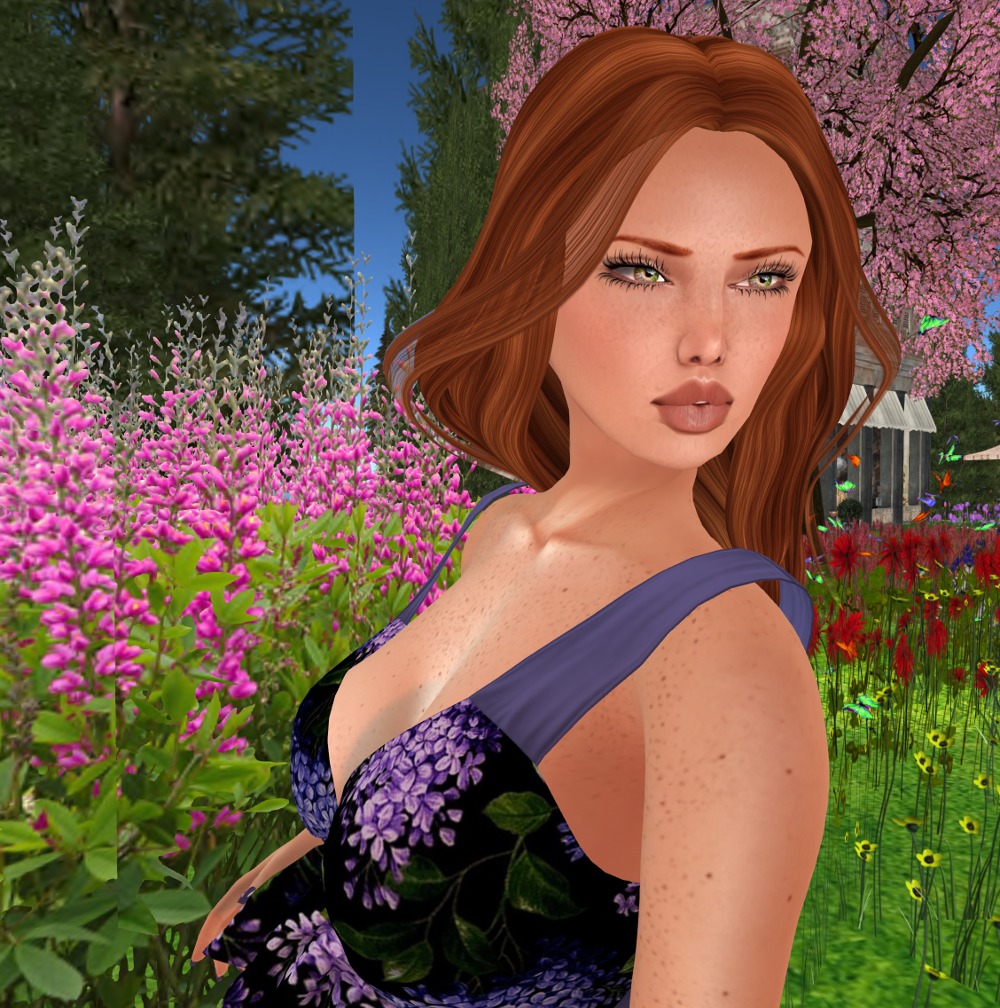
Welcome our lovely friend Frani, who’s today showing us a spectacular outfit from Moon Elixir.
I talked Frani into modelling for the blog, and I said “You can wear anything you like that’s not already on the blog”, and she sent me a link to the outfit she’s wearing in these pics. Without even reading the name of the outfit (or the name of the shop hehe), when I saw it, I instantly pictured her in front of the ocean with the moon on the water.
This is her first modelling shoot, and she was a little nervous, but oh my I hope you’ll agree, she looks fantastic!
Her outfit is fitmesh for Maitreya Lara only, and was available as gacha items at The Epiphany back in April, but the items are still available in the store.
Outfit: Chakra charcoal – sweater, high sock, legwarmers, and underwear by Moon Elixir
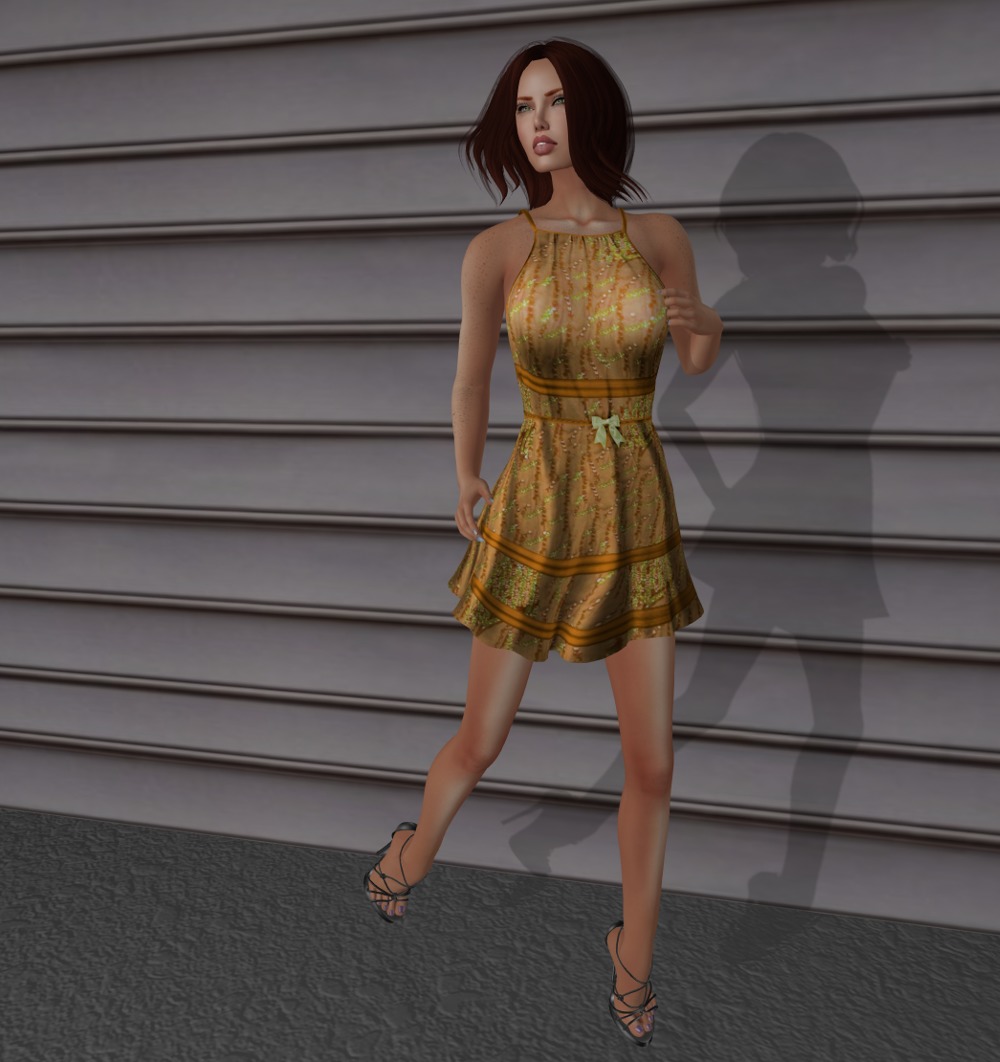
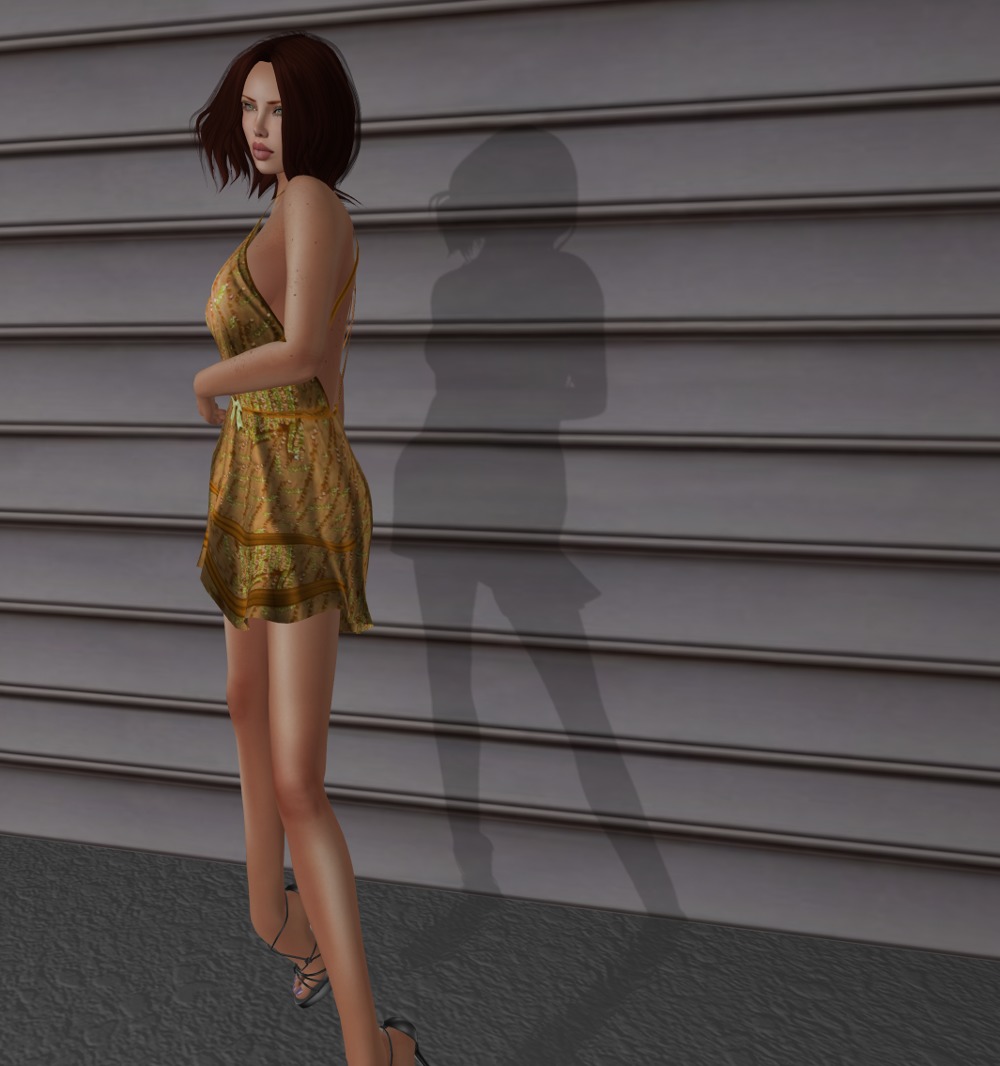
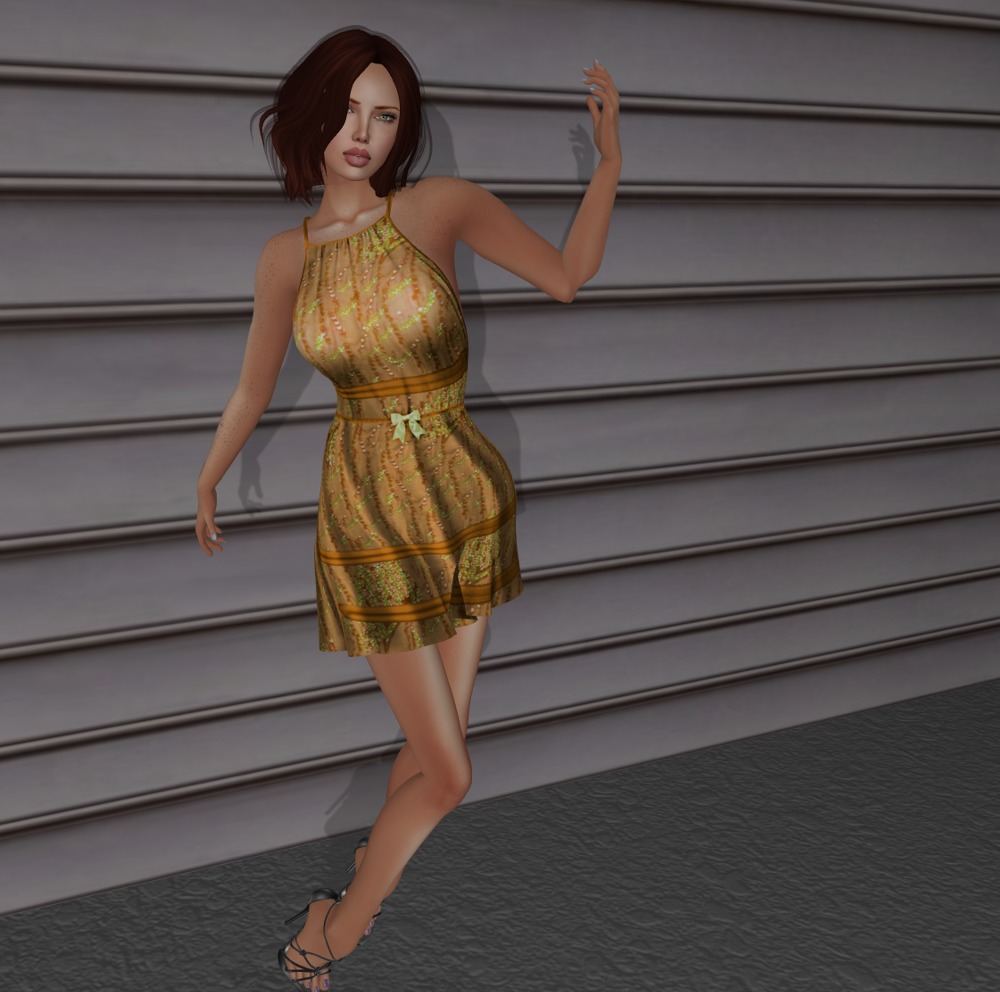
This is a recent SLF&O gift from Nevermore Designs.
The dress comes in standard mesh sizes plus there are standard sizes for those with a little more in the boob department. There are also fitmesh versions for Maitreya, Belleza, and Slink. Also included are the nice sandals for Slink High.
This cute little outfit was on Nevermore Designs’ Midnight Mania board for a number of days before we finally scared up enough people to come and click it 🙂 Thanks to Sorcha for leaving it on the board for long enough!
This is in standard sizes, but the extra small works well for me on Lara. Also included in the package were a pair of his and hers skinny mesh jeans in standard sizes, and a really great set of cheetah print keds for Slink Flat that I’m sure I’ll show you in a future post!
I’m glad it’s easier to change your hair colour in SL than it is in RL! This works with my standard reds, but it works so much better with this great blonde style 🙂
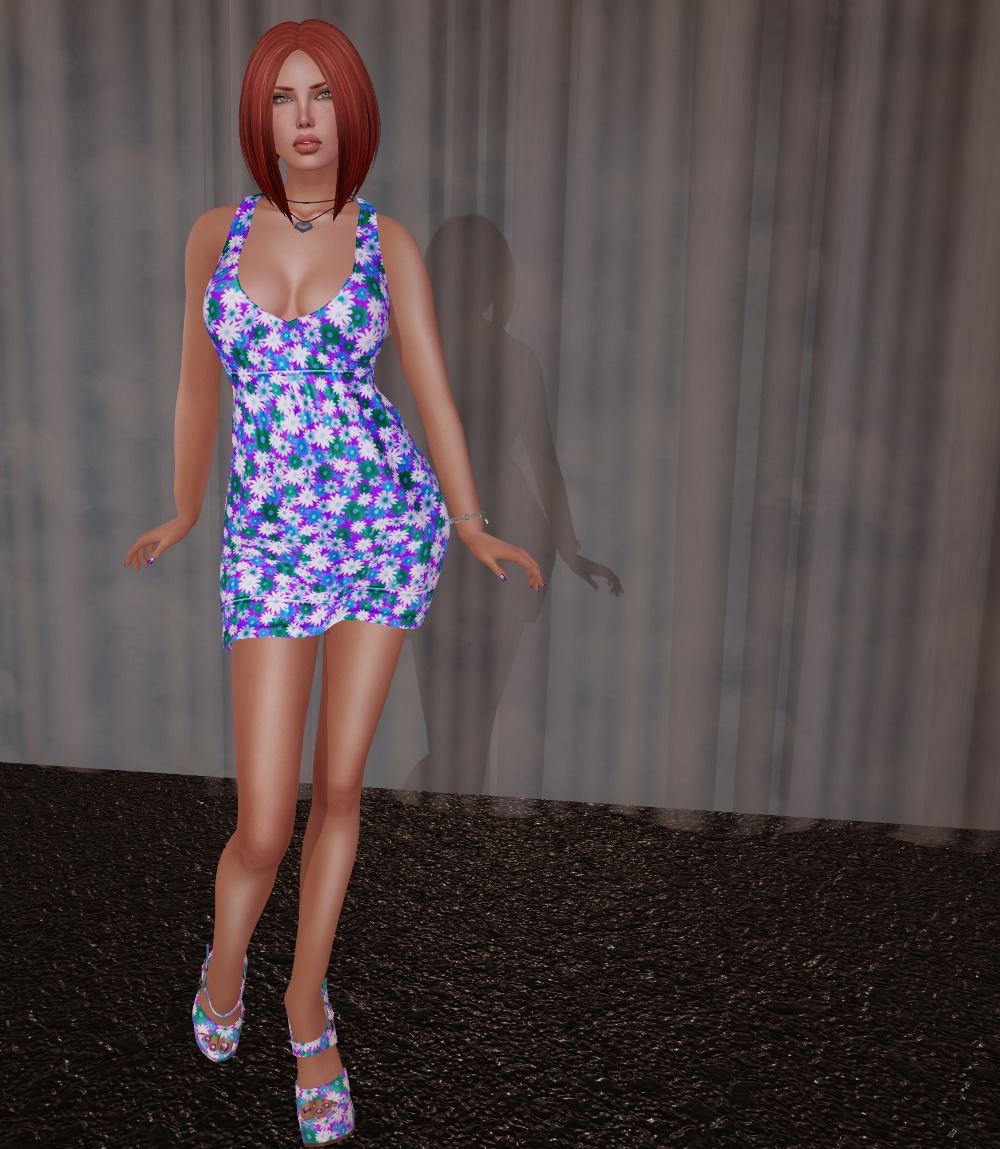
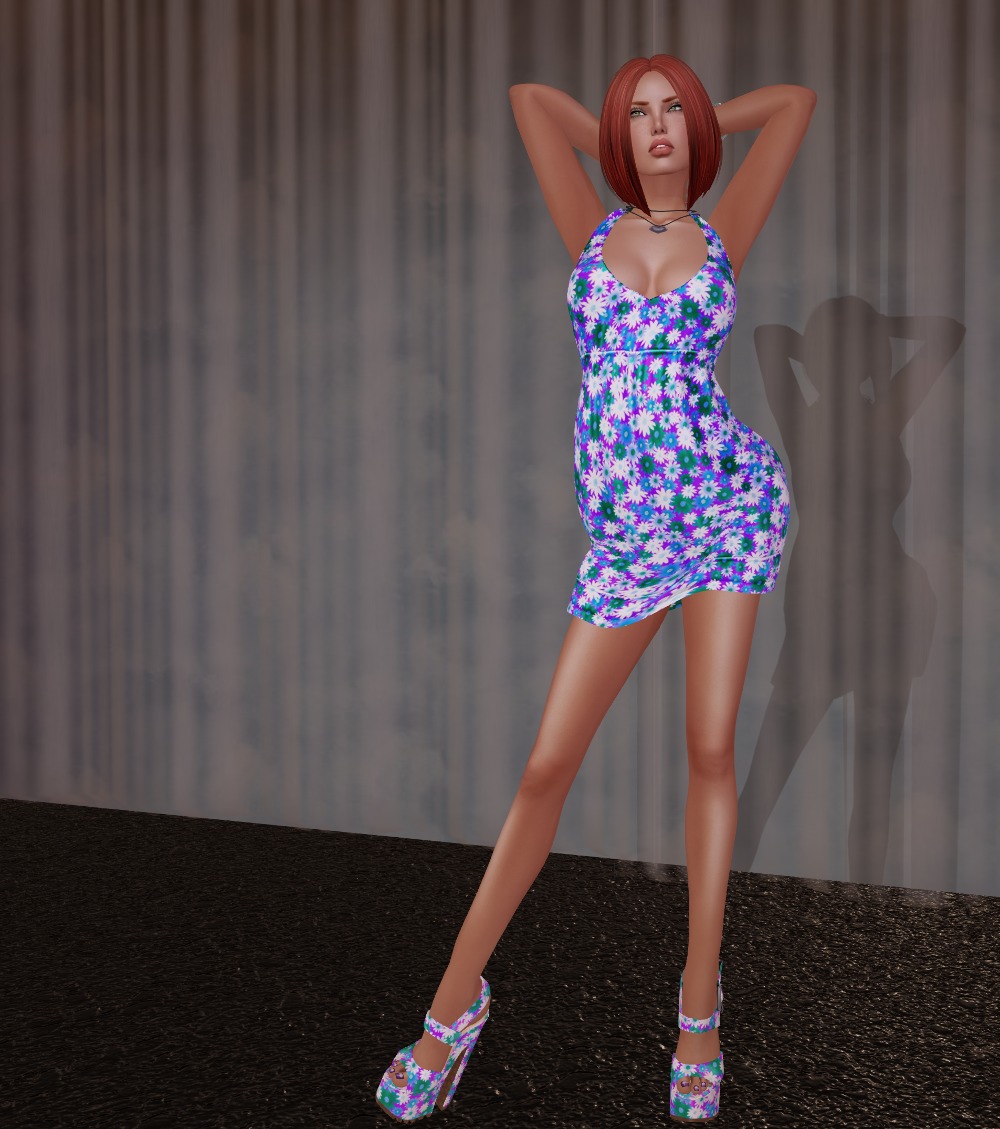
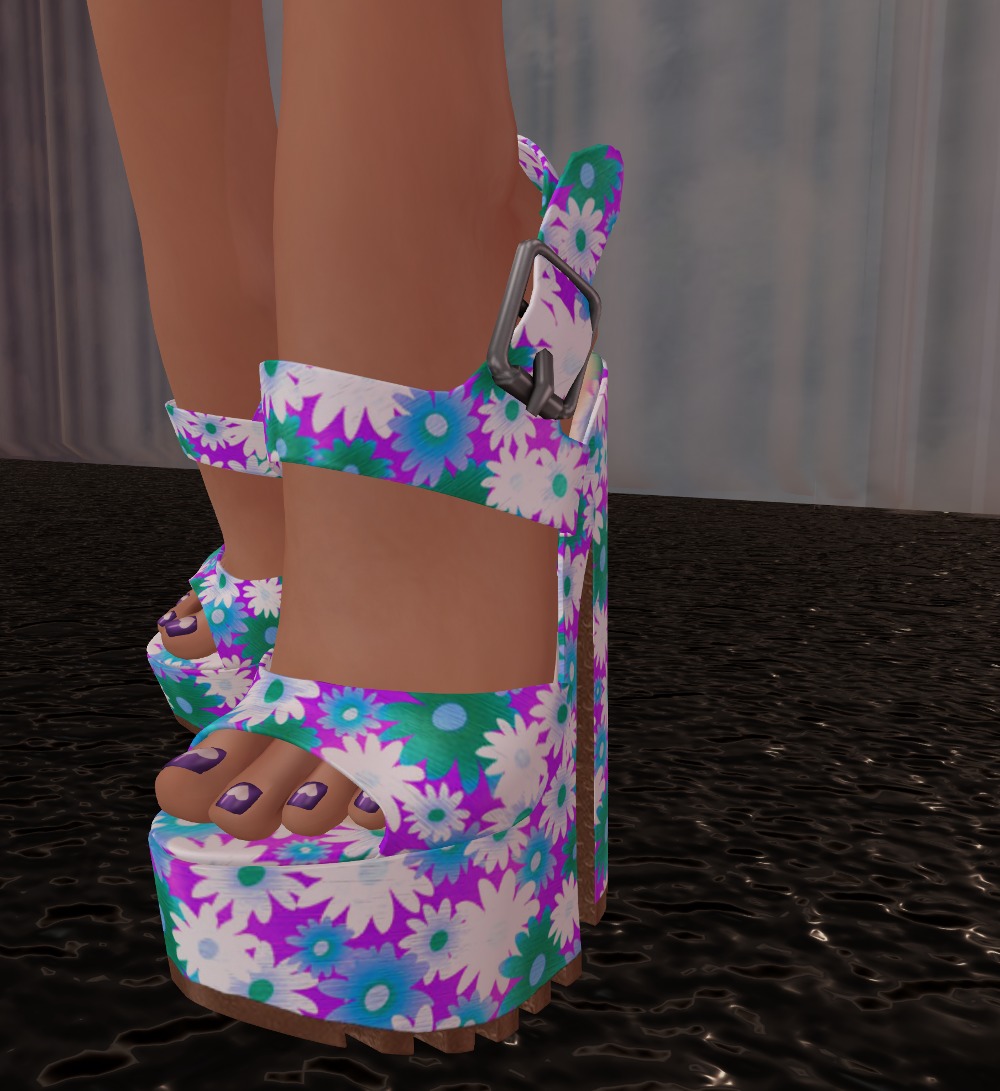
It’s a while since I’ve posted something from one of my fav shoe stores, namely Baby Monkey. I was over there looking at group gifts and on the member’s specials board was this lovely daisy print dress and matching platforms with both the dress and the shoes at L$10 each. I had to grab them 🙂
The dress and shoes both have HUDs for nine textures each, plus you can change the metal for the buckles on the shoes. I really like this version, which fits my color range 🙂
The dress comes in standard mesh sizes, plus fitmesh for (takes a deep breath) Belleza Venus, Freya, and Isis, Slink Physique and Hourglass, Maitreya, and TMP. And the platforms have versions for Slink, Belleza, and TMP.
This is the second outfit I picked up from Ana Markova thanks to my wonderful Aeon 🙂
This one is in standard mesh sizes and has specific fitmesh sizes for Maitreya and Slink Physique. Yay!
I want to highlight the creator of my skin again too. Lumiya Rae, owner of Lumae, makes fantastic skins at reasonable prices! This is the freckled option of my normal Adore Peach Bare skin, the one I wear every day. When I’m not being all formal and hiding freckles under makeup, I wear a freckle tattoo on my face to add some interest. I’m not really the pale freckly one (that’s Aeon) so I generally wear a non-freckled skin. But I was playing with this option of the skin for the face freckles the other day, and I thought I would show you a close-up so you can see just how good Lumae skins are. I highly recommend them!
Here is the third outfit I selected from Ana Markova. Such wonderful work!
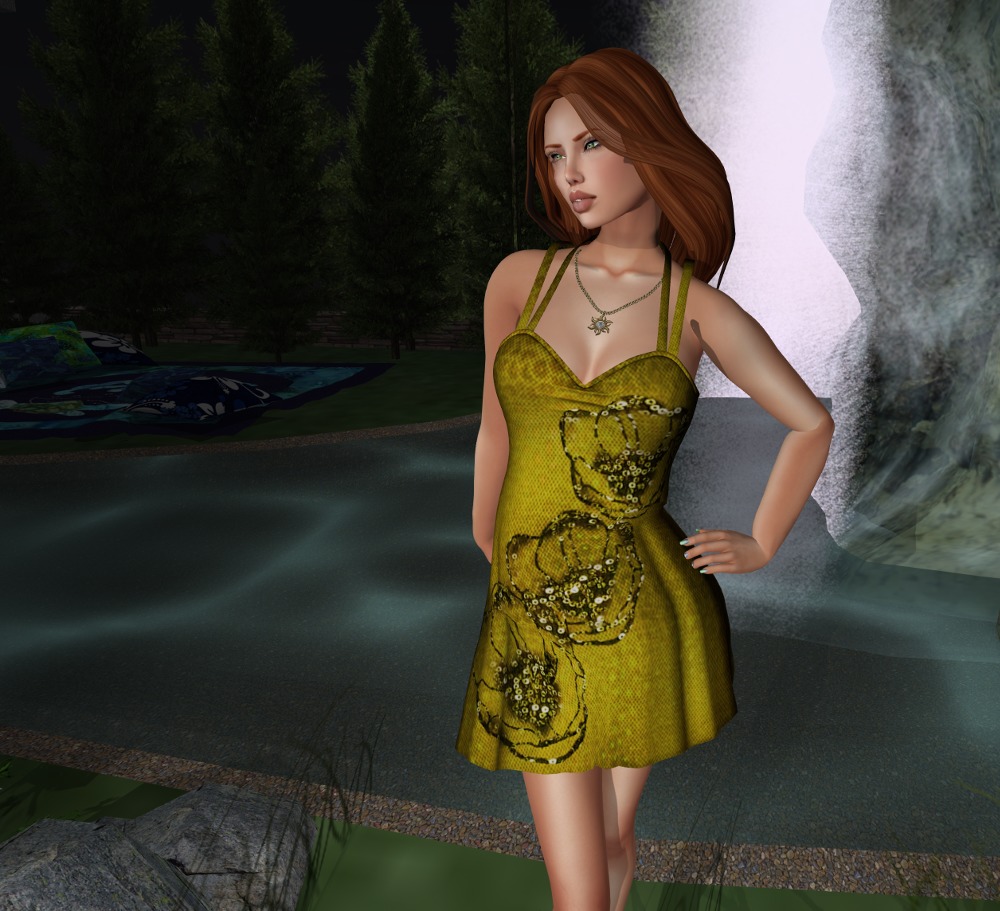
This leather dress comes in standard sizes and a one-size-fits-all fitmesh version, which is the one I’m wearing here on Lara. Goodness I love finding locations, and this dress, especially after I matched it with the necklace, started prompting me to find a location that suggested witches and magic. I have a landmark folder that I store locations in for photos and I knew I had the perfect one in there! And yes! And as a bonus, everyone has rez rights there, so it’s easy to do a pose stand and lighting. I love how some people are so trusting! If you come across sims like this and take advantage of them for photos, make sure you clean up your objects before you leave, so that the owners will keep them set so people can rez in the future!
The detailing and textures on this are excellent. You can’t see it as it’s hidden by my hair, but there’s a zipper detail down the back of the dress that’s just amazing. Another wonderful outfit from Ana!
This is the October group gift from Paisley Daisy. Very appropriate for Halloween! Paisley Daisy is L$100 to join, but their group gifts are always fantastic!
Standard sizes all in fitmesh, plus specific fitmesh sizes for Slink, Maitreya, and Belleza. The pictures don’t really do the dress justice. While it’s black, it’s also materials enabled and picks up light from the environment really well. As I was walking around this sim to take these pictures, it went from black to grey to green to black. Lovely effect 🙂
And I’ve been wanting to show off this back drop necklace for ages and ages and this finally gives me the chance to do it 🙂 If I remember rightly, I picked this necklace up in a hunt over a year ago. I love it but I never get to wear it. So I can be an evil wolfen on the front and an angel on the back 🙂
I mentioned in a previous post that I love playing with lights for photography in SL. I use projector lights nearly exclusively, and in combination with the Windlight settings and the Advanced Lighting Model and a good graphics card, you can get some stunning effects. I’ve barely scratched the surface of what’s possible, but I thought I’d give you a look at how to get some basic lighting setups going to make your photos more realistic.
Firstly, Windlight. I find myself using “Nam’s Optimal Skin and Prim” and “Nam’s Beach Scene” when I want shadows cast from the sun, and “Narcon’s Natural Midnight” when I don’t. I’ve used some interesting unnatural ones for special effects such as fog, and another for a red sky for a demon shot), but those three are the “go to” ones for natural looking photography in my opinion.
Next, a big secret that no one seems to mention is that you have the option of taking photos using a capture size much larger than your display. You’ll find the width and height settings in the camera window. If your video system can handle it and you have the memory in your computer, I recommend you set it to about two to three times larger than your physical display. This is the same reason that RL photographers use large format cameras: the more detail you capture, the better it will look for scaled down pictures you’ll put on the web. Also when you (ahem) digitally retouch a huge picture like this and scale it down, your retouches will be better hidden, and you reduce jagged edges too! What’s not to like, as long as your system can support it? My display is 1920×1080, and I regularly shoot at 4301×2303 or above.
Finally, if your graphics card can handle it, you should turn up anti-aliasing as far as you can to help eliminate jagged edges.
Note that turning on shadows and high anti-aliasing settings may significantly slow your frame rate, so do all this just before you press the shutter release (I use the new graphics presets for just this purpose).
Let’s look at a scene lit with “Nam’s Optimal Skin and Prim” with the talent (that’s me *grin*) facing into the sun and no shadows.
Note that the Advanced Lighting Model is on (you can tell by the bump texture on the floor) but we have shadows set to “None”. By the way, all these settings I’m mentioning are in the “Graphics->General” tab in Firestorm’s preferences (with the exception of anti-aliasing, which is in “Graphics->Hardware Settings”).
Now, lets look at a lighting setup to get something interesting happening here…
Here is a top view of the scene. The black light on the stand is my main light, and the blue and red cylinder on the right is my fill light. I’ll talk about settings for both of these at the end.
Lets switch on the main light which is just pure white…
As you can see, projector lights are directional, so you have to think about positioning and rotating them to get what you want. This lights my face and body, but I’m at the edge of the light, so directly to my right (the left of the picture) will be darker, and to my left will be lighter, gradually falling off as we get further away from the light.
For the fill light, I am using a very light yellow that makes my skin look good and makes my hair highlight well. Lets switch it on; it’s much more subtle than the main light…
You can hopefully see the difference on the left side of the photo now. We’ve considerably lightened it.
Here’s a front view:
The fill light is much more noticeable from the front view, and you can see I have it hitting the wall well to the right and filling the left of the picture.
And finally, we can switch on shadows and see were we are. Note you must switch on “Sun/Moon + Projectors”.
Great! Look at that! We have three sets of shadows happening, the sun and the two projector lights. The really heavy shadow is from the sun, the lighter shadow to its right is from our main light, and the faint shadow to the left of the picture is from the fill light.
Note the shadow from the body and stand of the main light to the left of the picture. This is being caused by the sun. You have to manage this. You can do tricks like setting the object to 40% transparent or greater (then it won’t cast shadows at all) or you just reposition your camera or crop the raw image to manage unwanted shadows. I left that shadow in deliberately so I could mention all that 🙂 Also, if I was shooting this to make it look good, I’d switch to midnight so I’d just have the two shadows from the lights and nothing from the sun. You can see that effect in the photos I did for this outfit yesterday 🙂
Here are the settings for the two lights. The main light first (I haven’t bothered showing color as it’s white) and then the fill light.
I tend to use all six of the settings to control the lights (intensity, radius, falloff, field of view, focus, and ambience). You can see they are very different between the two lights. Possibly the one that you’ll play with the most is focus. Negative numbers are soft focus, and positive numbers are sharp. But play with all of the settings to find out what they do.
And finally, what works in RL works in SL (mostly). Reading an article about fashion lighting on the web can significantly help you light your scenes better.
Recently, Aeon and I had our second wedding anniversary. Rather than dithering over gifts (I made her one last year) we got each other gift cards to a couple of our favourite clothing stores. Aeon gave me a card to Ana Markova Designs, whose stuff I just love (Aeon knows me well lol).
Here’s the first of three outfits I got, a truly eye catching design, I think you’ll agree!
The dress is in standard rigged sizes, but I had no trouble wearing it on Lara with only one tiny issue at the neckline, which isn’t noticeable when you’re walking around in it. One note here: the sleeves are designed to fit Slink or system hands only, so if you wear Maitreya hands, you may have to revert to system hands (shudder).
And yes, I’ve gone blonde for this. I spent a lot of time looking though my hairstyles as I wanted something short so as not to cover up the design of the dress. I’ve sported this hairstyle before, but in my normal red. And that’s what I started out in, but when I came to shoot the pictures, the contrast detracted from the dress design. So blonde it is 🙂