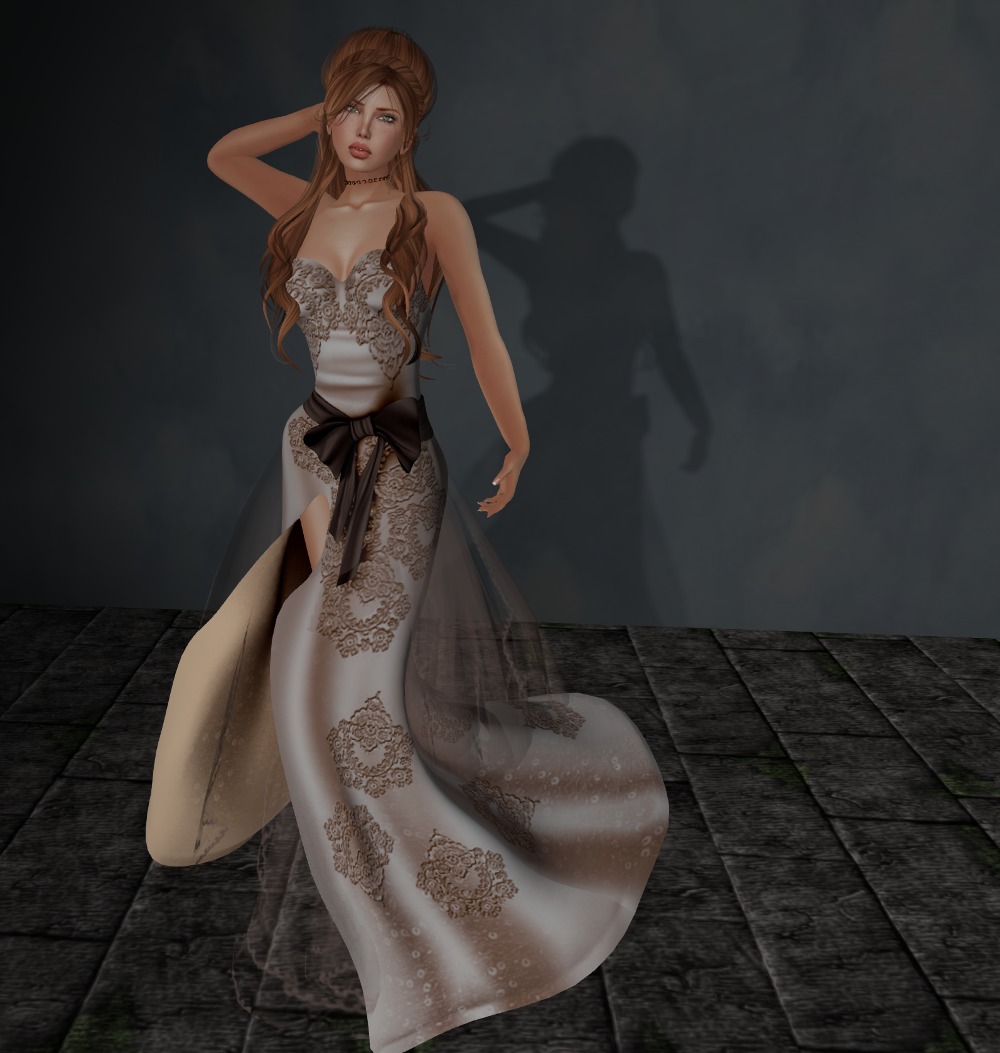
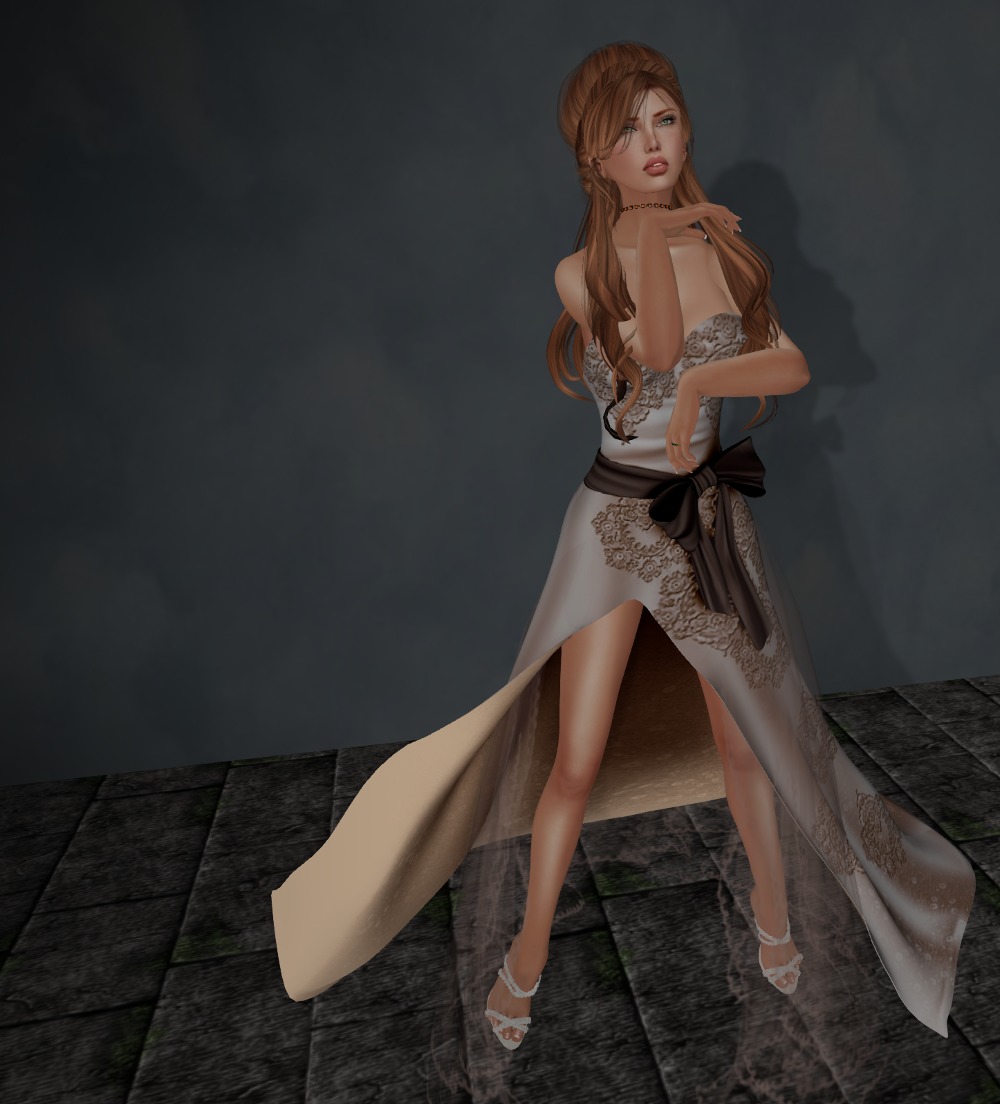
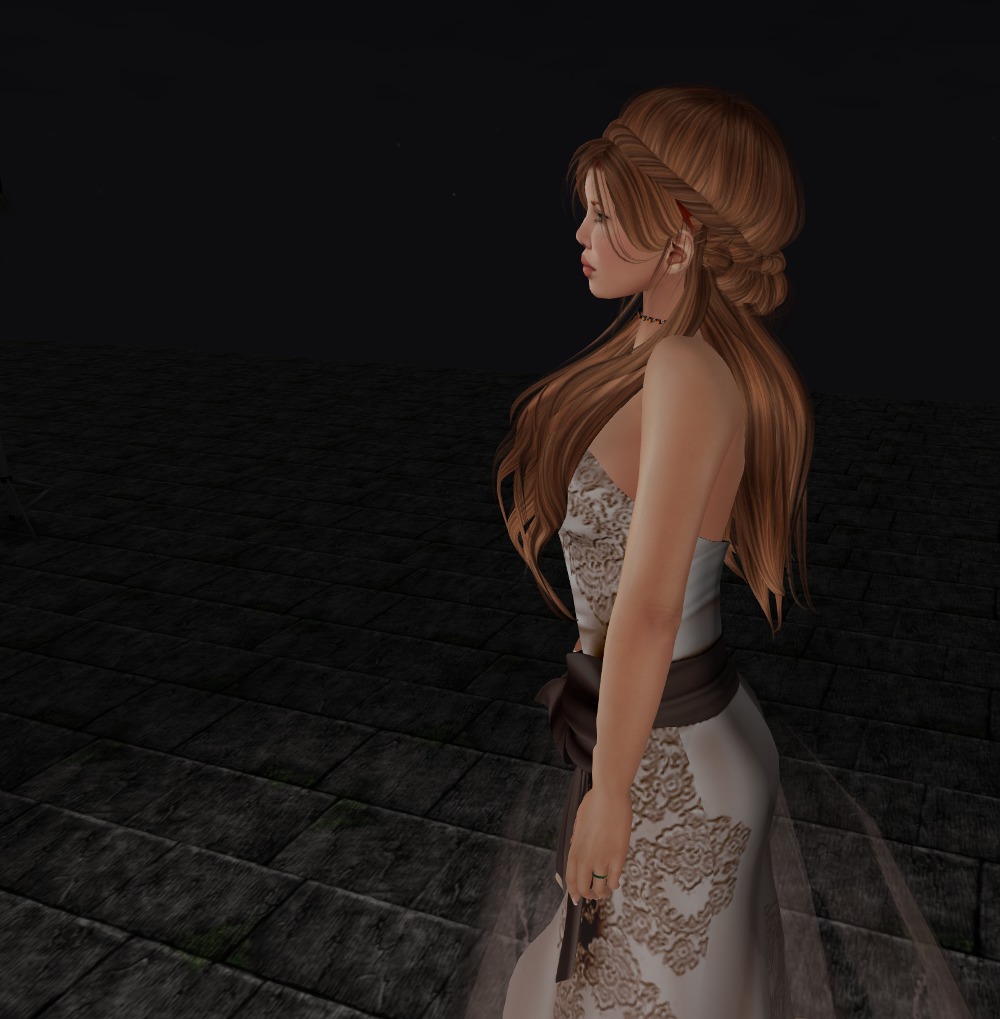
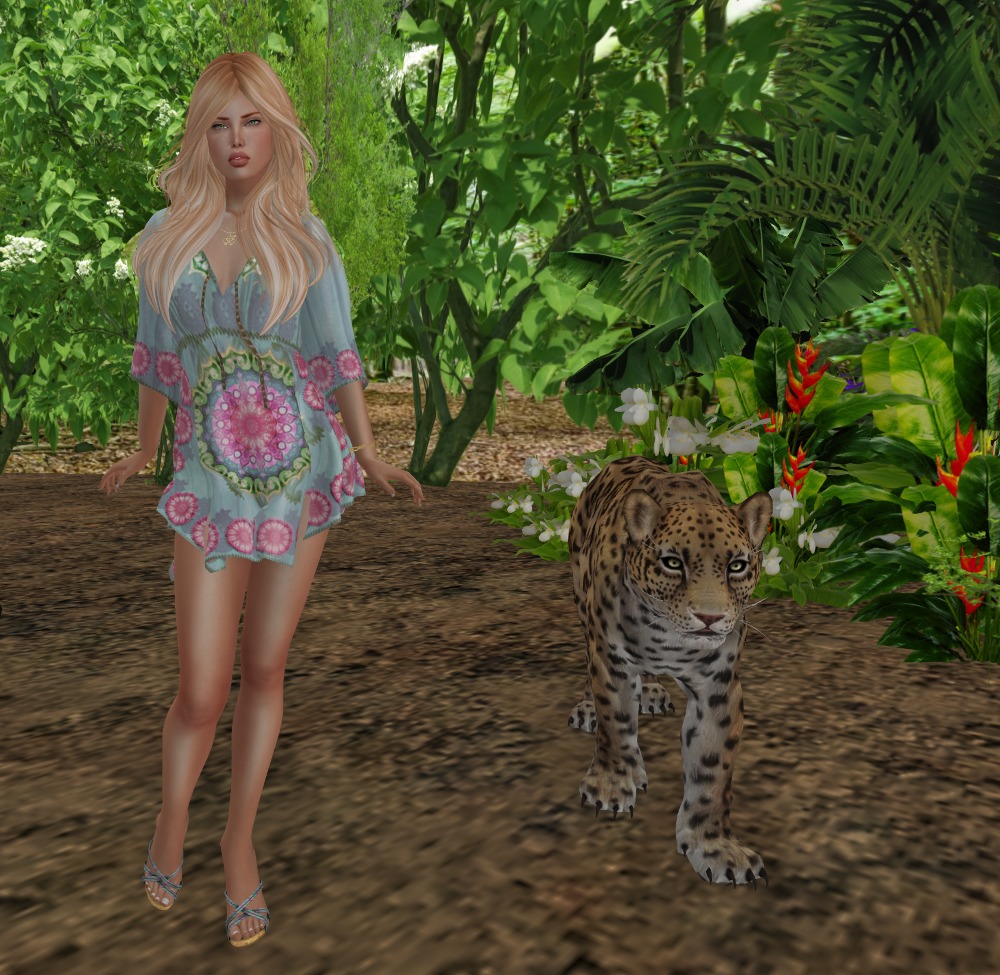
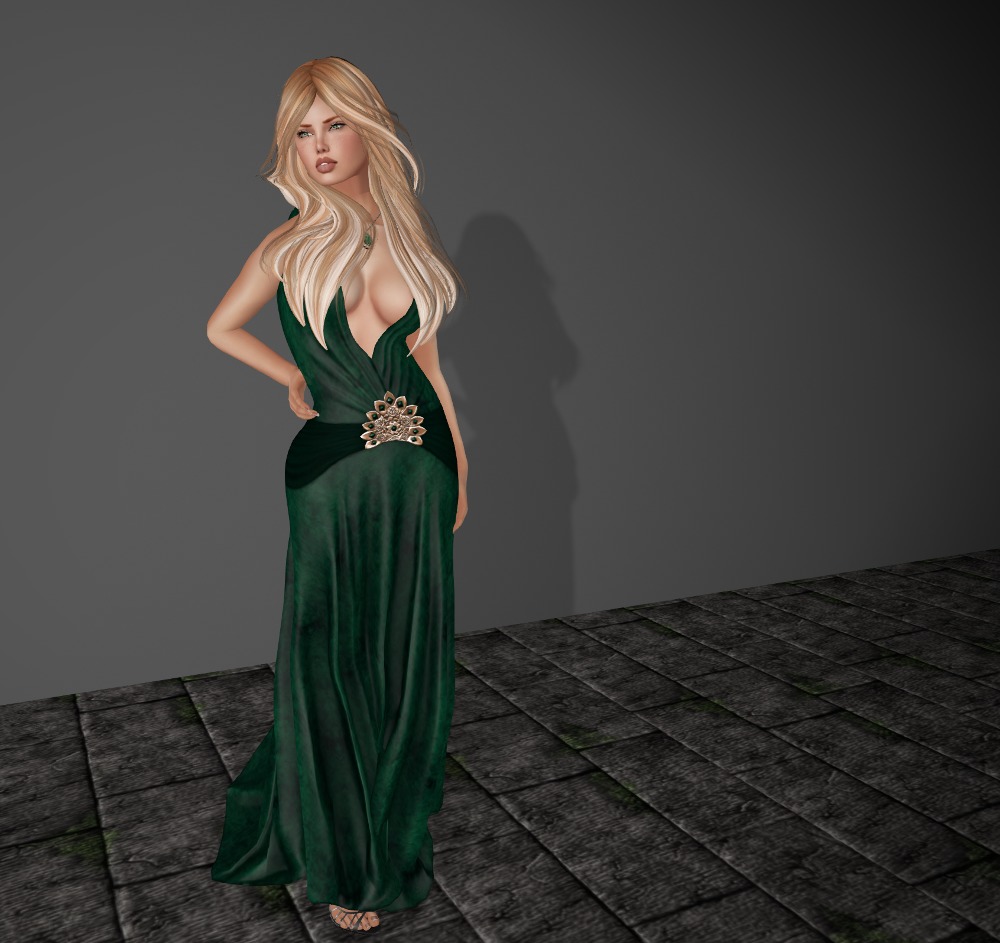
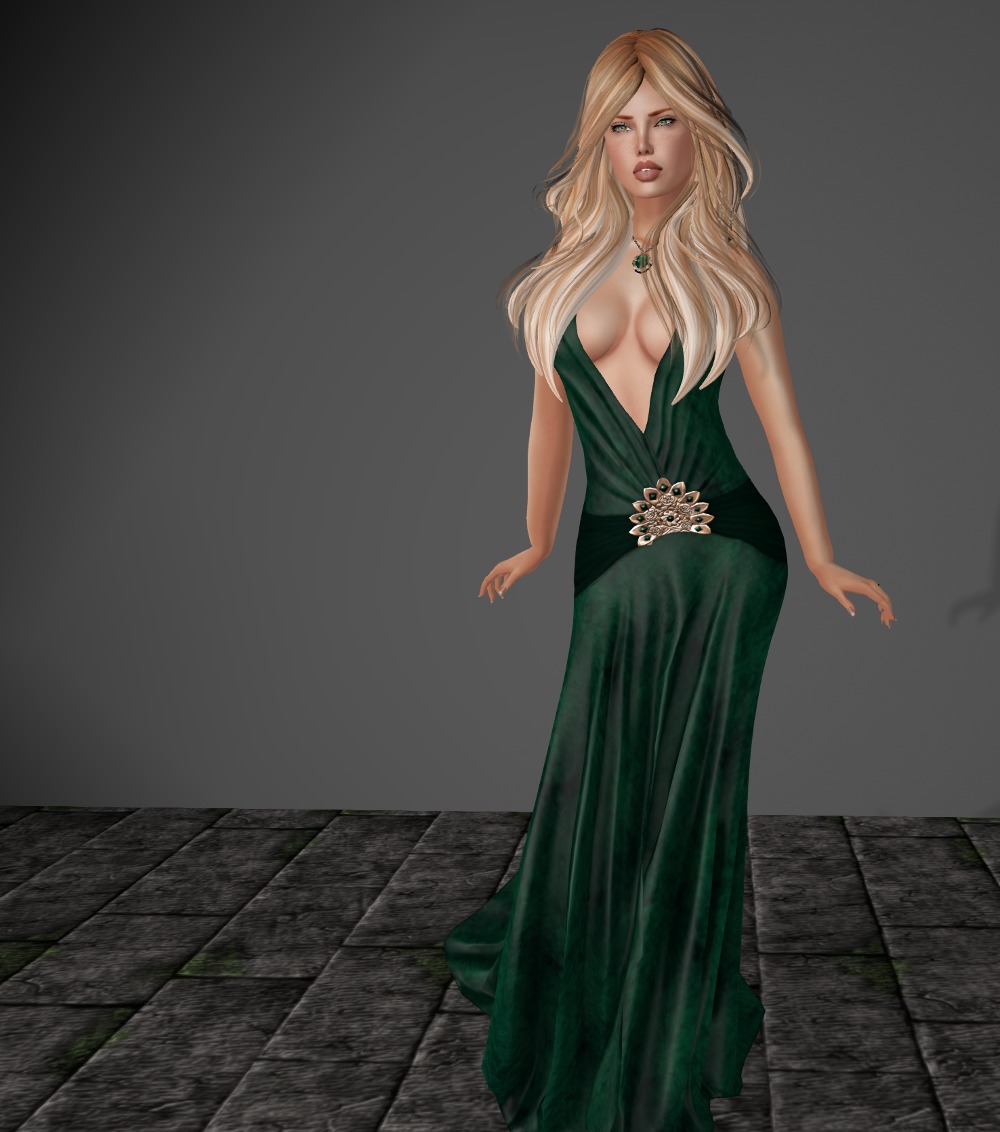
Another dress that’s been hiding in my unopened folder, this one’s by Rowena Springflower.
It comes in standard sizes, fitmesh for classic sizes, and specific fitmesh sizes for Maitreya, Belleza, and Slink Physique. While this is fitmesh for Lara, there are a few breakthrough issues that are really difficult to deal with on the Maitreya HUD due to the neckline. One of the classic sizes in fitmesh maybe better (and of course you could tweak your shape to deal with it too).
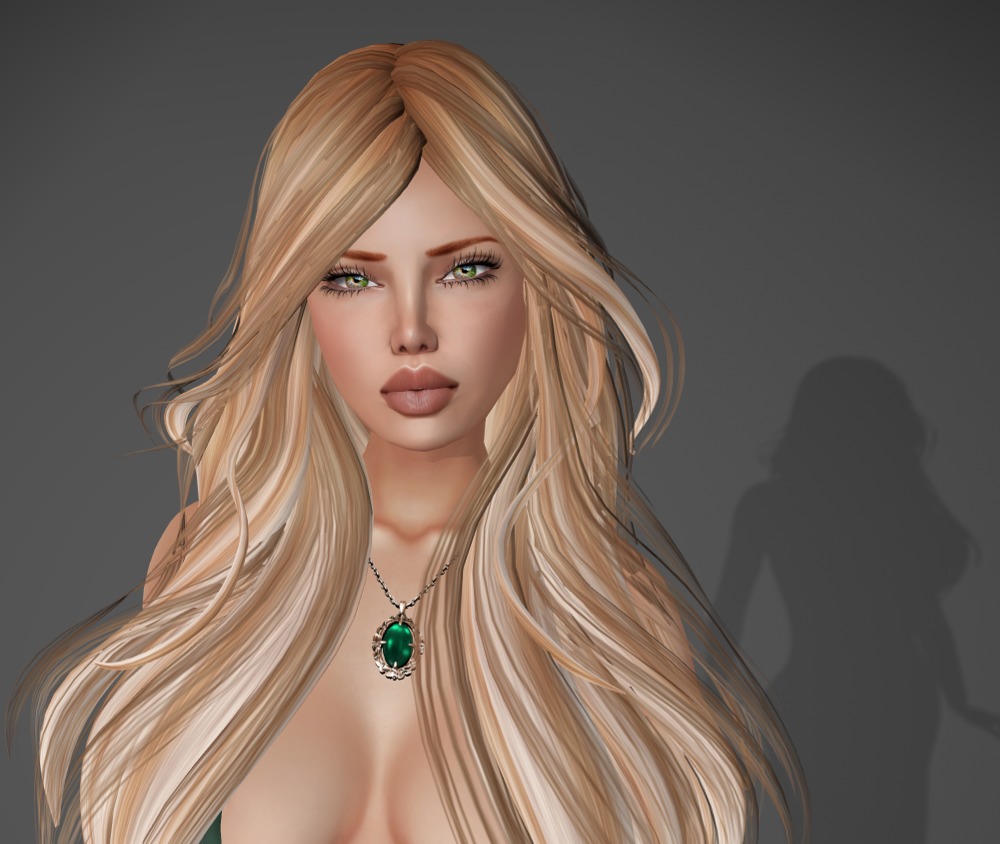
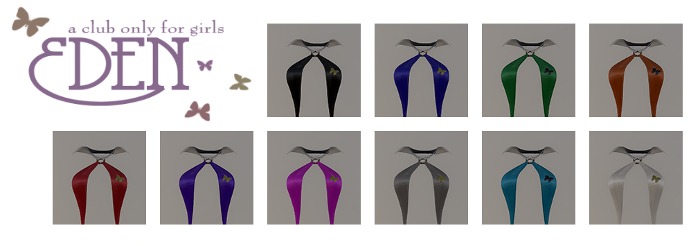
The absolutely fantastic necklace is included, and there is a six color HUD for the dress and the necklace.
Here’s some old tech for you that still holds up surprisingly well.
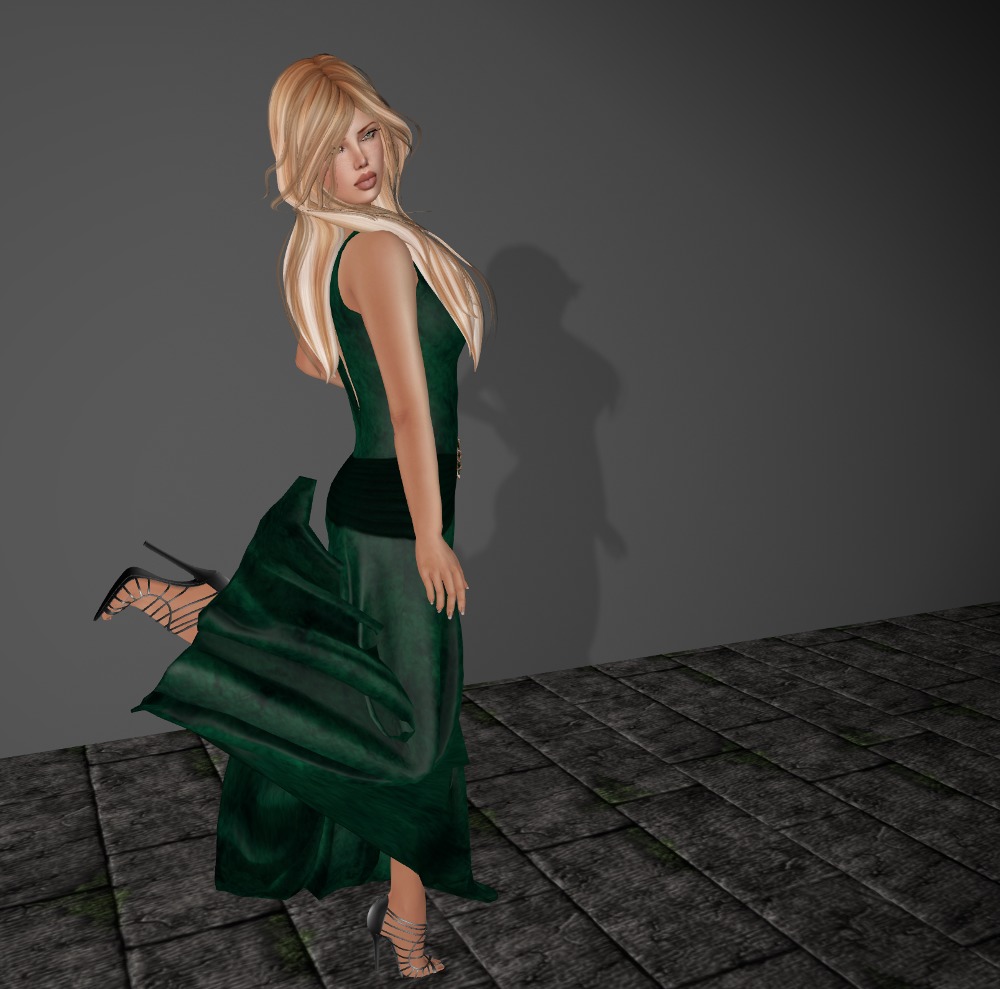
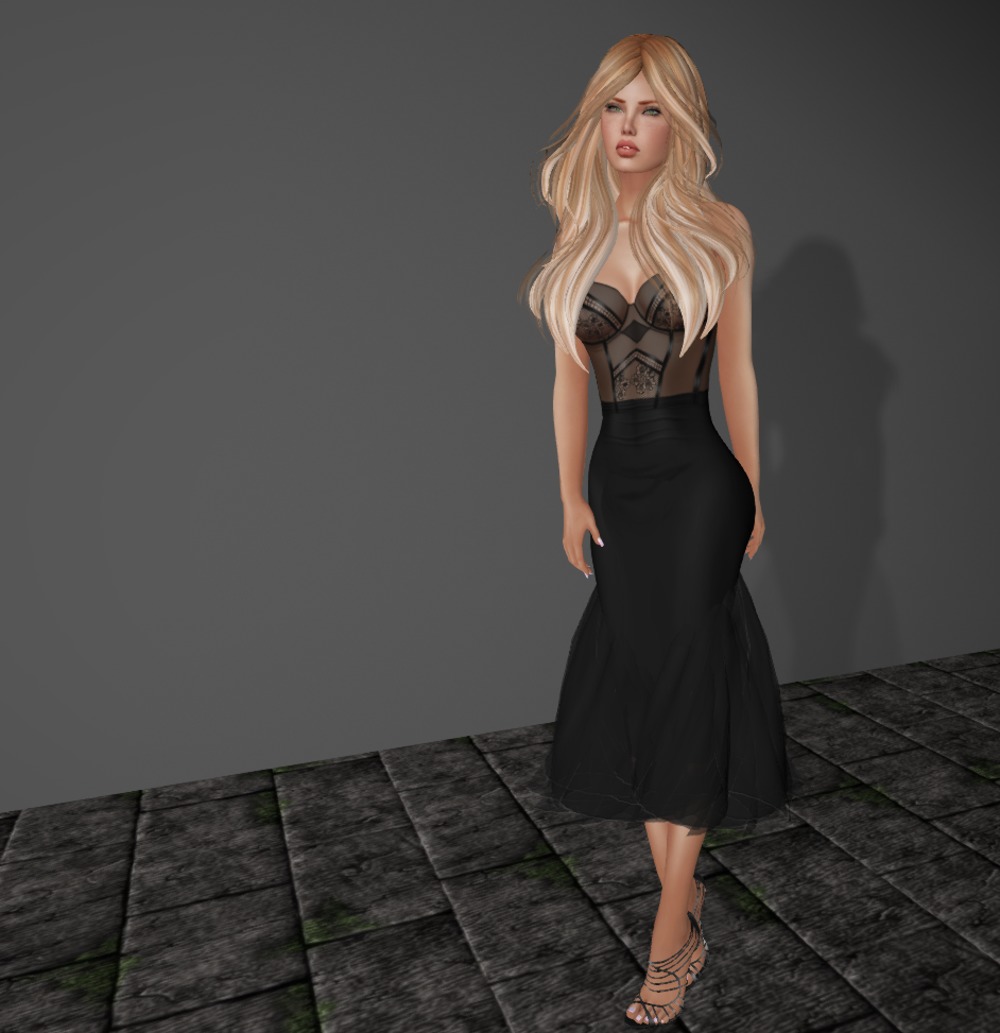
Before the explosion of fitmesh probably about 18 months ago, one of the better ways of doing a dress was with a mesh panel to provide the illusion of a dress either over system layers, or in this case, appliers. I’ve never really liked the look of the panels because as they are rigged you can’t adjust them, and if the designer doesn’t get them just right, they can look terrible.
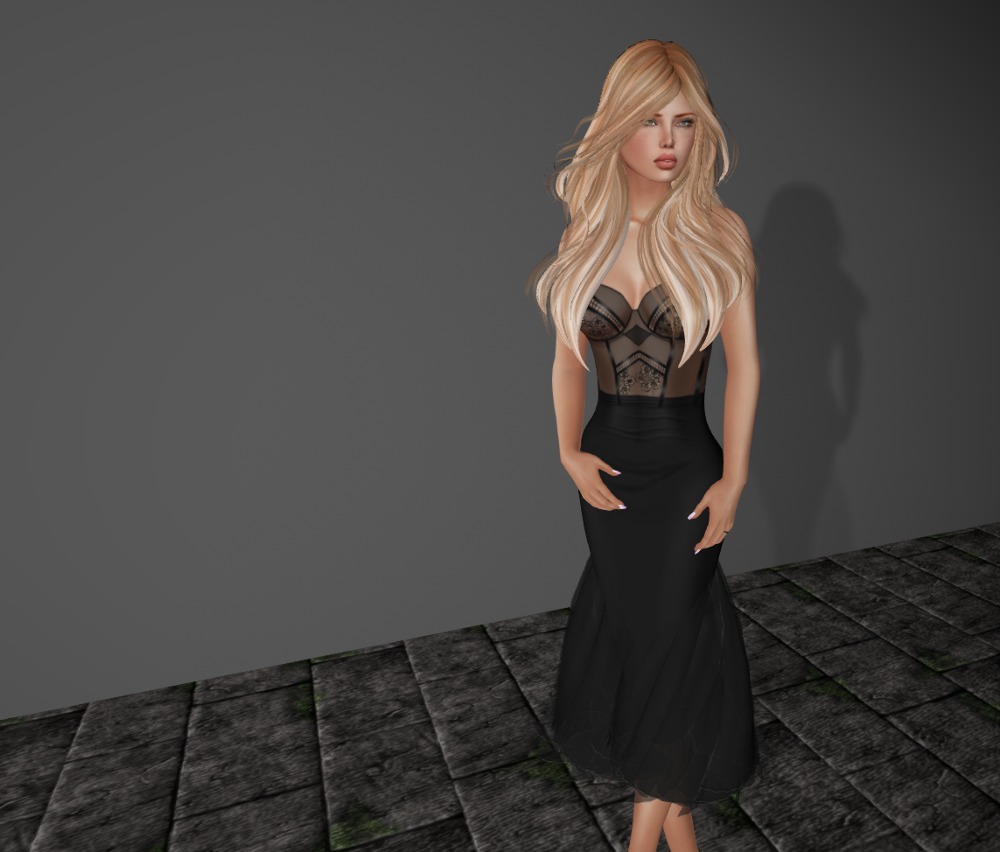
Then again, when the designer does a good job as is the case here, and adds some flexi prim skirts too, you can end up with a great effect. The detail on the applier top is just fantastic in this case, and the mesh panel joins are mostly hidden (or you are distracted from seeing them) by the flexi skirts.
Some simple sandals and my fav long hair completes the look. Simple, effective, great!
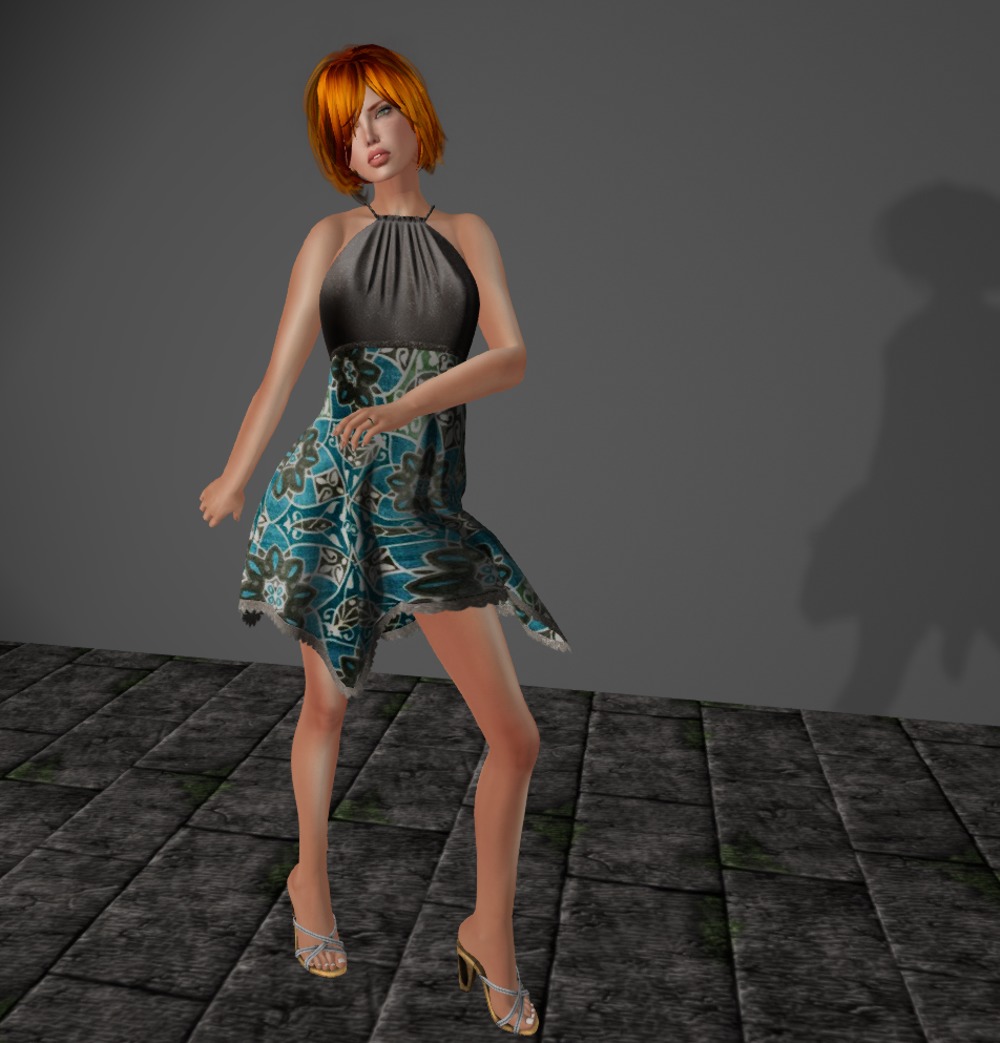
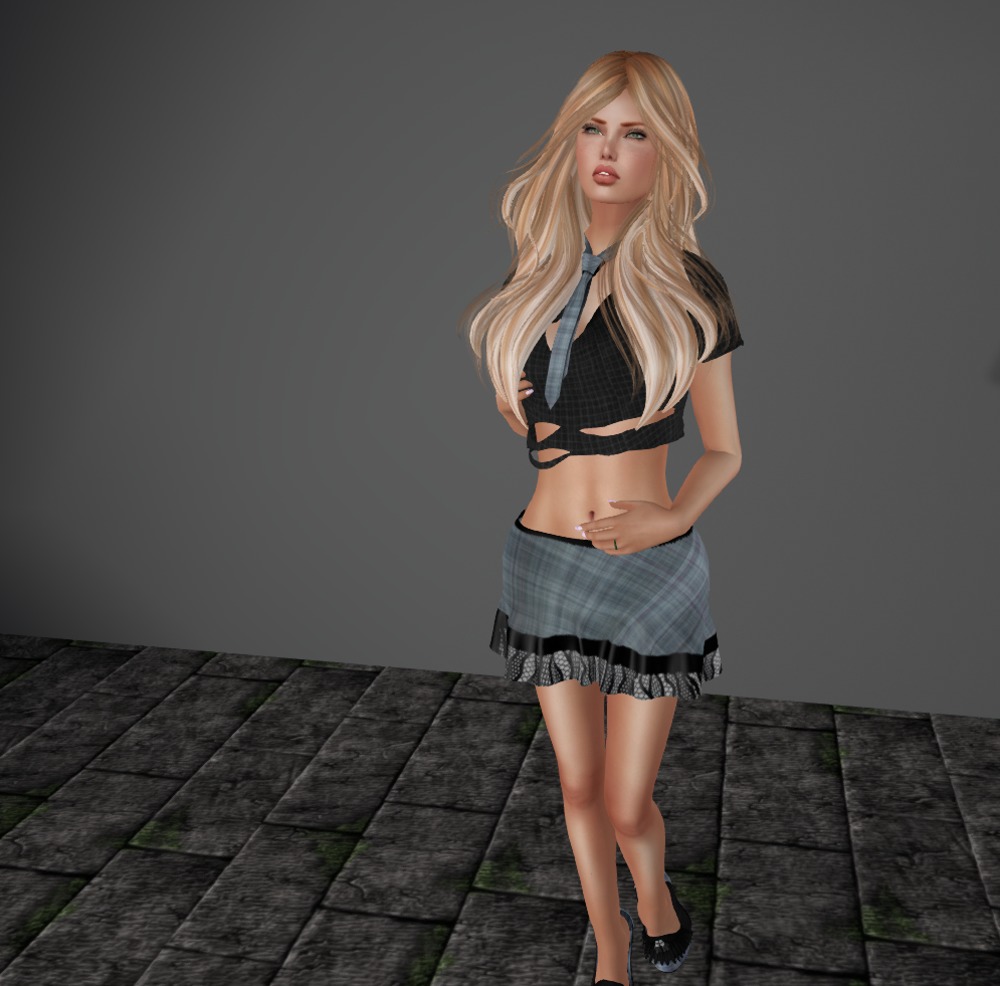
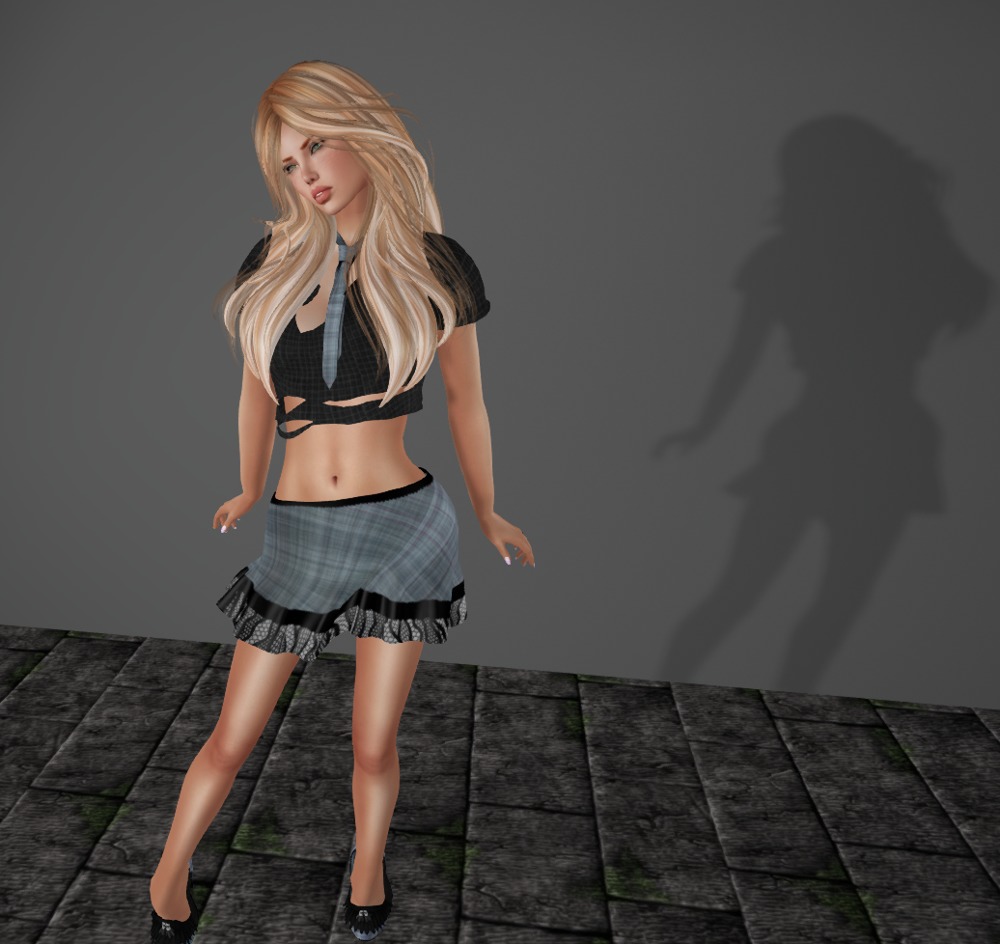
This little outfit was from last year’s Boho Fair.
There are a whole bunch of fits in the box, including standard sizes for the top and skirt, fitmesh for Maitreya and Slink, and multiple sizes for the tie, all unrigged for easy resizing and positioning.
The matching shoes for Slink High are also included.
Outfit: Black Widow, Top, Skirt, Tie, Shoes by Kelli Kreations (marketplace link, outfit unavailable)
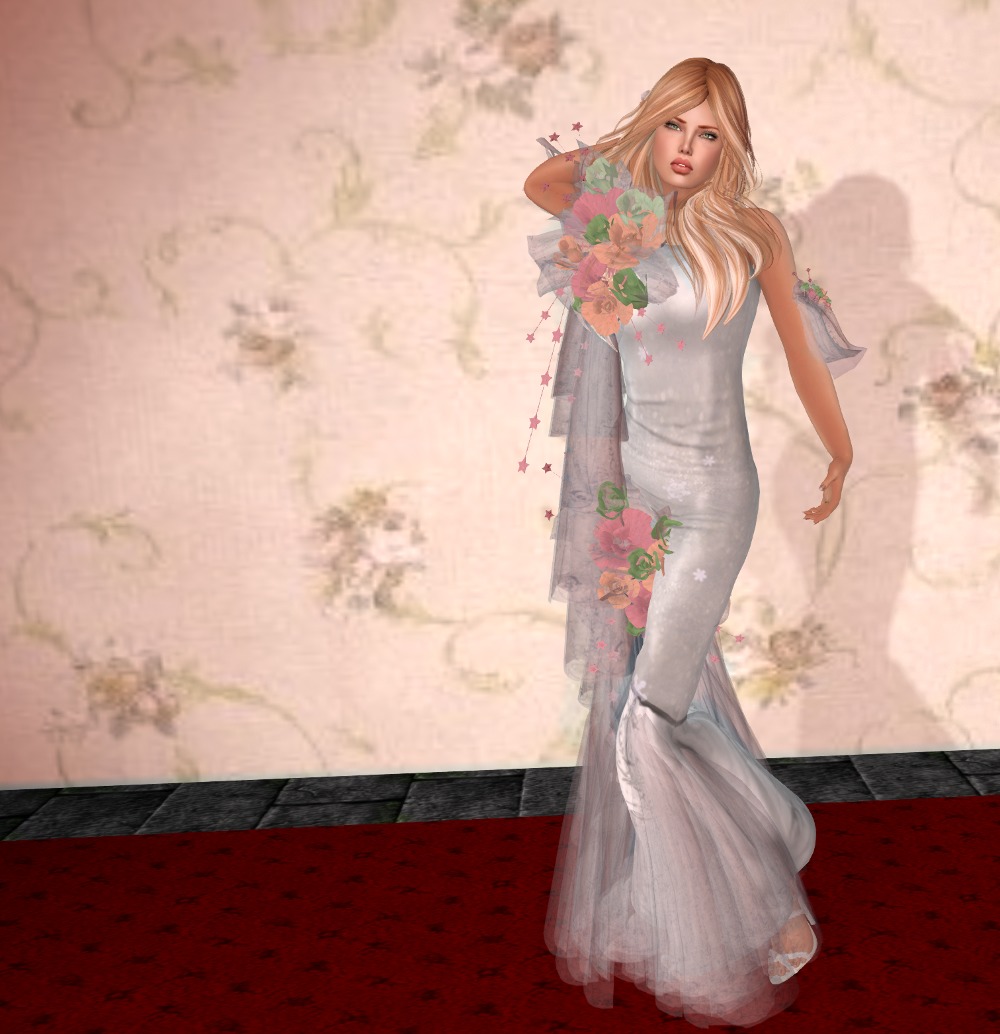
This is a gown from The White Amory that’s been languishing in my unopened folder from two Christmases ago!
The gown itself is standard size mesh, and the prim and mesh attachments are unscripted (if you want them smaller than they are here, you’ll have to sharpen your building skills!)
Update: The script included in this post has been updated. Please see this blog post to get the improved version.
Yesterday we talked about a script to add to some cheap copy mod butterflies available on the marketplace to prepare them for use in a rezzer. Today, we’ll look at the rezzer script and how to put it all together.
Let’s jump in and look at the rezzer script right away. All we are going to have to do is place this, an optional notecard, and our modified butterflies in a prim, and we’ll be ready to go! Here’s the script (don’t panic, it’s a little larger than yesterdays!):
integer g_rezzed;
integer g_chan = -88503;
integer g_nc_line;
integer g_rez_count;
integer g_pos_count;
integer g_obj_count;
key g_nc_id;
list g_positions;
list g_objects;
string g_nc_name = "config";
default {
on_rez (integer n) {
llResetScript ();
}
changed (integer c) {
if (c & CHANGED_INVENTORY || c & CHANGED_REGION_START) {
llResetScript ();
}
}
state_entry () {
llRegionSay (g_chan, "SWAT!");
integer i;
g_objects = [];
g_positions = [];
g_pos_count = 0;
string name;
integer n = llGetInventoryNumber (INVENTORY_OBJECT);
for (i = 0; i < n; i++) {
name = llGetInventoryName (INVENTORY_OBJECT, i);
if (llGetSubString (name, 0, -2) == "butterflys") {
g_objects += name;
}
}
g_obj_count = llGetListLength (g_objects);
if (g_obj_count == 0) {
llOwnerSay ("There are no butterflys objects in the inventory!");
return;
}
g_rezzed = FALSE;
g_nc_line = 0;
if (llGetInventoryType (g_nc_name) == INVENTORY_NOTECARD) {
g_nc_id = llGetNotecardLine (g_nc_name, g_nc_line);
} else {
llSetTimerEvent (30.0);
}
}
dataserver (key id, string data) {
if (id == g_nc_id) {
if (data != EOF) {
if (llGetSubString (data, 0, 0) != "#") {
g_positions += (vector)data;
llRegionSay (g_chan + g_nc_line, "SWAT!");
}
g_nc_id = llGetNotecardLine (g_nc_name, ++g_nc_line);
} else {
g_pos_count = llGetListLength (g_positions);
llSetTimerEvent (30.0);
}
}
}
timer () {
vector sun = llGetSunDirection ();
if (sun.z > 0) {
if (g_rezzed == FALSE) {
integer i;
for (i = 0; i < g_pos_count + 1; i++) {
llRezObject (llList2String (g_objects, (integer)llFrand (g_obj_count)),
llGetPos () + <0.0, 0.0, 1.5>,
ZERO_VECTOR,
ZERO_ROTATION,
g_chan + i);
g_rez_count++;
}
g_rezzed = TRUE;
}
} else {
if (g_rezzed == TRUE) {
integer i;
for (i = 0; i < g_pos_count + 1; i++) {
llRegionSay (g_chan + i, "SWAT!");
}
g_rezzed = FALSE;
}
}
}
object_rez (key id) {
if (--g_rez_count > 0) {
llSay (g_chan + g_rez_count - 1,
(string)llList2Vector (g_positions, g_rez_count - 1));
}
}
touch_start (integer n) {
if (g_rezzed == TRUE) {
integer i;
for (i = 0; i < g_pos_count + 1; i++) {
llRegionSay (g_chan + i, "SWAT!");
}
g_rezzed = FALSE;
}
}
}
OMG you might be saying 🙂 Let’s take it slow, and go through this. I’ll describe each event handler, so hopefully you can grasp what’s going on.
on_rez – we are just restarting the script.
changed – we restart the script on a region restart so as to make sure we either rez or derez the butterflies. We also restart if the inventory changes, which makes it easy to add lines to the notecard for additional butterflies .
state_entry – we initialize some variables, find the names of the butterfly objects in our inventory (remember, I said yesterday to name the butterfly objects “butterflys1”, “butterflys2”, and “butterflys3”?). Then we start reading our notecard, which will transfer control to…
dataserver – which gets each line in our notecard, and stores the data in a variable called g_positions, and once we hit the end of the notecard, we start a 30 second timer. We also derez any existing butterfly objects.
timer – here’s where all the work gets done. Every 30 seconds, we check if the sun is up (indicated by the Z value of the sun’s position). If the sun is up, and we haven’t rezzed any butterflies yet, rez a randomly selected butterfly object from our inventory 1.5 metres above the rezzer for each of the positions in our notecard. If the sun is not up, say “SWAT!” to each of our rezzed butterflies on the channel they are listening on to delete them. Note the last parameter of the llRezObject call. It tells each butterfly object what channel to listen on (the parameter in the on_rez event of yesterday’s script). Also note that the rez loop rezzes one additional butterfly object and leaves it above the rezzer. This makes it easy if you just want one butterfly set.
object_rez – here we tell each newly rezzed butterfly object the position it should move to.
touch_start – just in case you need to reset everything, you can touch the rezzer to delete any existing butterflies.
We need an optional notecard in the rezzer’s contents called “config”. It consists of lines containing positions in region co-ordinates where you want additional butterflies to be. You can also comment out a line by putting a hash in the first column. So you might have something like this:
# butterflies for woods
<104.3, 10.5, 26.0>
# for skybox
<218.5, 132.5, 2026.0>
After all that we better have a picture 🙂
Here’s a screen shot of the rezzer with the config notecard, the above script, and the butterfly objects in its contents:
Here I’ve made the rezzer white so you can see it, but you should set it to 100% transparent, and phantom too. You also must call the rezzer “Butterfly rezzer”, because that’s what our script from yesterday is expecting.
And that’s it! If you’ve followed along with the instructions, 30 seconds after you drop the script in the rezzer, your butterflies should rez! Assuming the sun is up 🙂 Take the rezzer into your inventory and position where you want one set of butterflies to be. Add lines to the config notecard for additional ones! Have fun!
Update: The script included in this post has been updated. Please see this blog post to get the improved version.
Butterflies don’t fly at night, have you noticed? Lots of builders just rez some and leave it at that. Let’s see if we can get some realism.
I’ll wait while you go and buy some butterflies to play with from this marketplace listing. They’re only L$10…
Got them? Good. Once you unbox them you will see they are copy, modify, no transfer. This is exactly what we want as we can add scripts to them and rez them to our hearts content.
There are three different types in the box, and we are going to rez them one by one, add a script to them, and take them back into our inventory with a different name so we know which ones are ours.
Let’s examine what this does. On rez, we get the integer that our rezzer passed us and listen to the rezzer on that channel. When we receive a message from the rezzer, we delete ourselves if the message is “SWAT!”, else we interpret the message as a position in region co-ordinates and set our position there. Pretty straightforward, right?
Create a new script in your inventory (probably in the folder you have the butterflies in) and call it something like “Butterfly listener”. Then, rez each butterfly object, edit it, and drag the script into it. Editing these can be a little tricky, so use area search to find and edit them.
Here’s a screen shot showing one set of butterflies rezzed with the new script in them.
Name the butterfly objects “butterflys1”, “butterflys2”, and “butterflys3” either while you’re editing them or when you take them back into your inventory. Note I’ve chosen to keep the creator’s spelling mistake as this makes them easier to find lol. Note that all lower case is important! If you don’t name them exactly this, tomorrow’s script won’t work. You can see them in my inventory window in the above photo.
Tomorrow, we’ll examine the rezzer script, the control notecard, and how to put it all together. Say tuned!
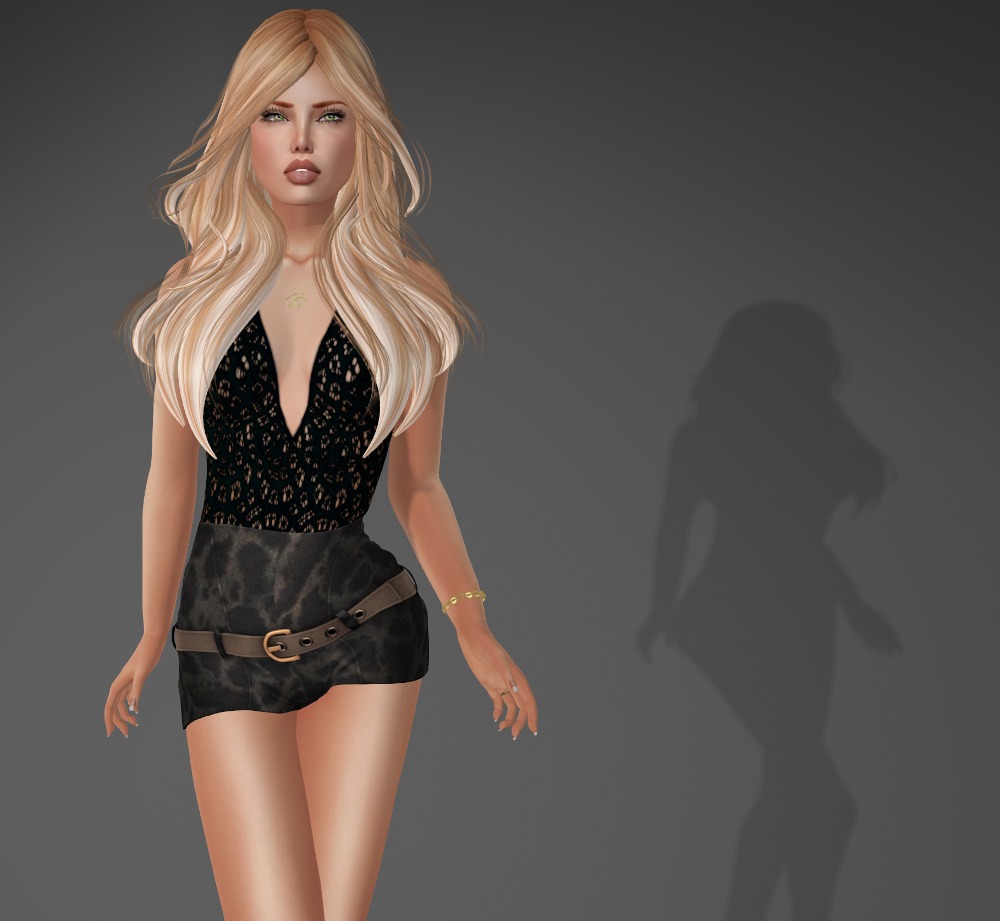
This is fitmesh for Lara, but while my shape is a standard small in classic mesh sizes, I have a few little breakthrough problems with it, which I’m sure I could fix with a few tweaks. It also comes in standard sizing, and probably a few other fitmesh sizes that I’ve already deleted.
It also comes with a great three texture HUD. I particularly like this texture but there is a really nice black and white leaf texture too 🙂
Look what I found hiding in my unopened folder! If you haven’t figured it out by now, my unopened folders are the messiest part of my inventory. I regularly go through them trying to clean up the mess by opening things and filing them away, or discarding them. Life as a blogger lol.
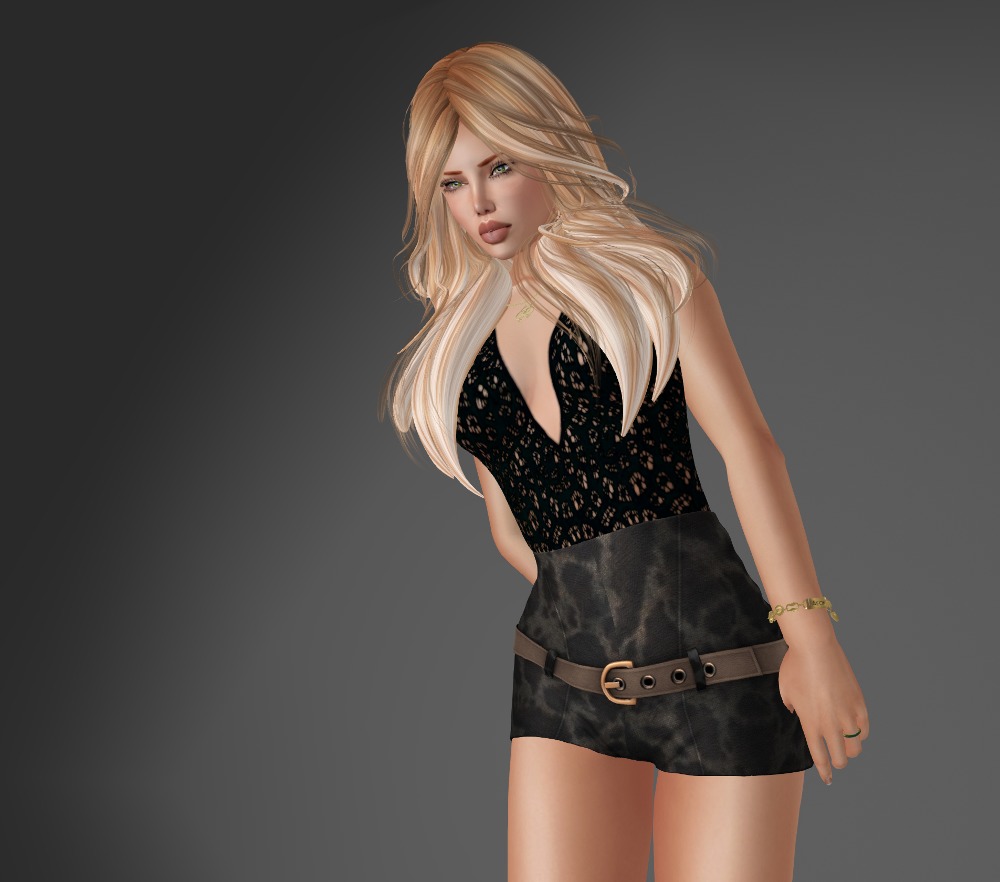
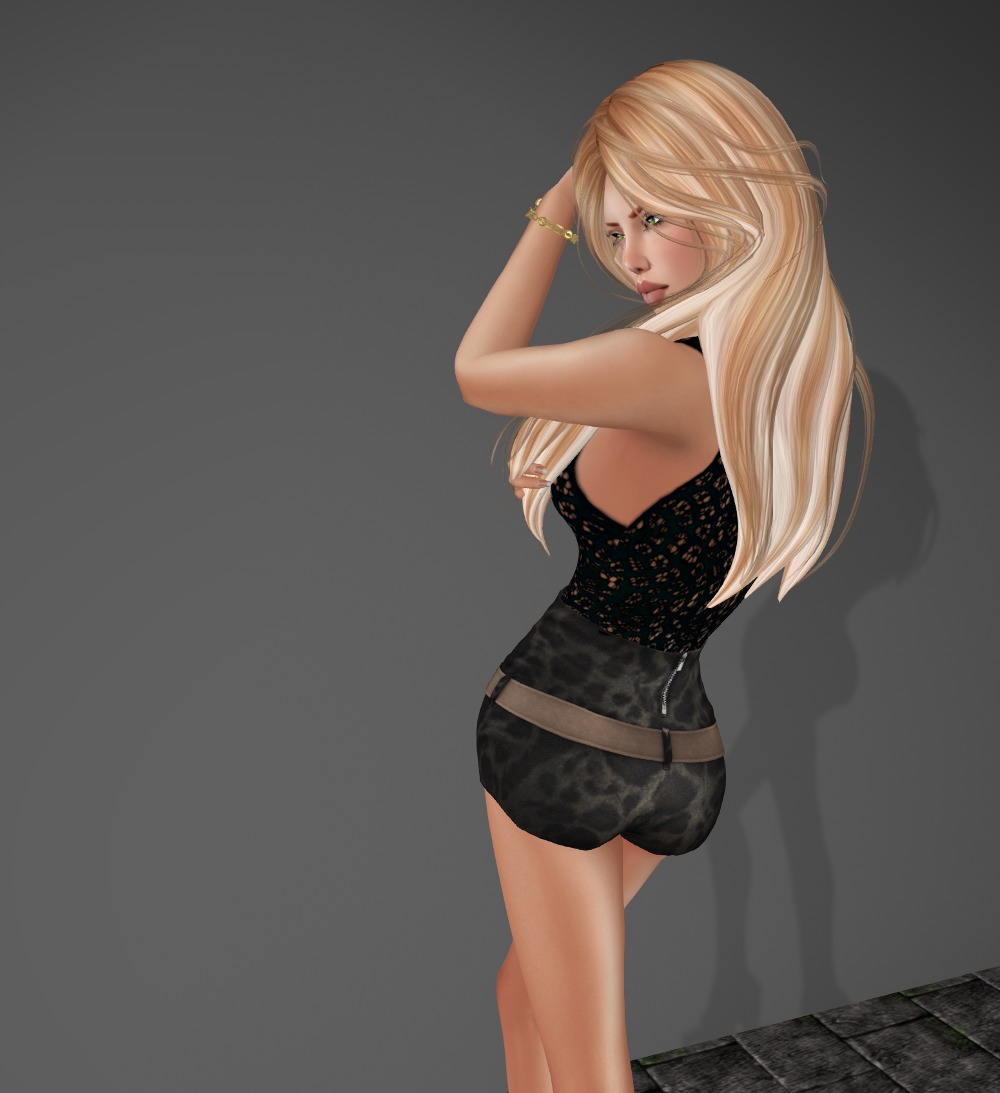
This great looking little belted dress comes in standard mesh sizes and the small fits me perfectly 🙂