Here’s one more group gift from NyDesign. Their group is FREE to join.
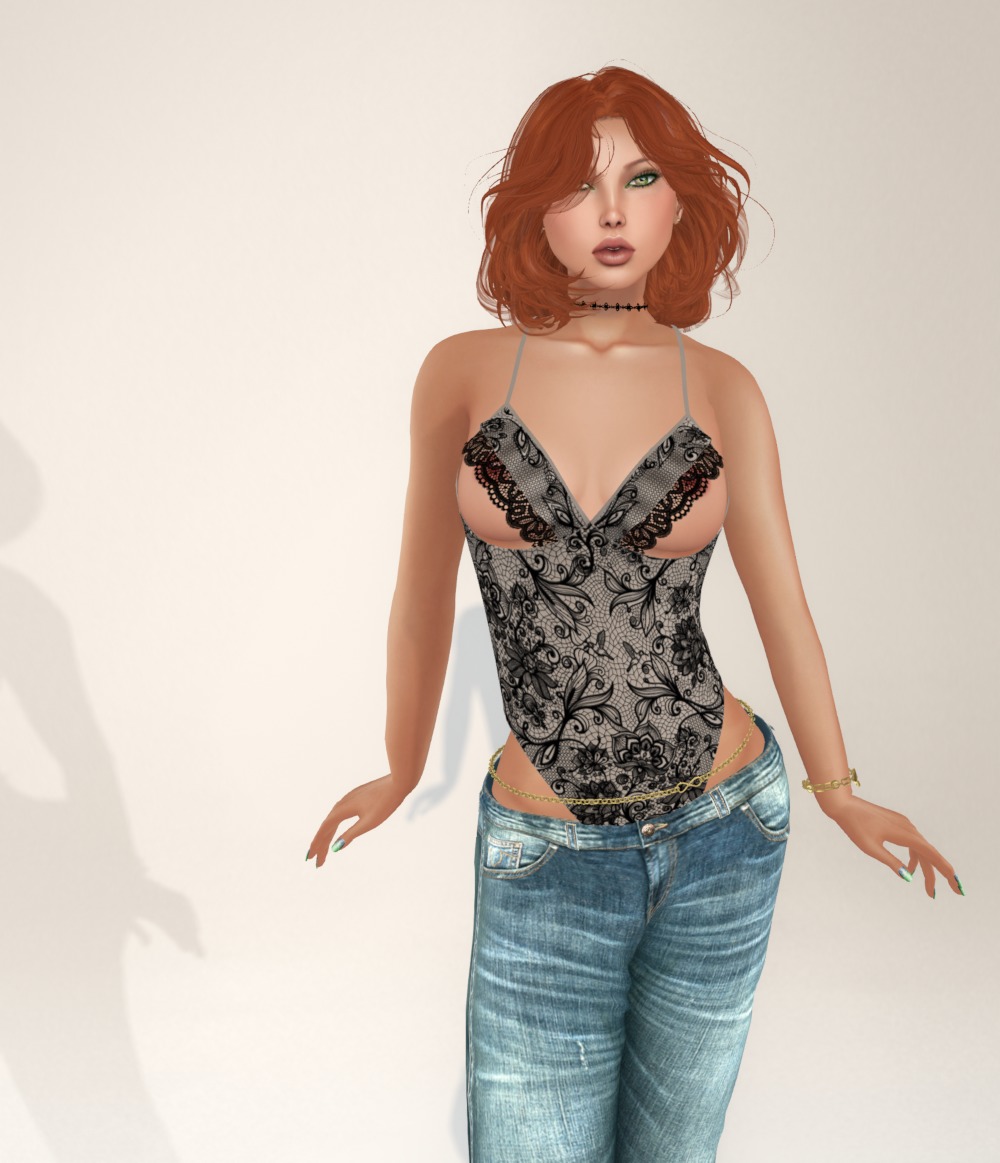
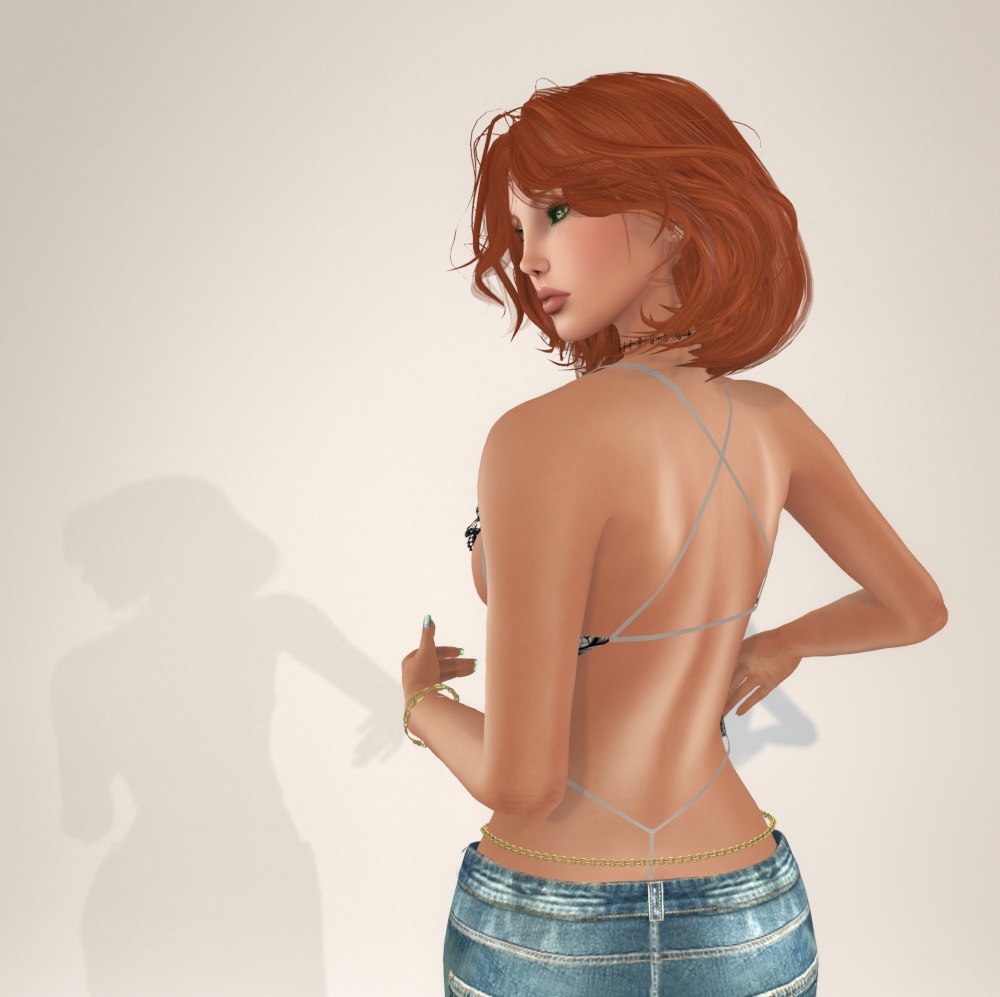
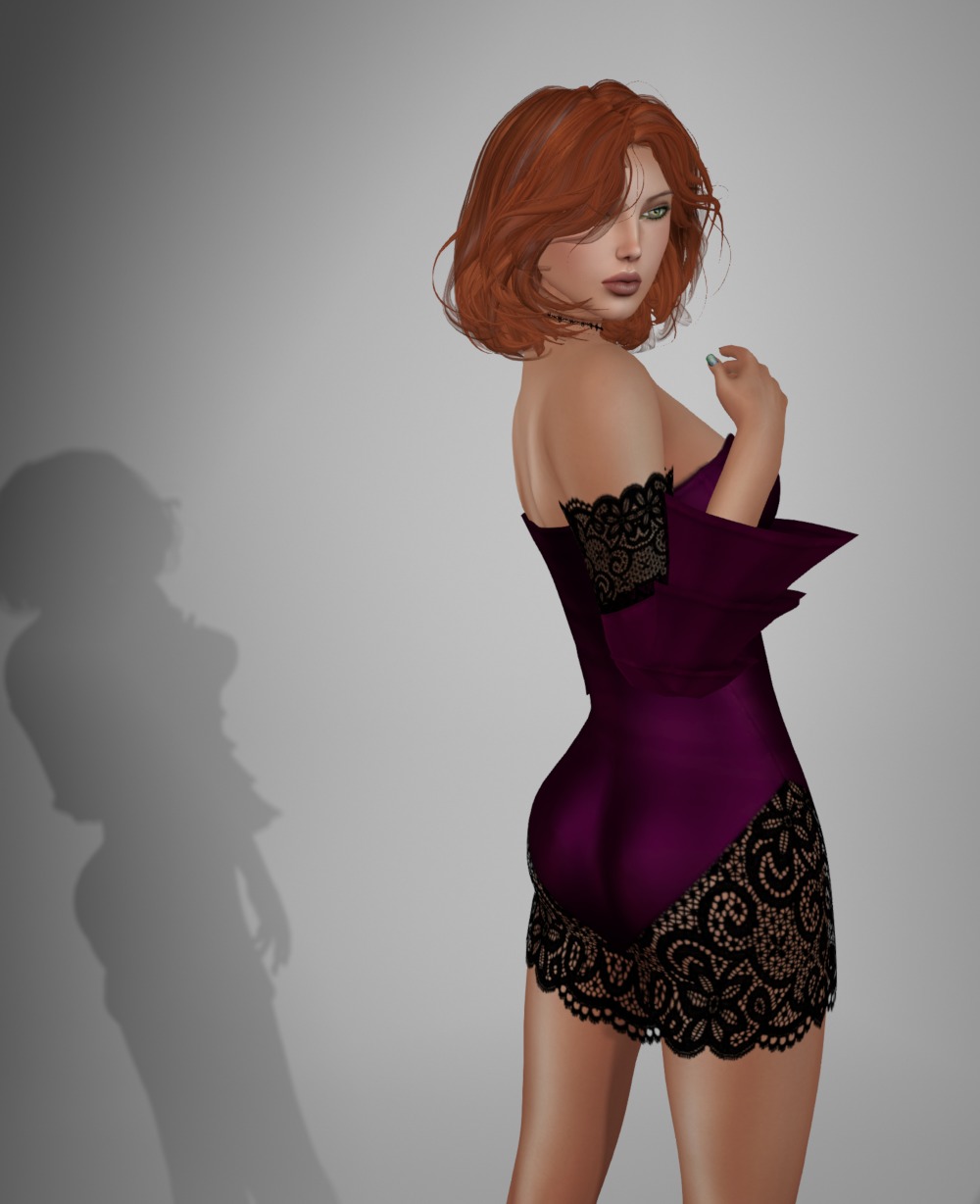
This g-string bodysuit works perfectly under my fav boyfriend jeans. And it has a twelve color HUD to change the fabric (not the lace). It comes in sizes for Lara, Curvy, Fine, Freya, Isis, Venus, Physique, and Hourglass.
Bodysuit: G-String Body, boxed as Amorelie Bodysuit by NyDesign
Prior to yesterday’s post, I checked to see if the group gift I showed you was still there, and unfortunately it wasn’t. But this one certainly was as I picked it up there and then!
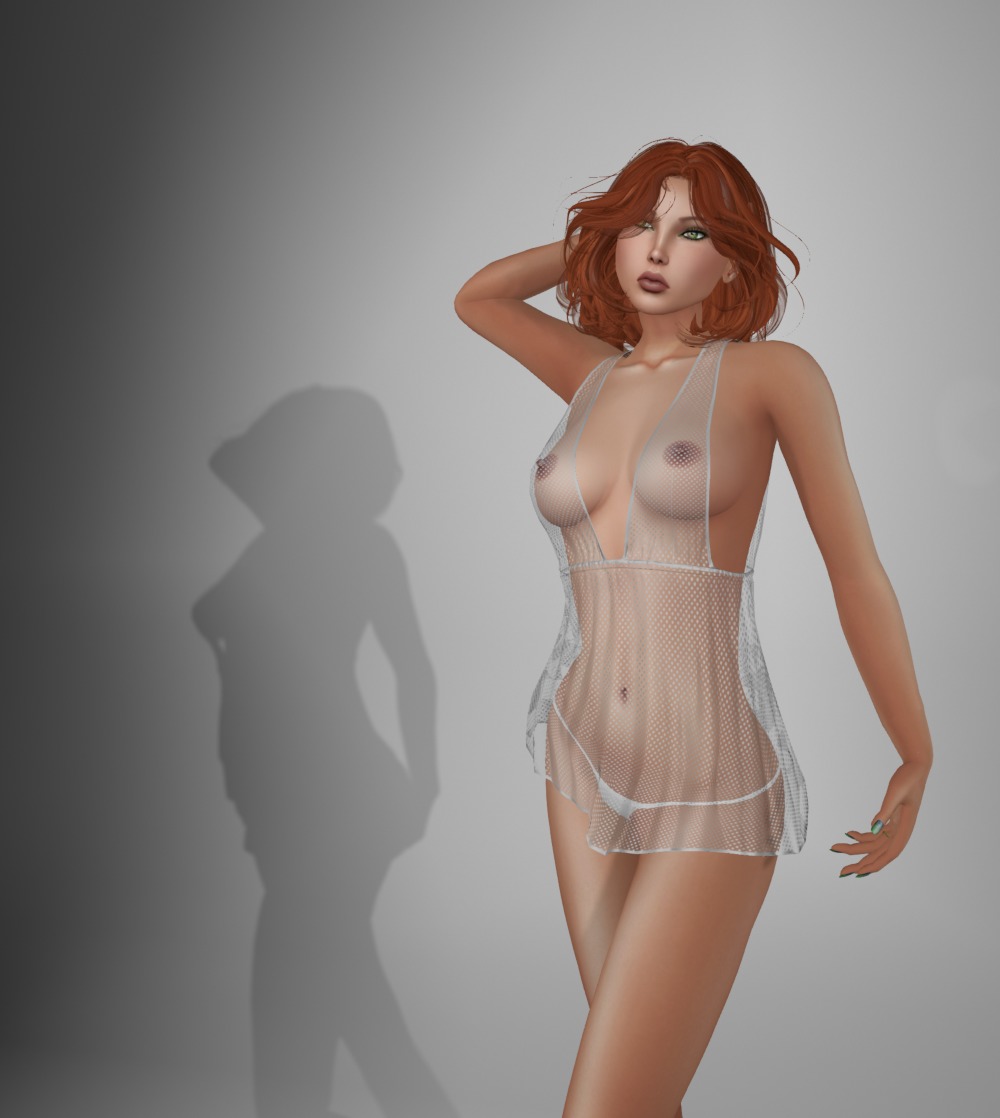
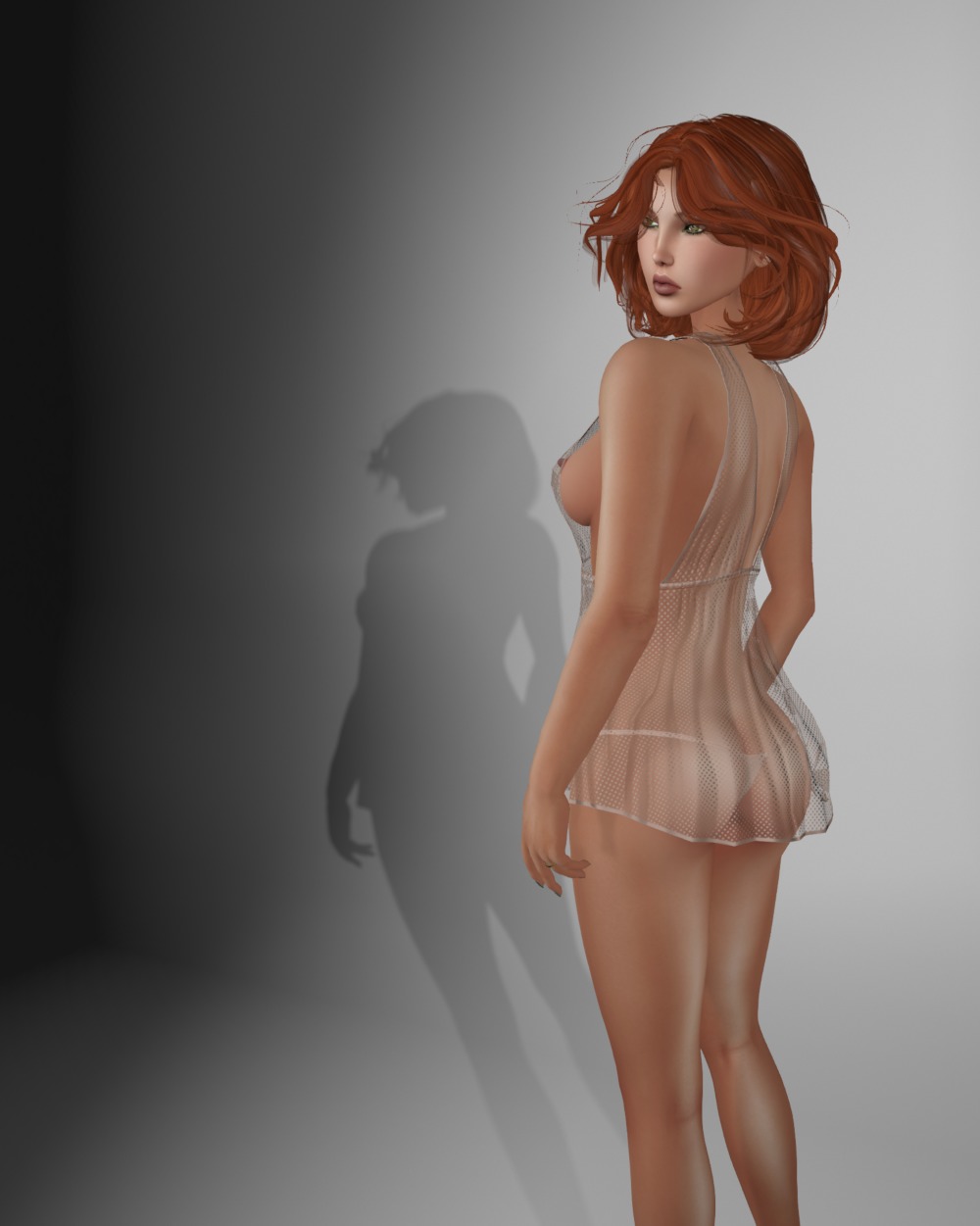
This fabulous sheer babydoll nightie and thong come in sizes for Lara, Physique, Hourglass, Isis, Venus, and Freya. The texturing and fit are wonderful, and it also comes with a color picker that allows you to change the color to anything you like, and has save slots too! Wow!
Nightwear: Venus Babydoll – Infinity HUD by NyDesign
This was a group gift from NyDesign last month. Their group is FREE to join. I’m very late in posting it, so I hope you’ve already got it 🙂
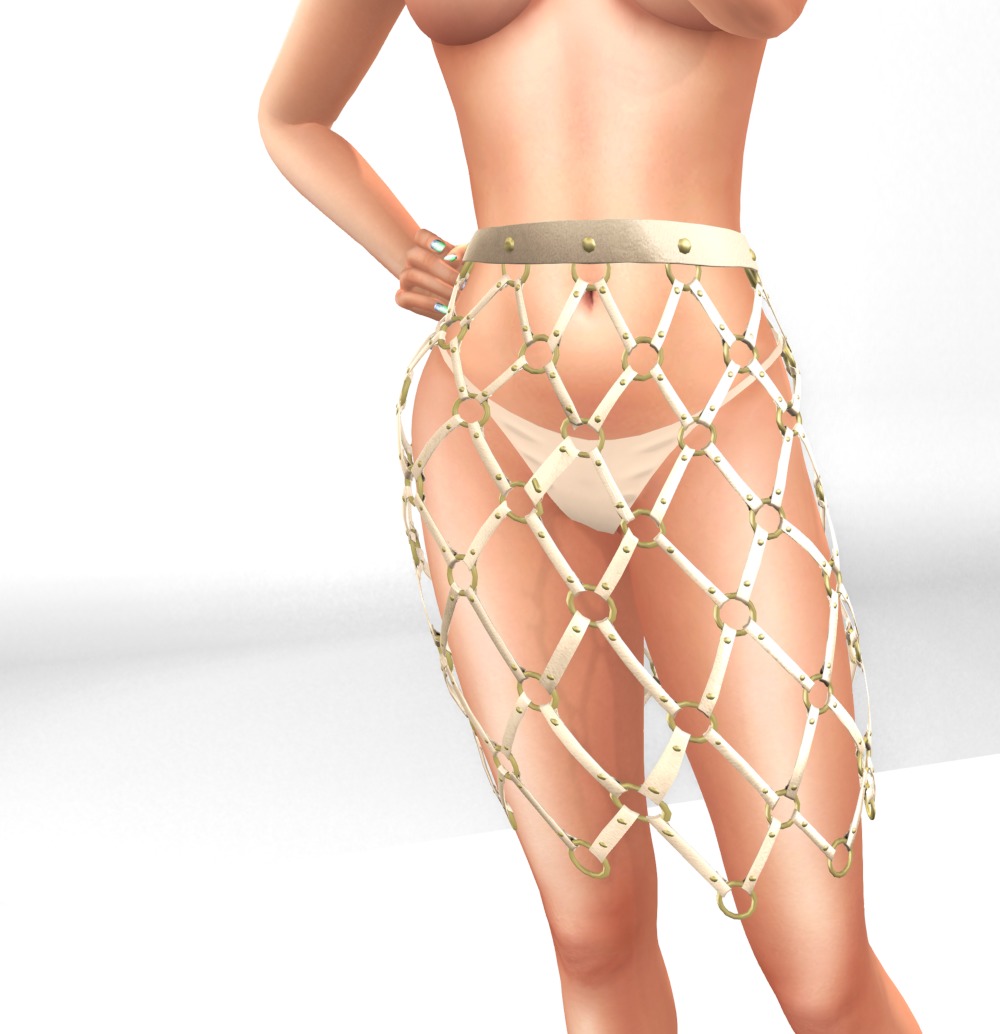
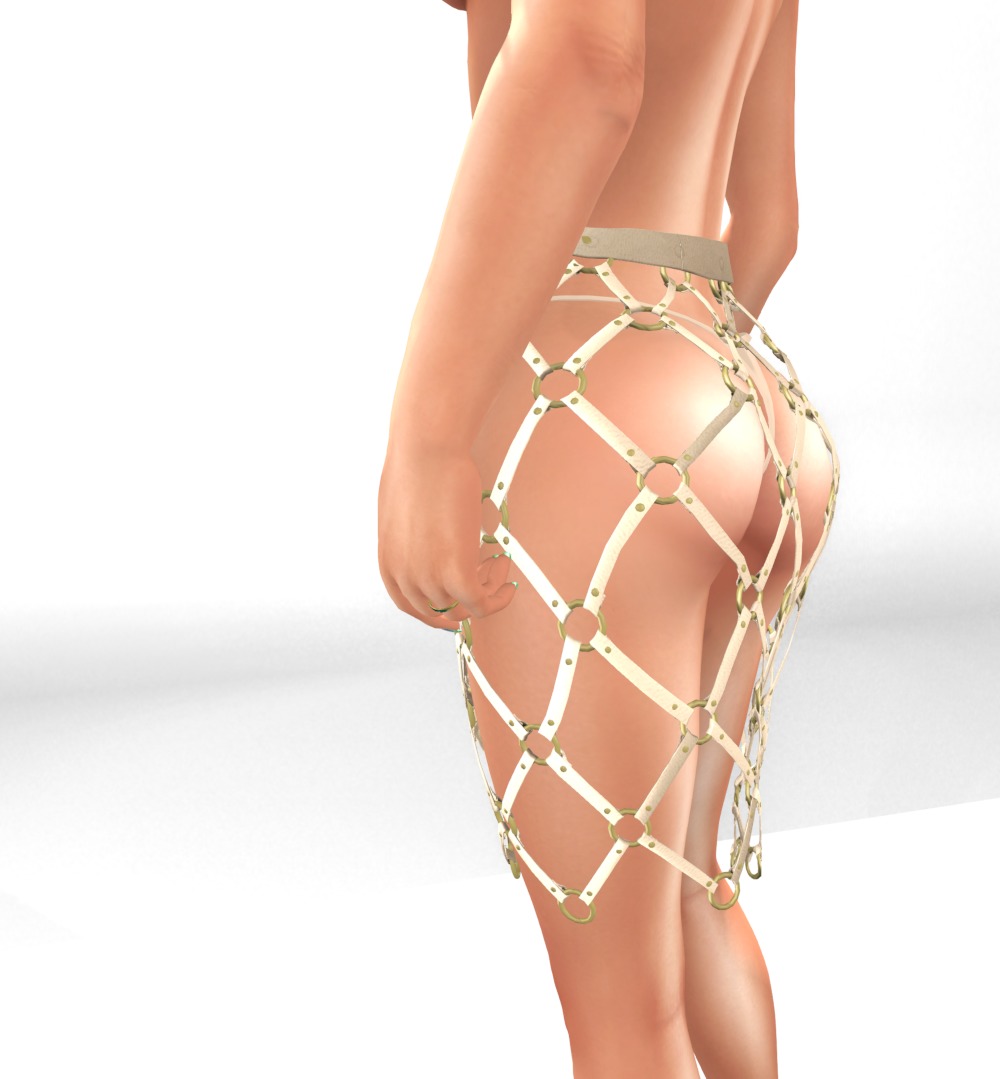
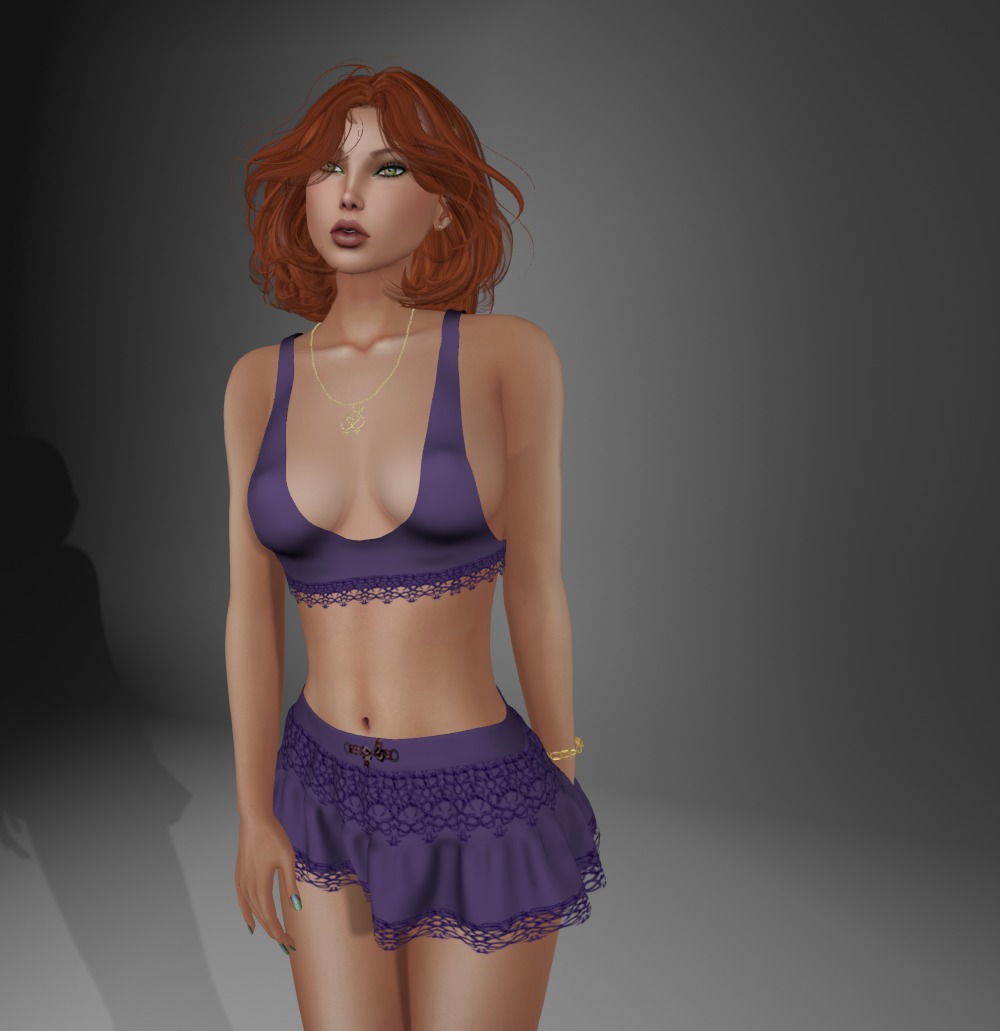
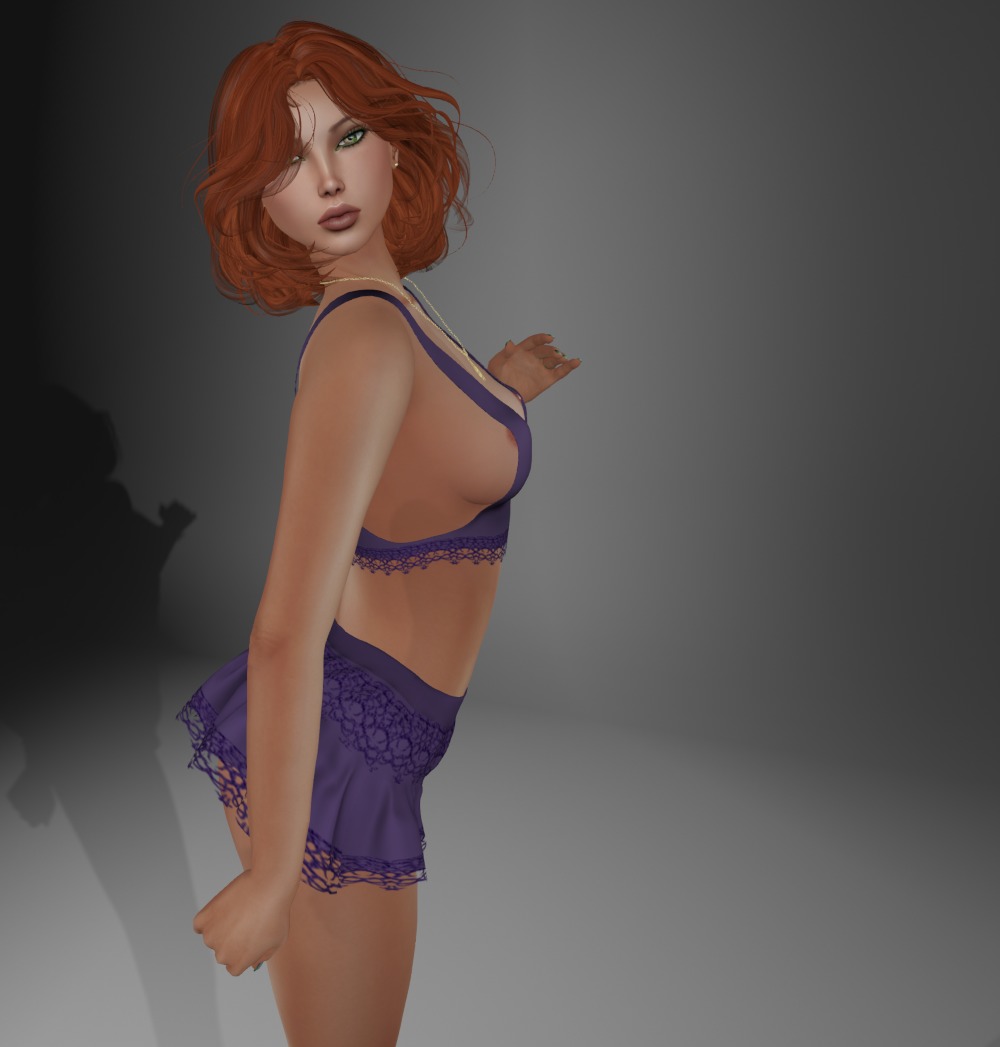
I have no idea what I could match this with. I’m sure our smarty Jaz would come up with something! But I’ll just show you the “skirt” 🙂
This is very cleverly built and has got me thinking about how I’d do something like this in Blender without having to move all the individual little pieces! The skirt and panties are separates, and both come in sizes for Lara, Hourglass, Physique, Venus, Isis, and Freya.
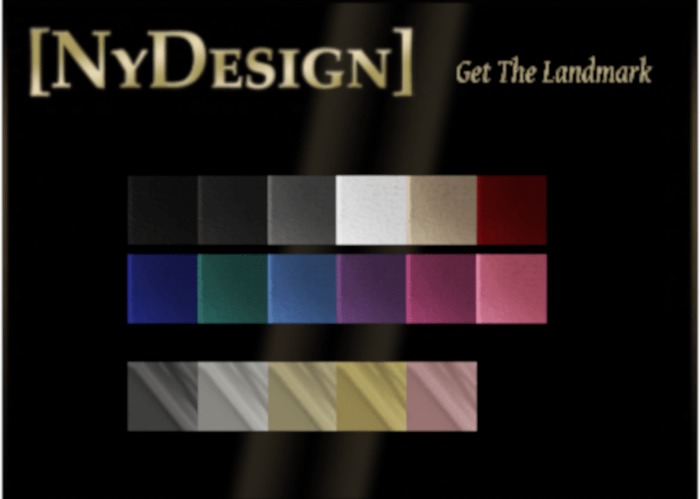
The skirt includes a HUD to change the strap and metal colors, and the panties are modify, so you can tint them any color you like.
Skirt: Cage Belted Skirt and Panties boxed as “Selene Skirt” by NyDesign
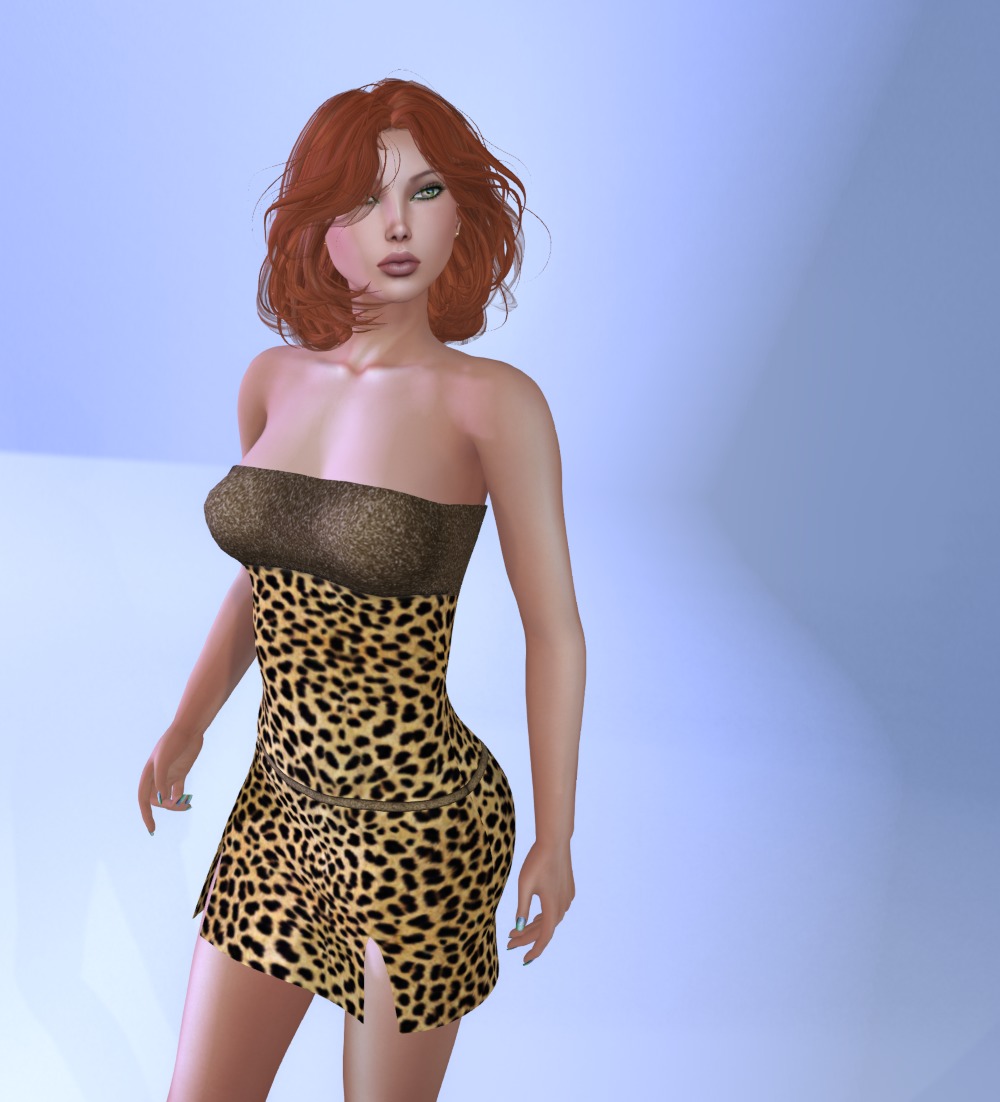
This dress is a group gift for teleporthub.com members.
It comes in sizes for Lara, Physique, Hourglass, Freya, Venus, Isis, and TMP.
On my normal shape (breast size 46), it clips at the top and you’d think that, as it’s fitmesh, you wouldn’t be able to correct that. But strangely, it corrected when I increased breast size to 53. So, if you put it on and get some clipping, make sure you try some size adjustments to see if that will work for you too.
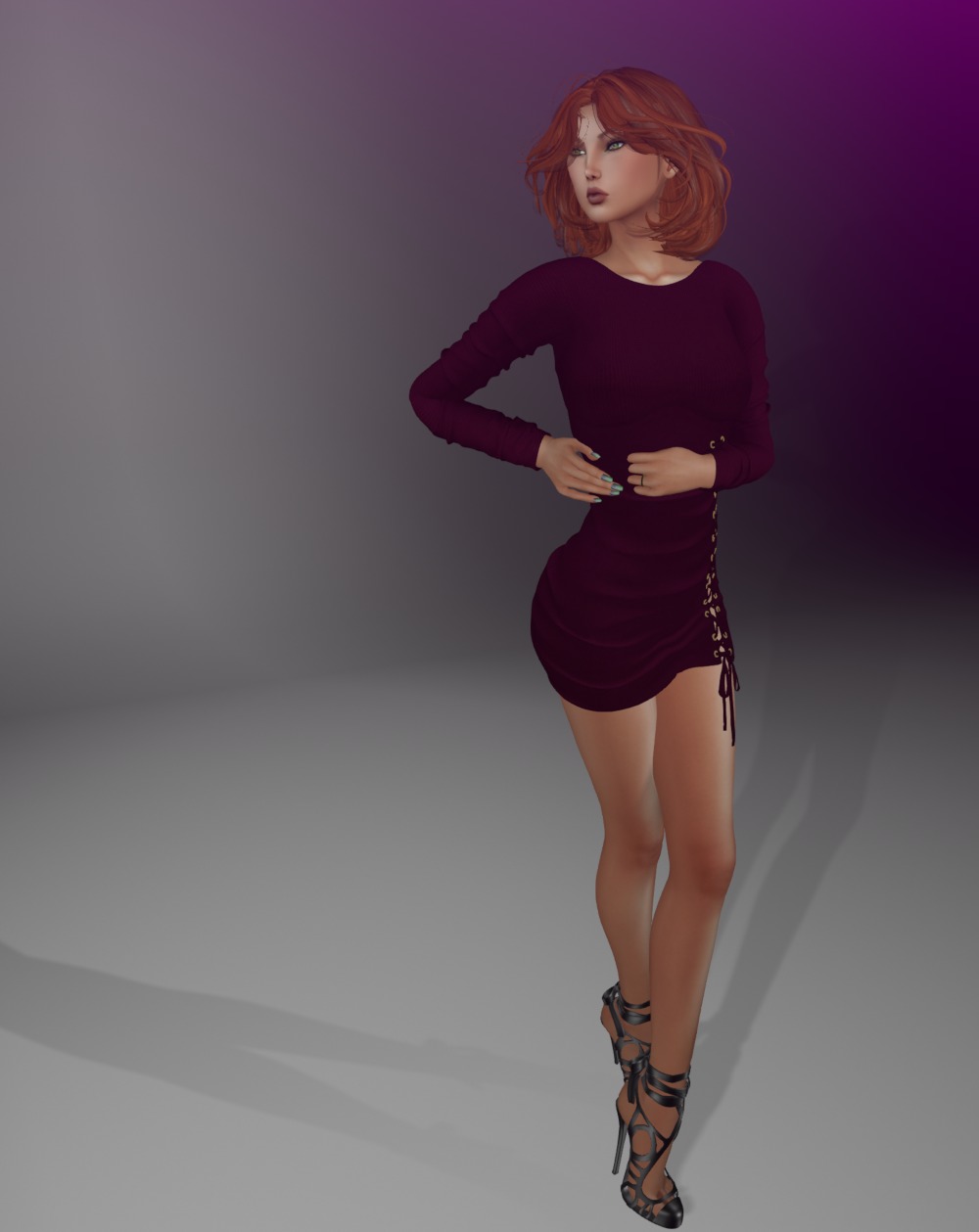
Hello sweets! Here’s a lovely group gift from Hilly Haalan, her group is FREE to join, so run and get yours!
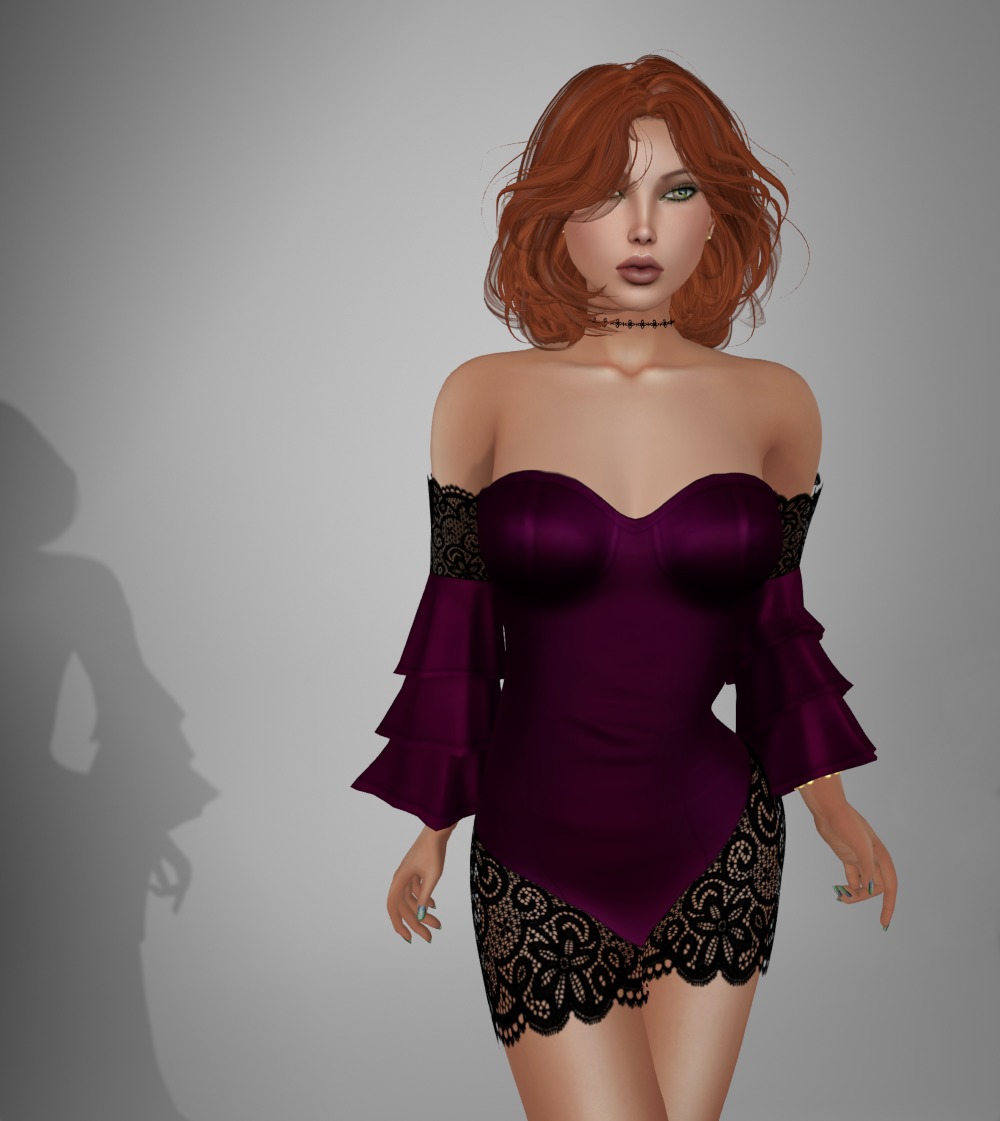
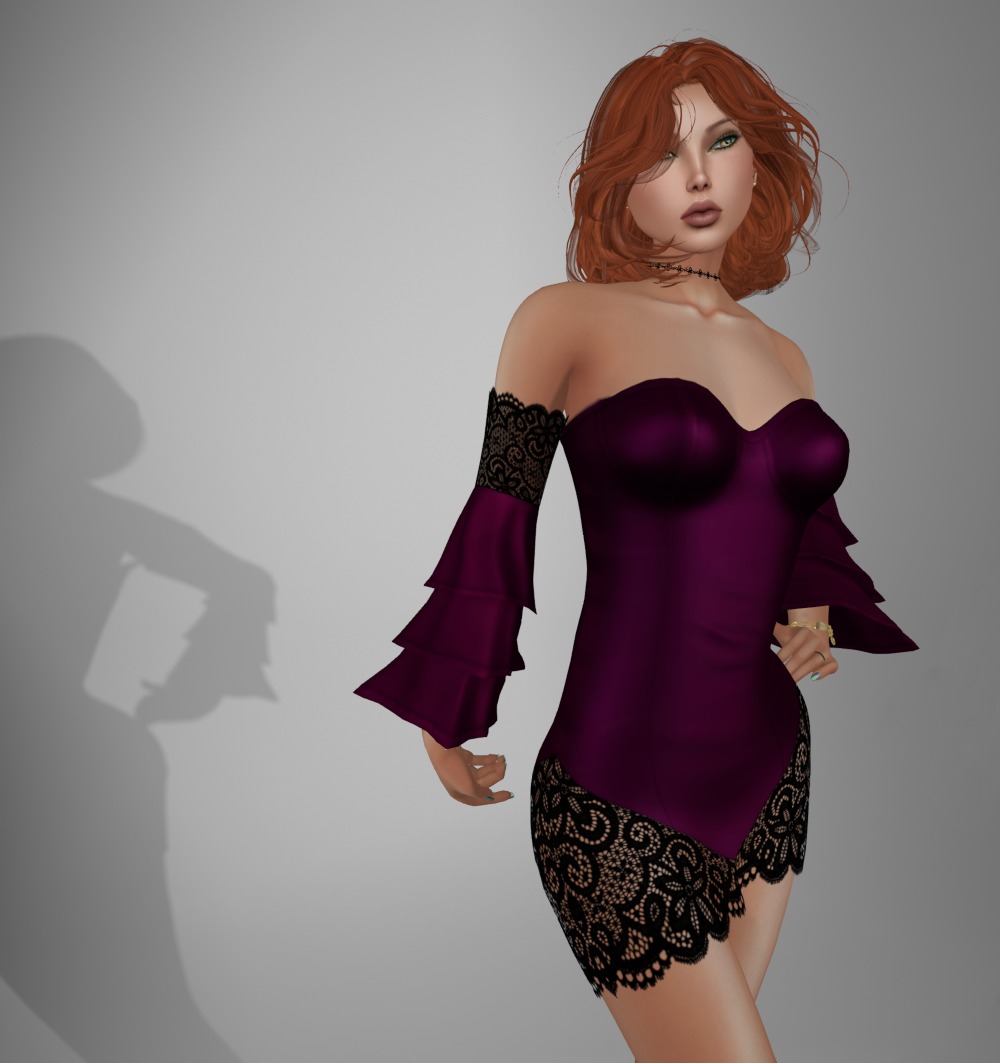
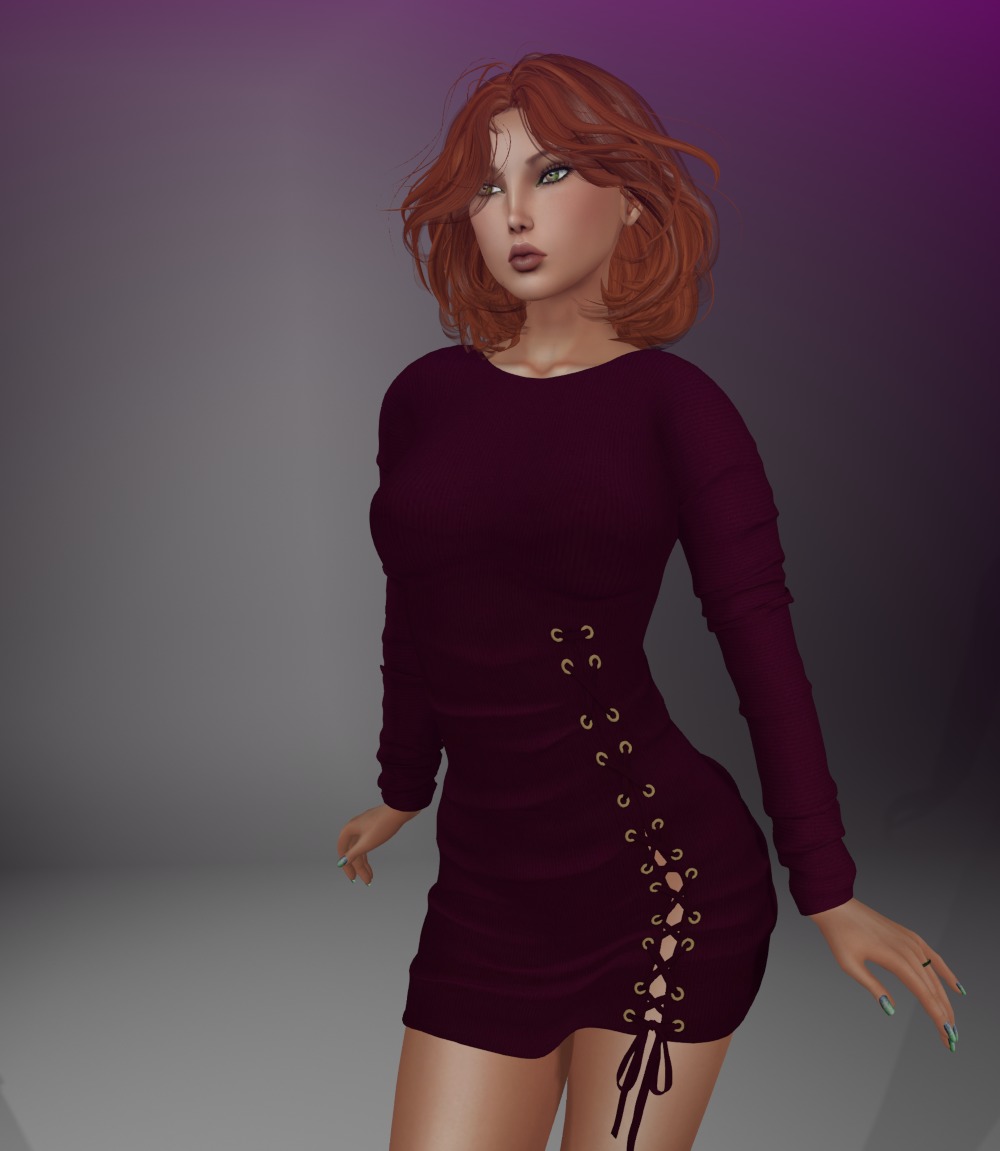
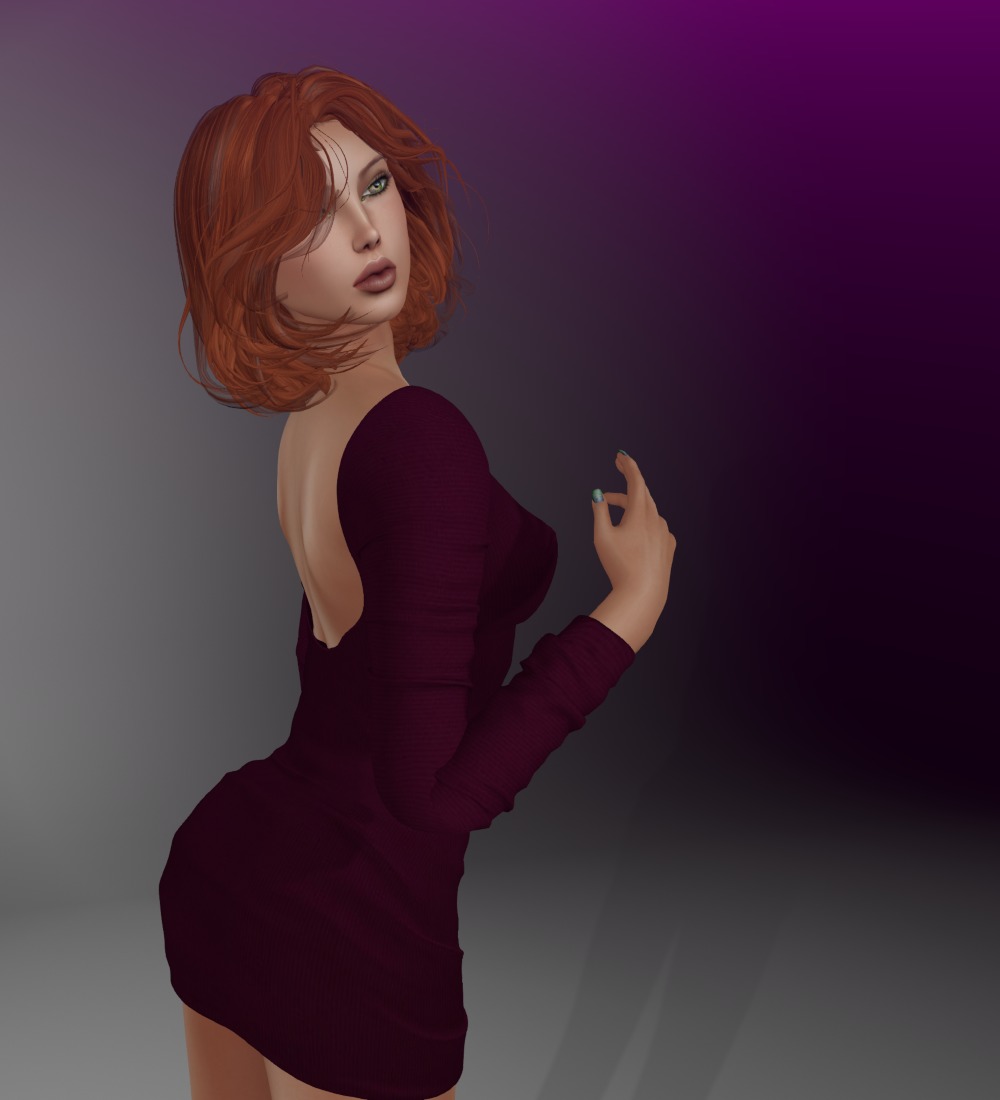
The dress is in black and this super maroon color, which I just love to offset my hair. There are fits for Lara, Freya, Isis, Venus, Physique, and Hourglass for both colors.
And you know me, I’m a sucker for corset lacing on things, even if they’re not corsets 🙂 The laced detail on this is just fab!
Dress: Woman’s Day Gift Alice Dress by Hilly Haalan
I’ve shown you some group gifts from Julia’s Scandal before. There are past gifts available and her group is FREE to join.
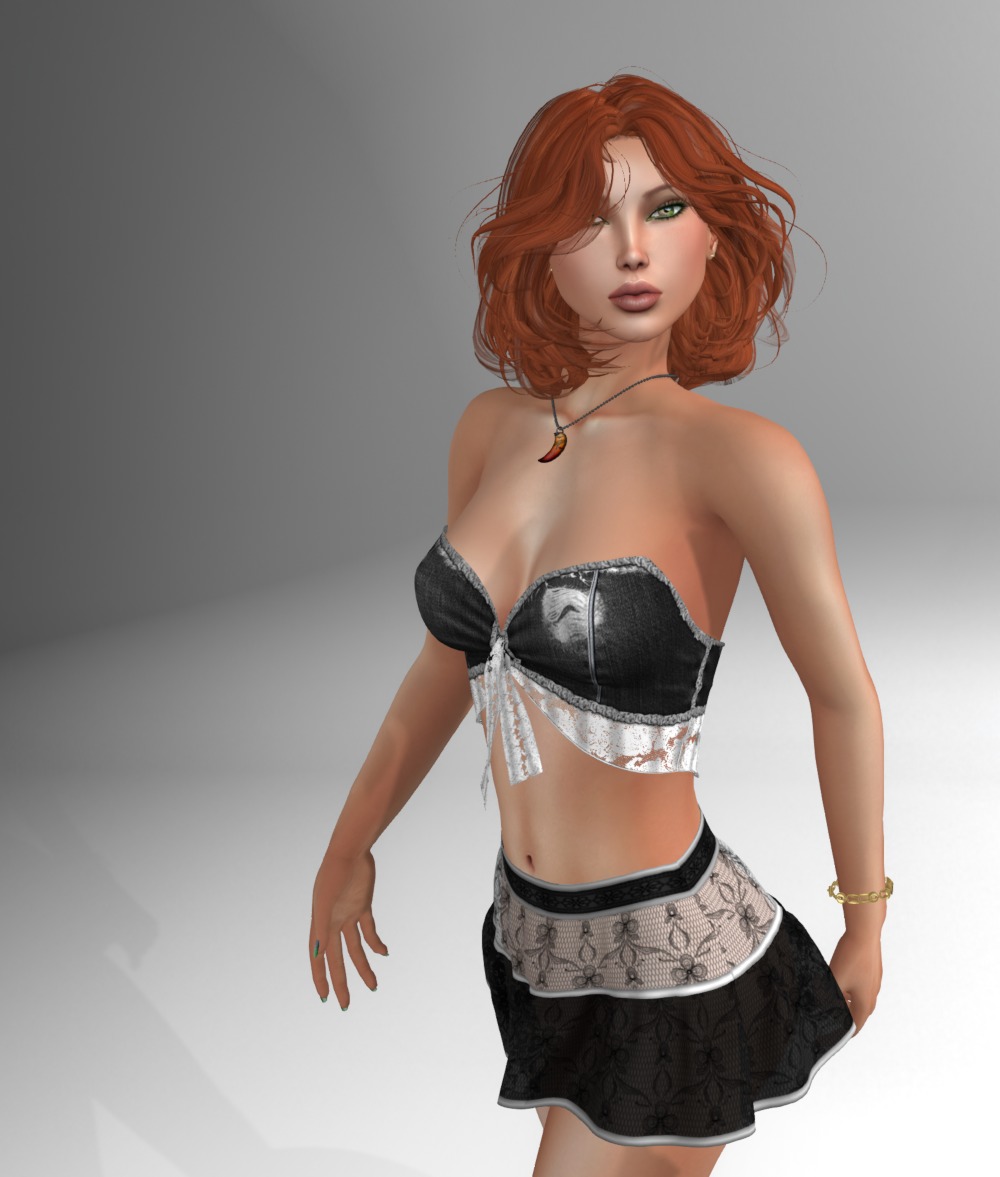
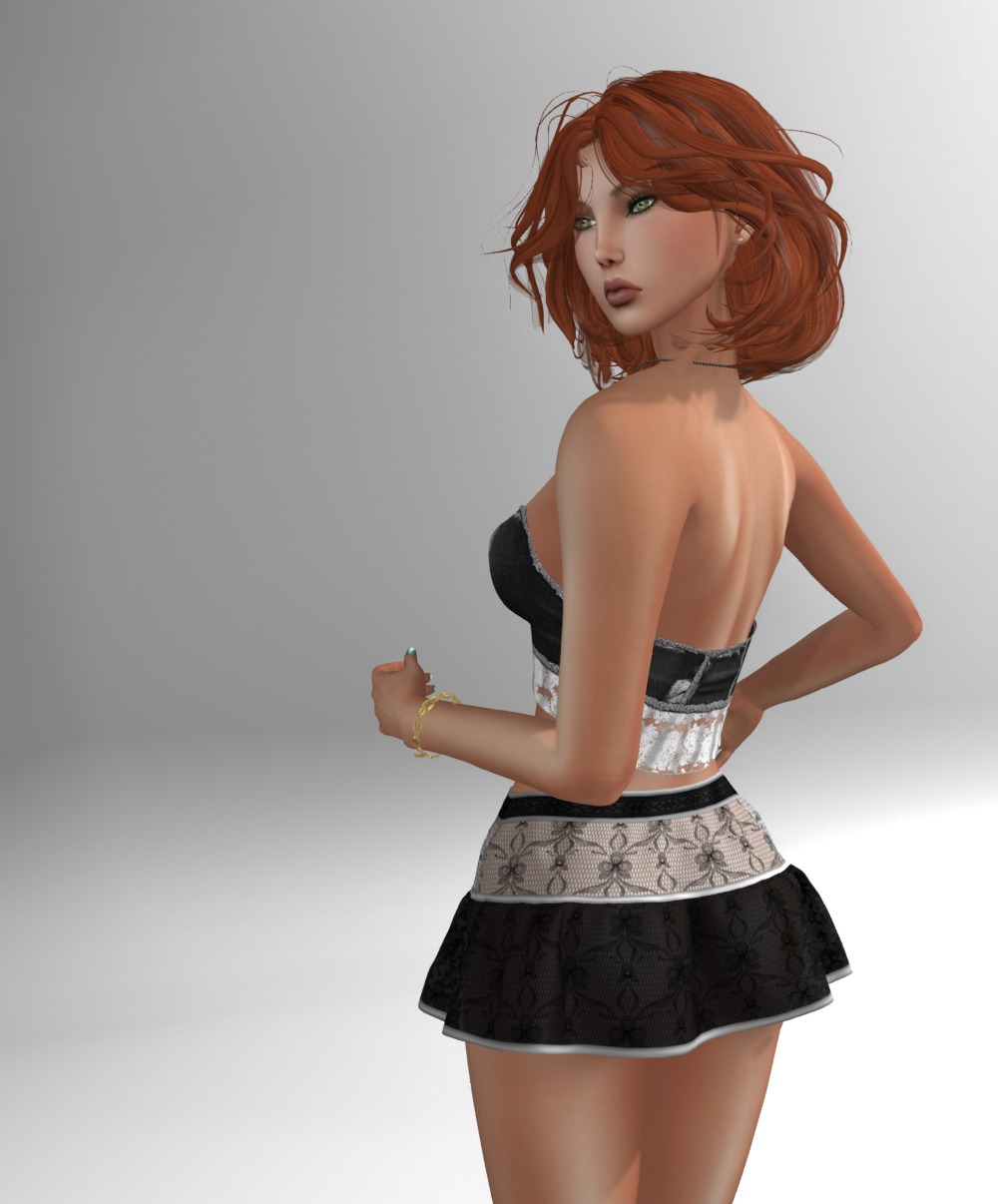
Today, I’m showing you two of Julia’s past group gifts at the same time 🙂
The skirt comes in sizes for Lara, Physique, Hourglass, Freya, Isis, Venus, and TMP. And the top comes in all the same sizes with the addition of eBody and minus TMP 🙂 The lace works nicely together, showing just how well mix and match, even from the same creator, can be!
Both of these have HUDs with the top having six, and the skirt having nine prints! Run out and find yours today!
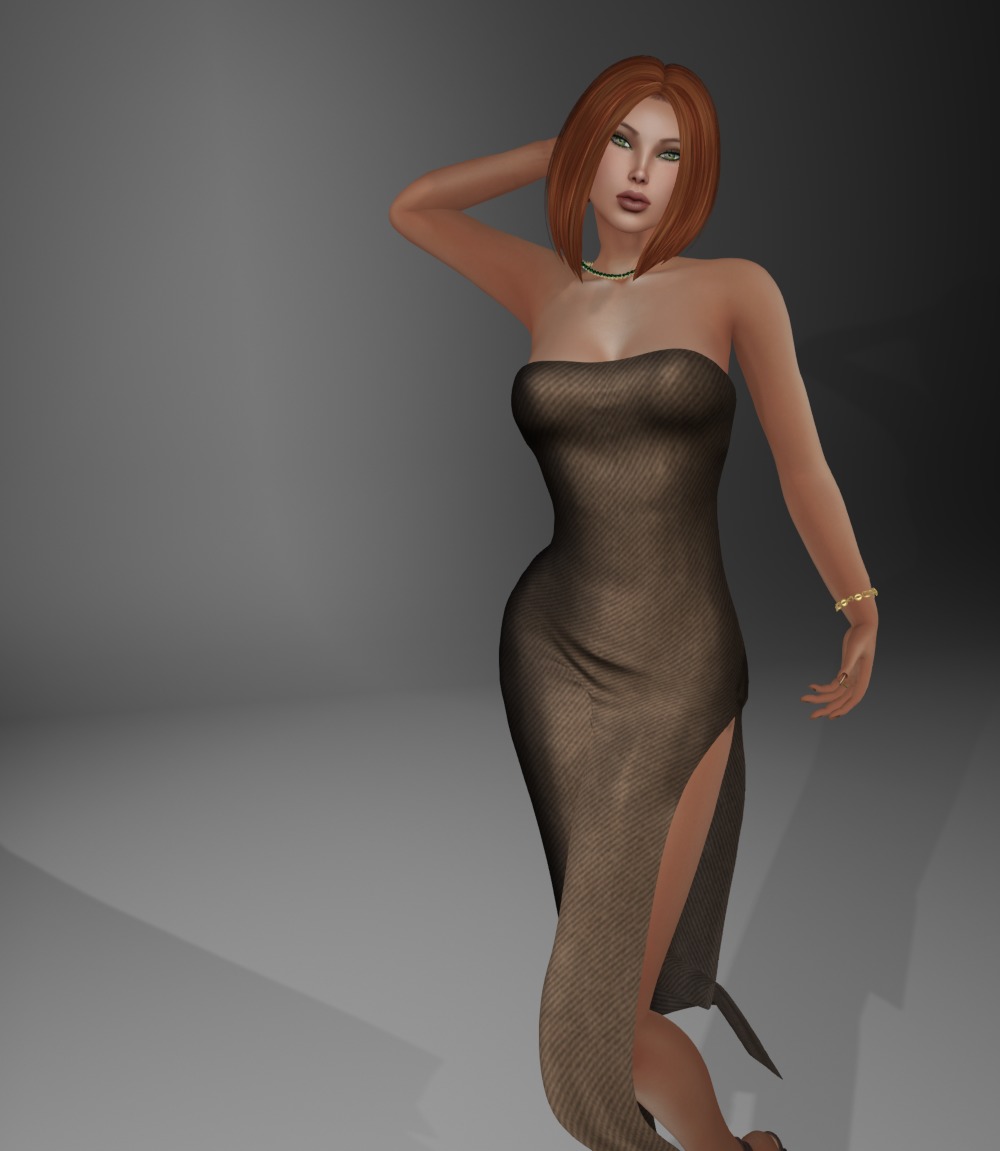
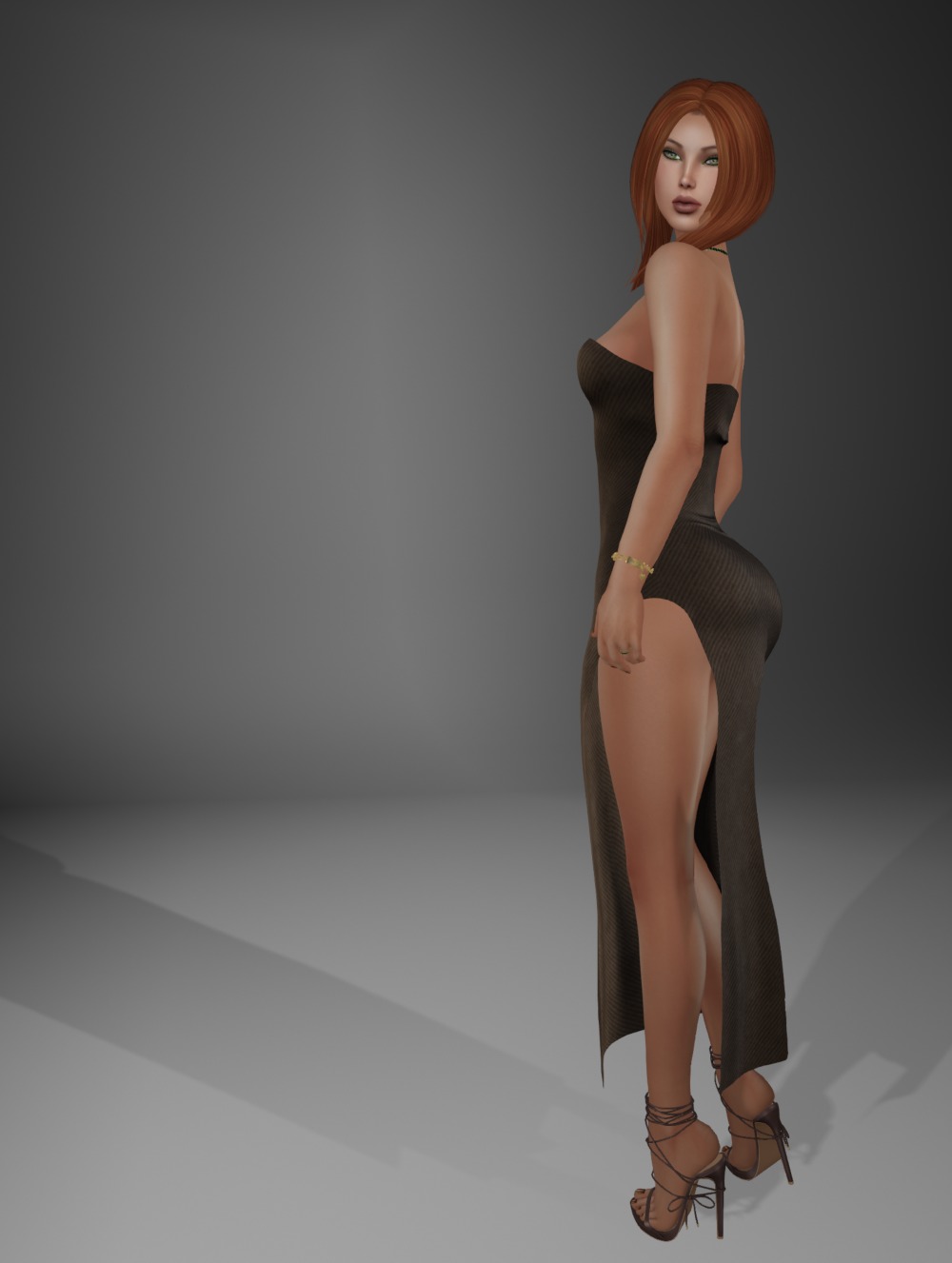
Hello sweets! I grabbed this dress at the Designer Circle Event to show you. They have some free gifts plus more if your join their group!
The dress is in sizes for Classic Fitted, Lara, Physique, Hourglass, Freya, Isis, Venus, eBody, and Altamura.
The texturing is super, but there is minor clipping problems with the lower legs, which of course with the high cutaway, are impossible to hide with an alpha. However, don’t let that put you off, it’s a lovely dress!
Woohoo! You’ve bought yourself some land, or rented a nice parcel with full control on a private sim! These are the minimal settings I’d recommend you tweak so you get the best experience on your new living or working quarters.
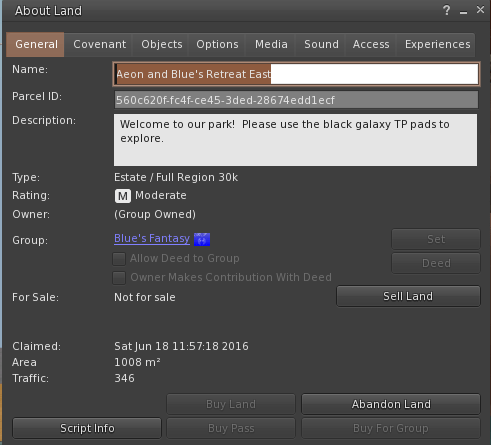
In Firestorm, you can just click the little “Land” button in the top navigation bar to pull up the land settings window while you are standing on your land. Else you can right click on the land and select “About Land” to do the same thing.
Firstly, just the ascetics bits. You want people to see a nice name and description for the place, not something like “Parcel #59, 1024sqm, 512 prims” or something that the landlord has set to advertise the parcel. So change your parcel’s name and description in the General tab.
I recommend that you set your land to group owned too. This will allow you much finer control on what you and friends can do on your land, and what others can’t. Even for a privately owned parcels like Aeon and I have here, it’s worth the L$100 group setup fee to do it. To do this, click on the “Set” button next to “Group”, select the group you want to own the land, and hit the “Deed” button. There is a full article about group owned land in the knowledge base that you should read before you do this. And of course having said that, I now probably have to write a post about group roles and permissions 🙂
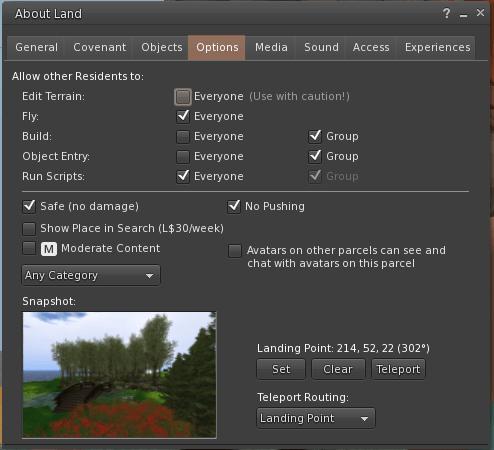
Next up, and most important, is what people can do on your land. In the “Options” tab, you should untick “Build” and “Object Entry” for everyone. If you don’t do this, you’re just leaving yourself at the mercy of griefers. And unless you’re a combat sim, I’d also suggest you tick “Safe (no damage)” and “No Pushing” too. Also, that “Use with caution!” line next to “Edit Terrain”? It’s not a joke. Make sure it’s unticked unless you are oh, let’s see, a sandbox who wants to teach people about terrain editing? 🙂
Do you want privacy? In residential areas, mostly you do. So make sure “Avatars on other parcels can see and chat with avatars on this parcel” is unchecked.
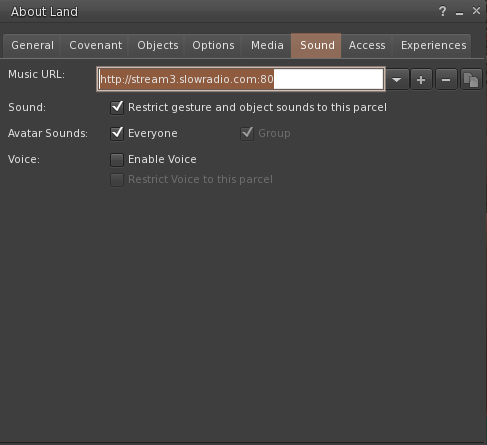
And lastly, everyone needs to get along with their neighbors. The most irritating thing you can do in my opinion to upset your neighbors is let sounds, be they from gestures, radio, media like TVs playing youtube videos, or voice, bleed into surrounding parcels.
Tick “Restrict gesture and object sounds to this parcel”. And if you enable voice, “Restrict Voice to this parcel”. Please, please, please do this, your neighbors will thank you!
This post sprang from a friend of ours who devastatingly had her land reclaimed, was lucky enough to get it back before the landlord returned her objects, and wanted my help to set up again.